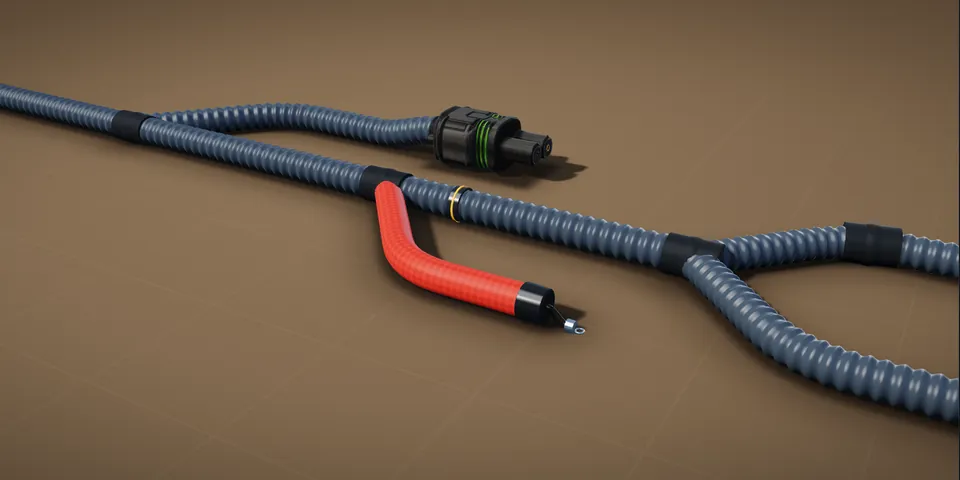
SCHEMATICS  /  HARNESSES  /  REAL HARDWARE

Design wire
harnesses
like the pros.

Harness and PCB schematic studio for Windows.
100% offline. Install once, yours forever.

Explore features
OFFLINE
BY DESIGN
YOUR FILES
YOUR CONTROL
BUILT FOR
REAL PROJECTS
Demo_Harness.jch
JC HarnessLab
Select Wire Connector Label Label Reroute Group Grid Zoom Fit
Project
▾ Demo_Harness
▾ 📁 Connectors
C101 – ECU (34)
C102 – Chassis (26)
▾ 📁 Wires (8)
W1 – IGN
W2 – CAN_H
W3 – CAN_L
W4 – 12V
W5 – GND
W6 – SENSOR
W7 – LIN
W8 – RESERVE
▸ 📁 Splices (0)
▸ 📁 Grounds (1)
▸ 📁 Notes (3)
C101 ECU (34 pins) C102 Chassis (26 pins) W4 – 12V 2.0 mm² W2 – CAN_H 0.35 mm² W5 – GND 2.0 mm²
PropertiesLayers
▾ Wire
W2
#4FB3CF
0.35 mm² ▾
TXL ▾
C101-14
C102-07
812 mm
CAN_H
▸ Appearance
▸ Routing
▸ Electrical
▸ Manufacturing
BETTER HARNESSES
A BRIGHTER TOMORROW

Harness + PCB

Design wire harnesses and PCB schematics in one integrated studio.

Professional exports

Industry-ready drawings, BOMs and reports. Generate and share with confidence.

No subscription

One-time purchase. 100% offline. Install it once and it is yours.

THE REAL THING

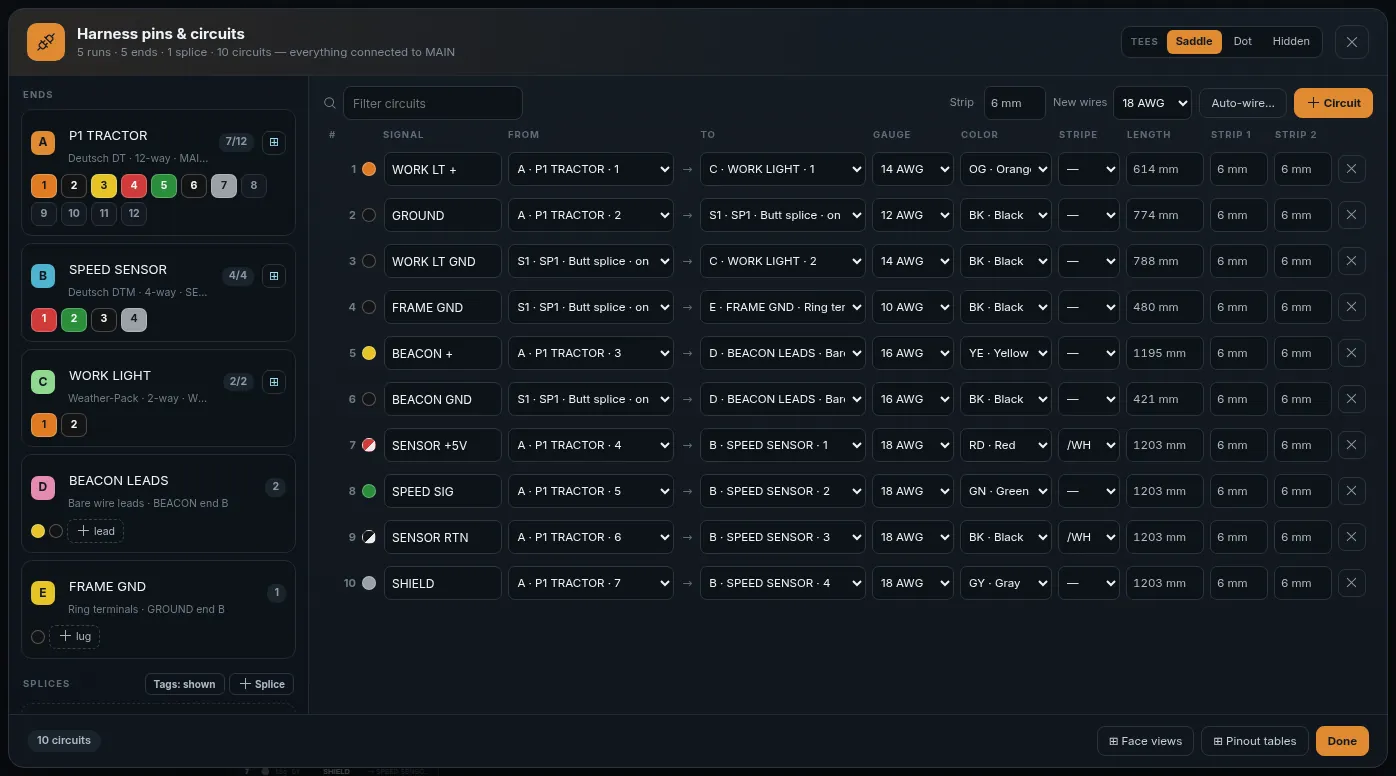
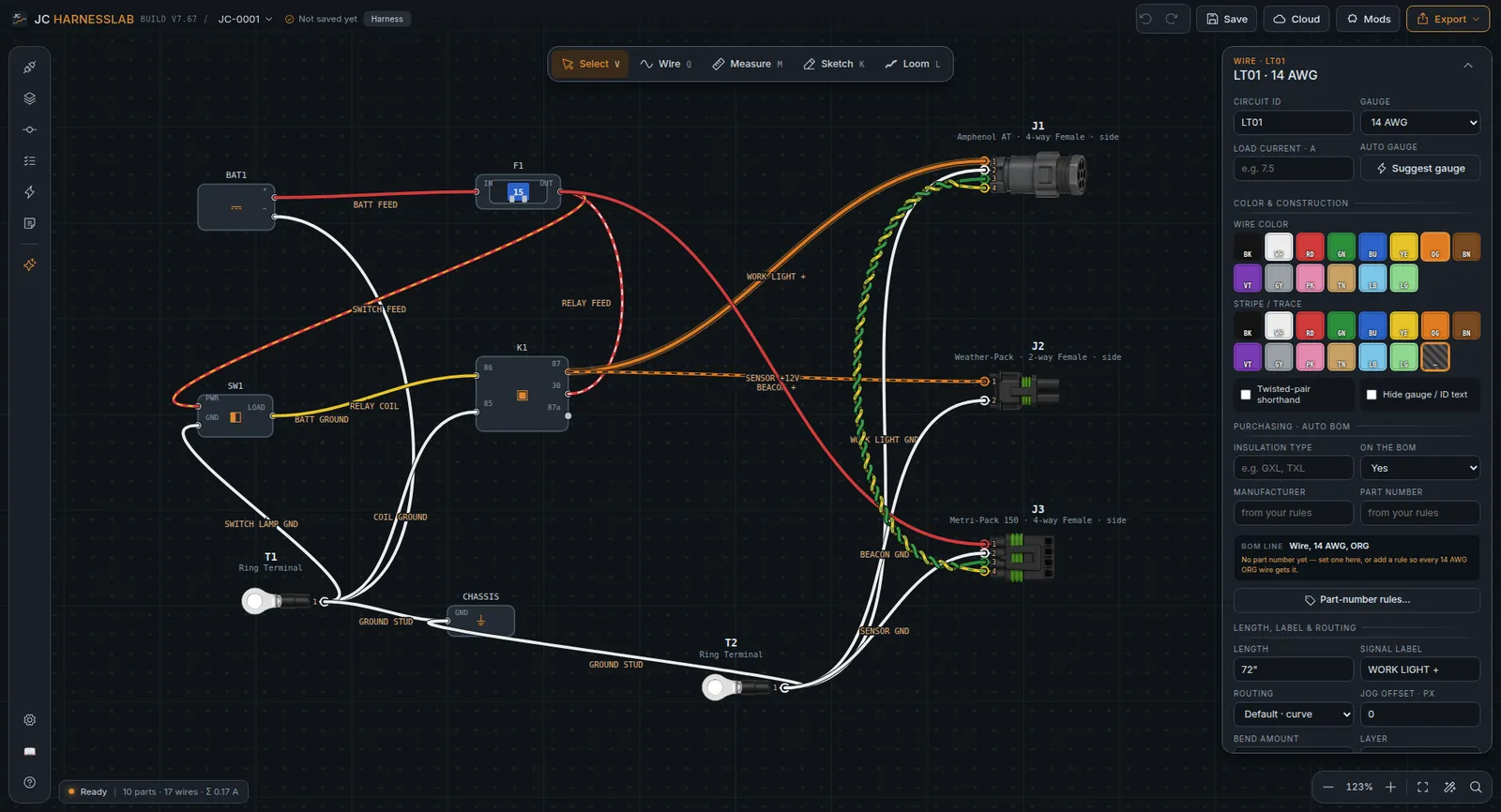
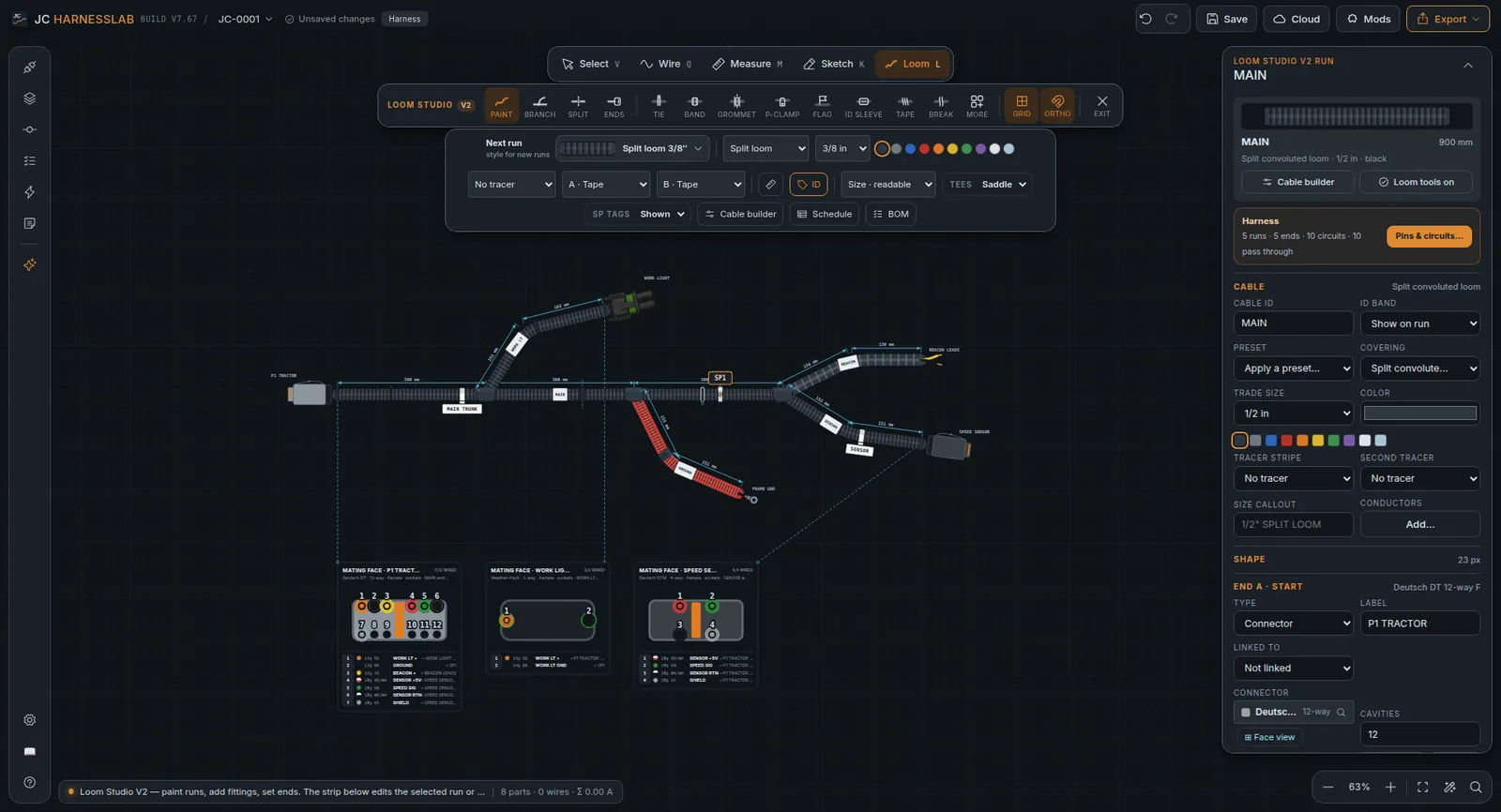
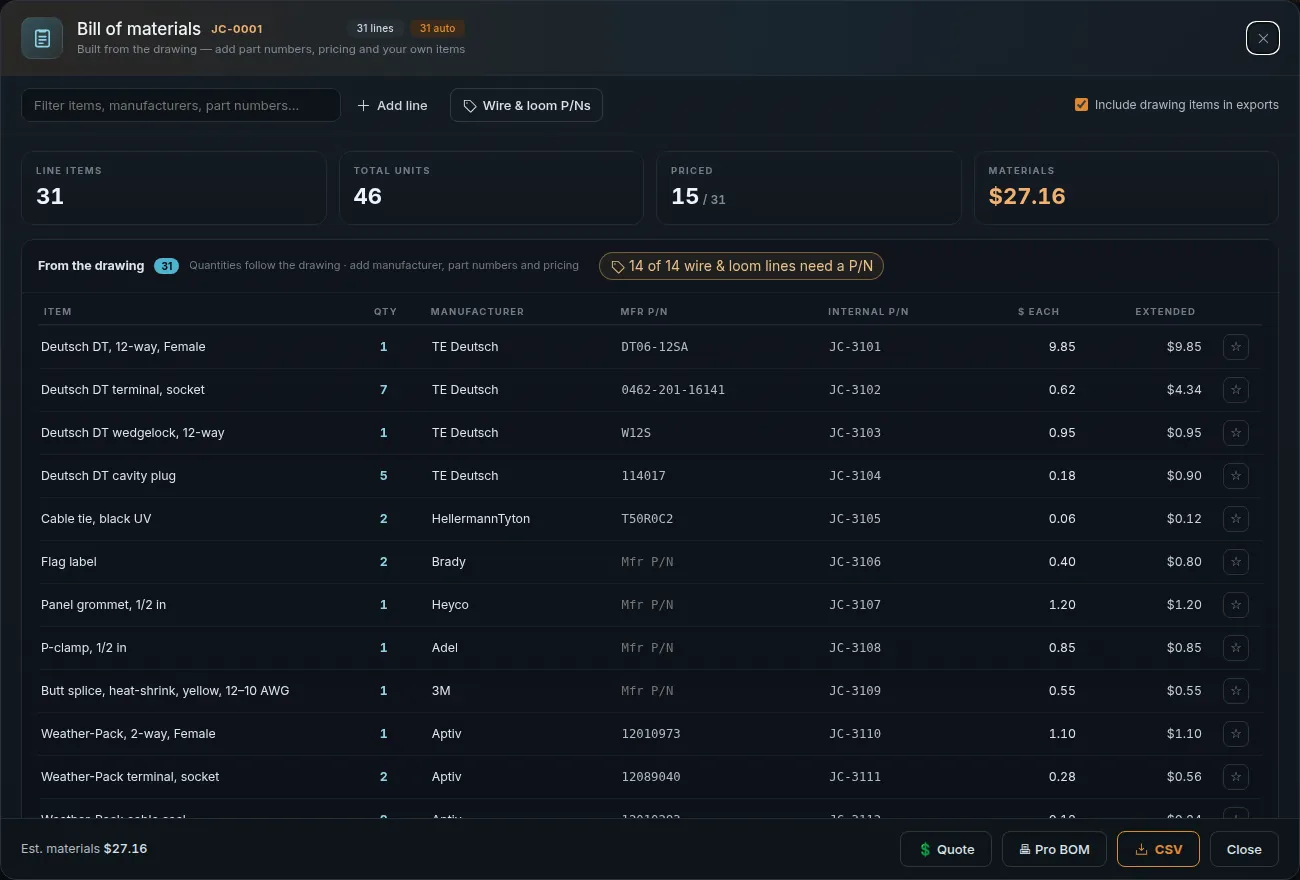
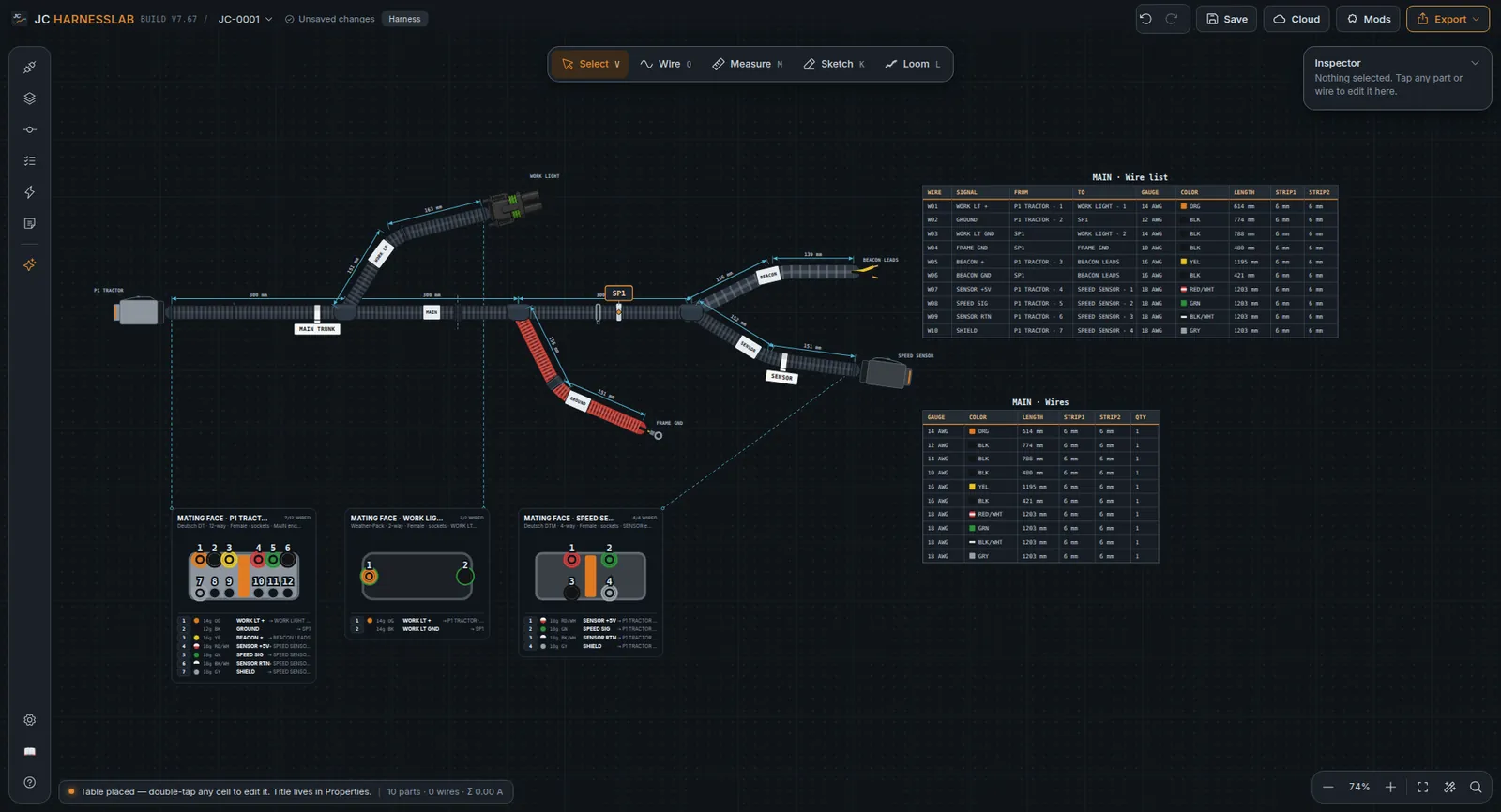
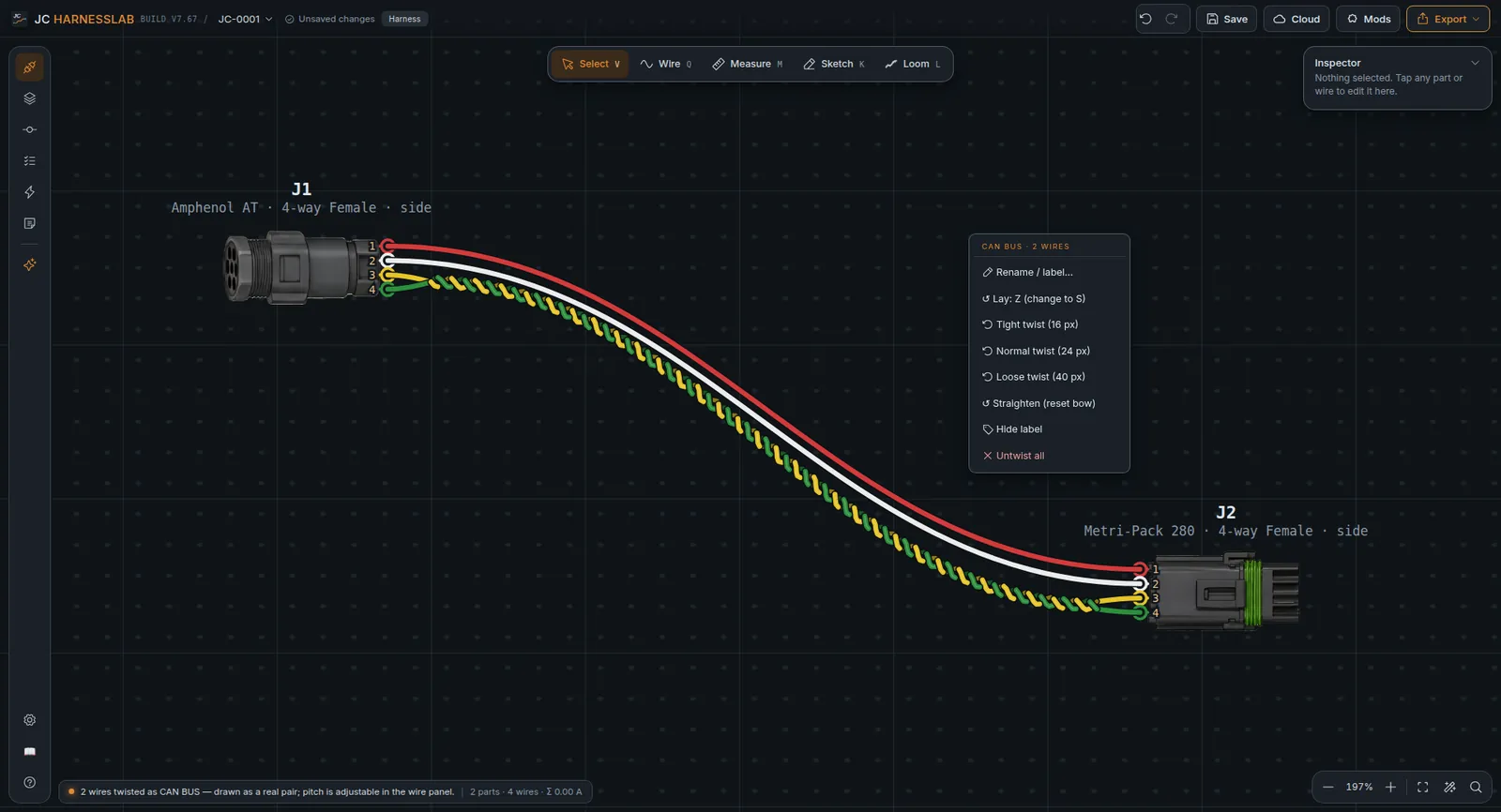
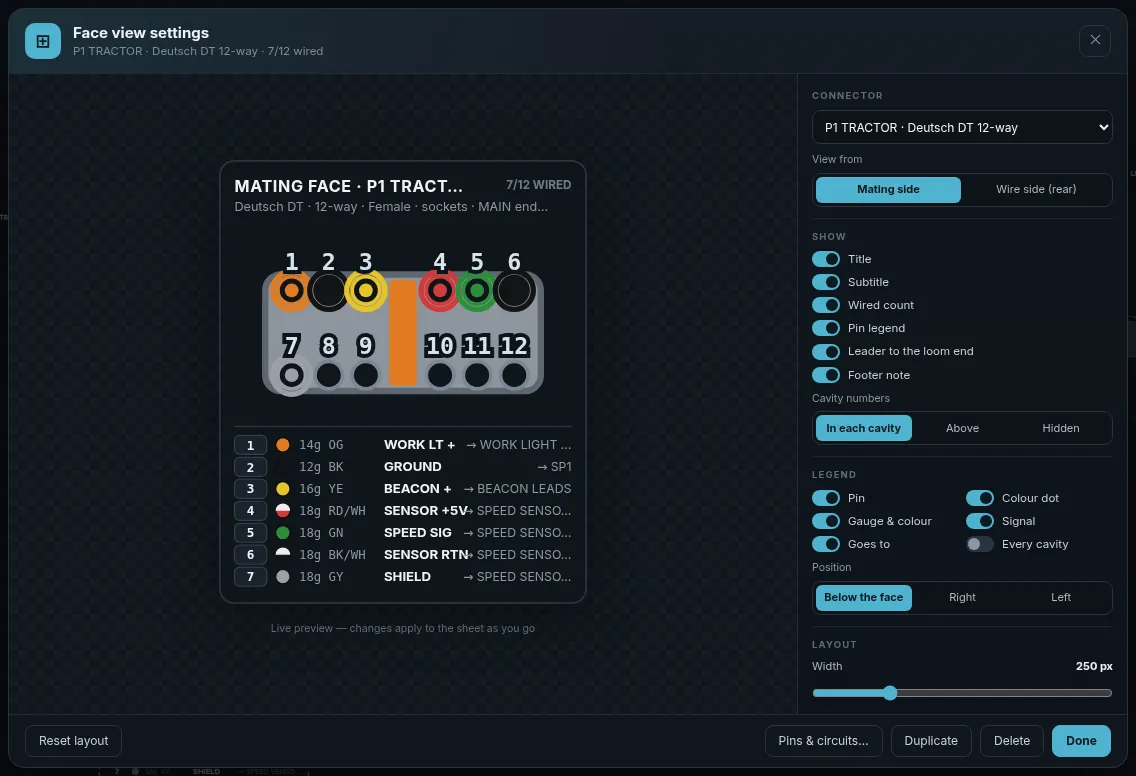
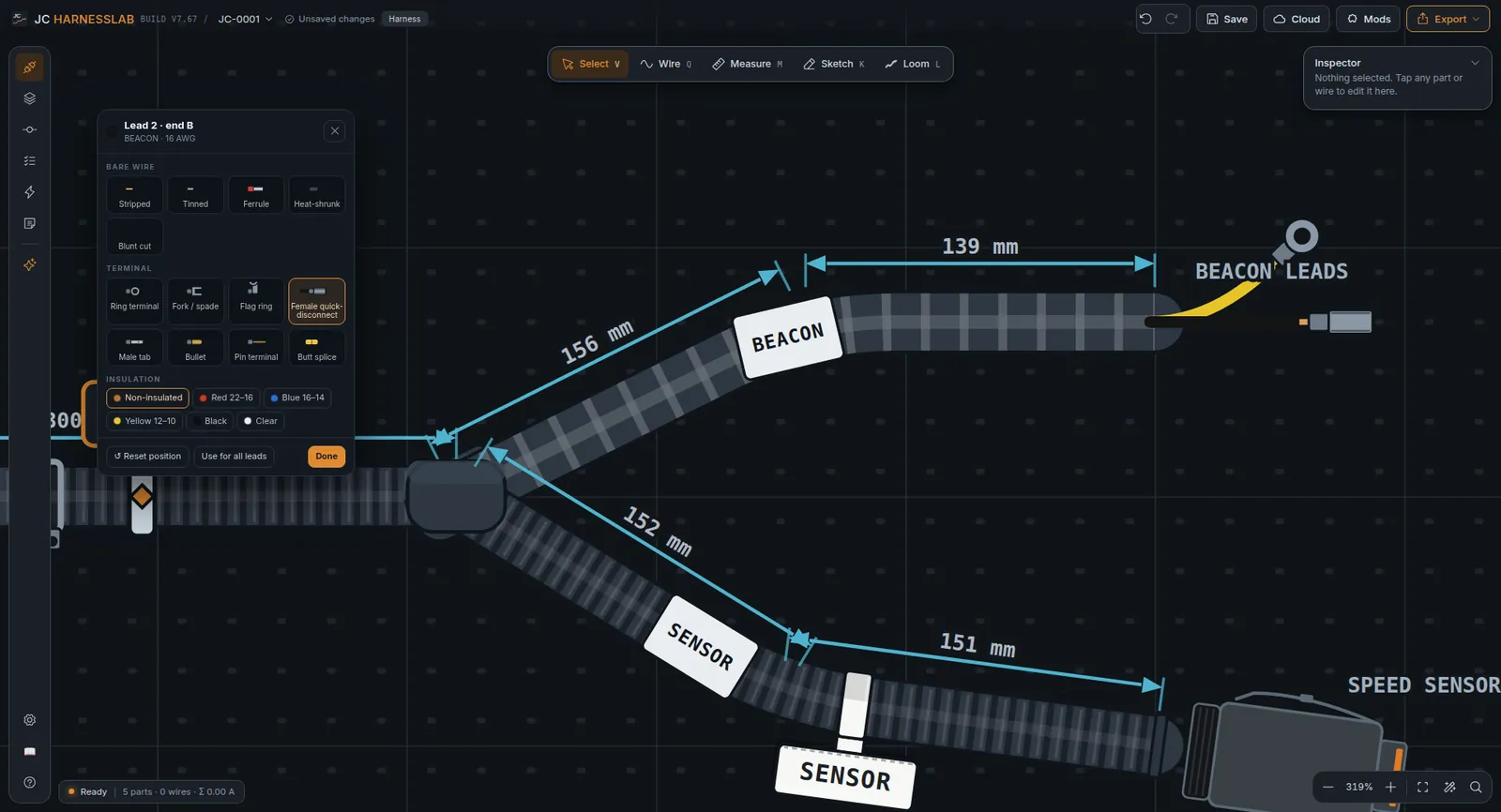
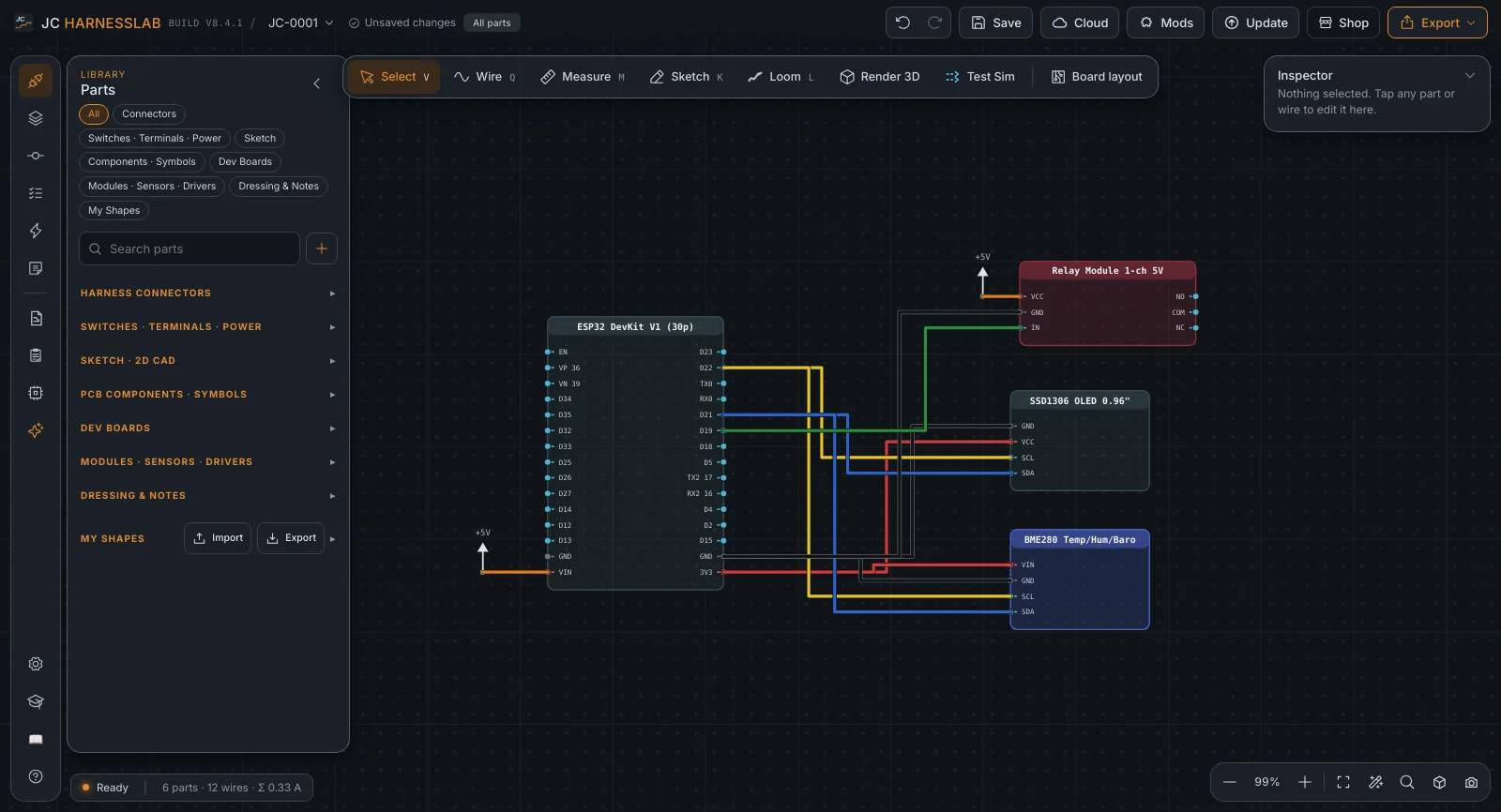
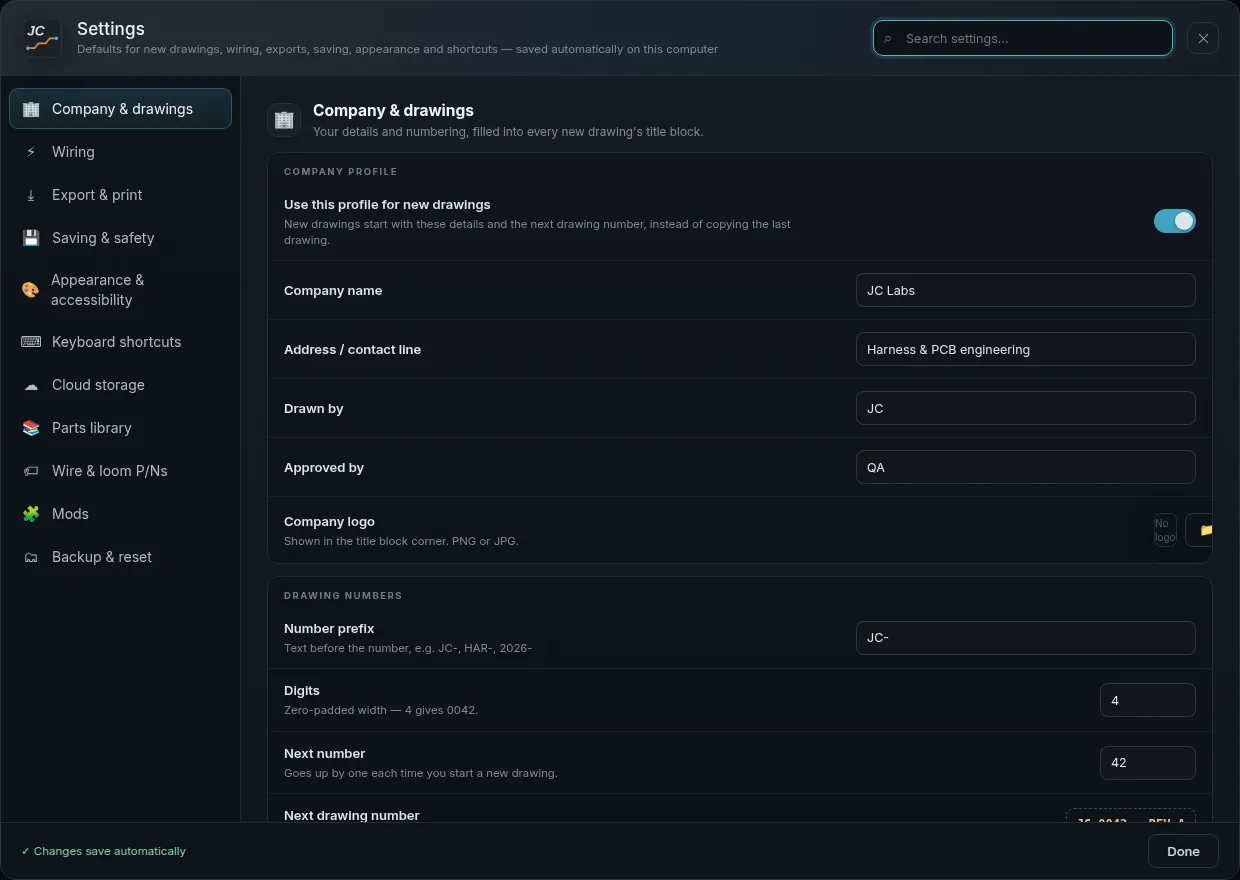
This is the actual app.

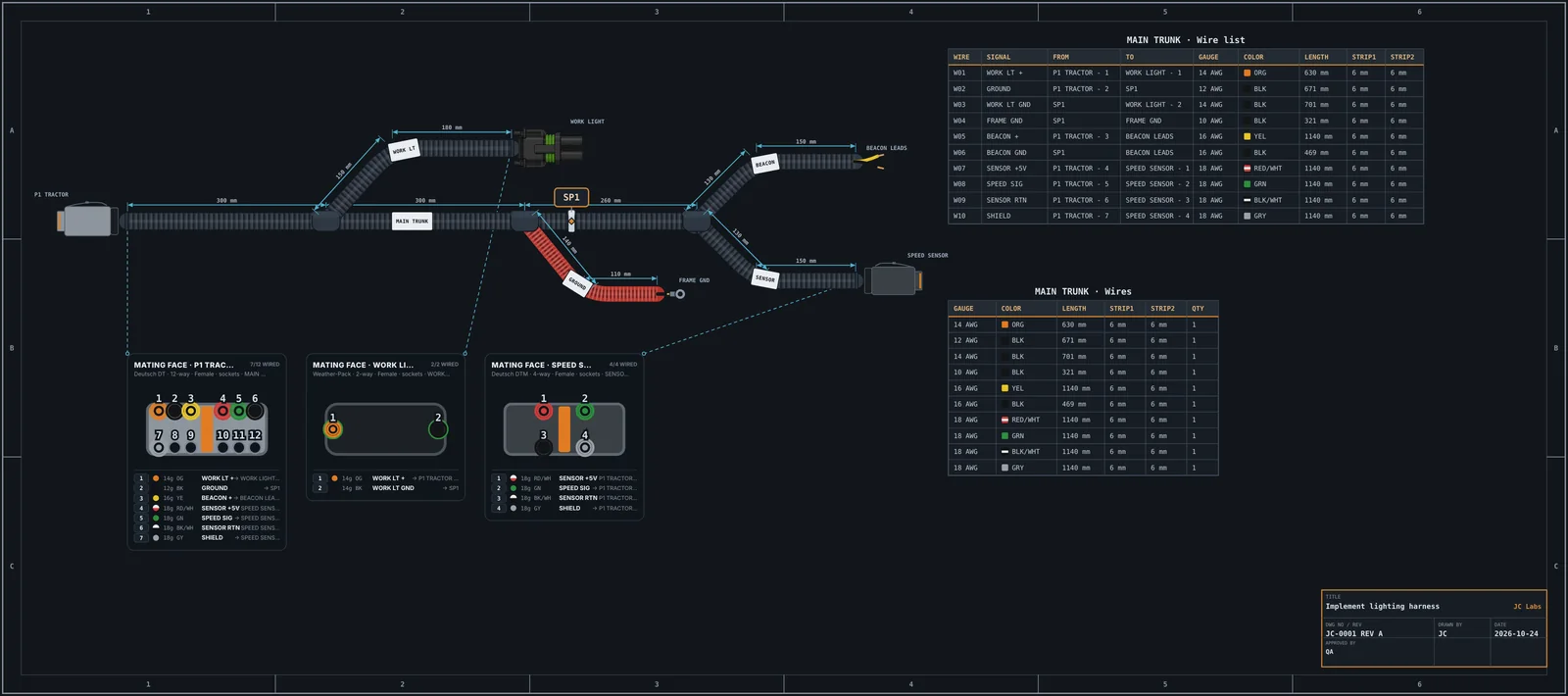
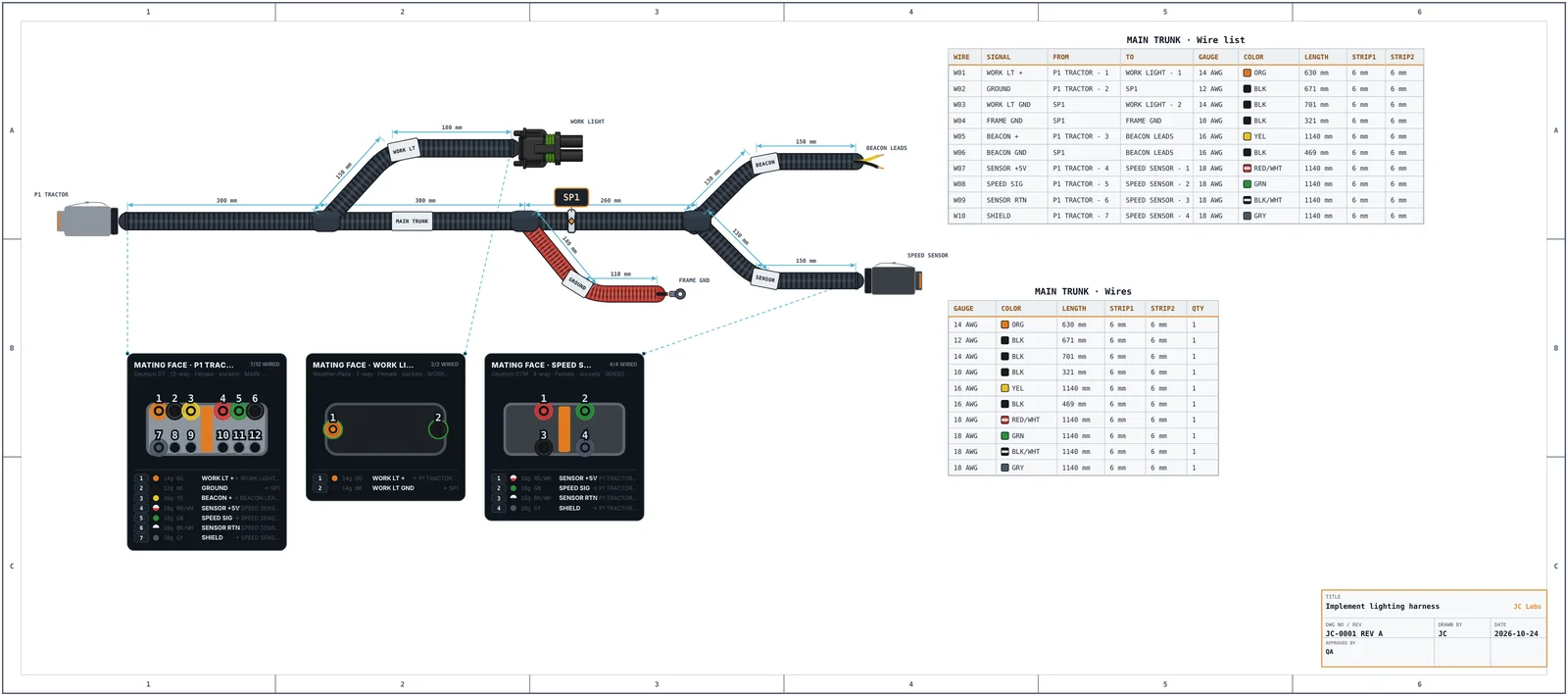
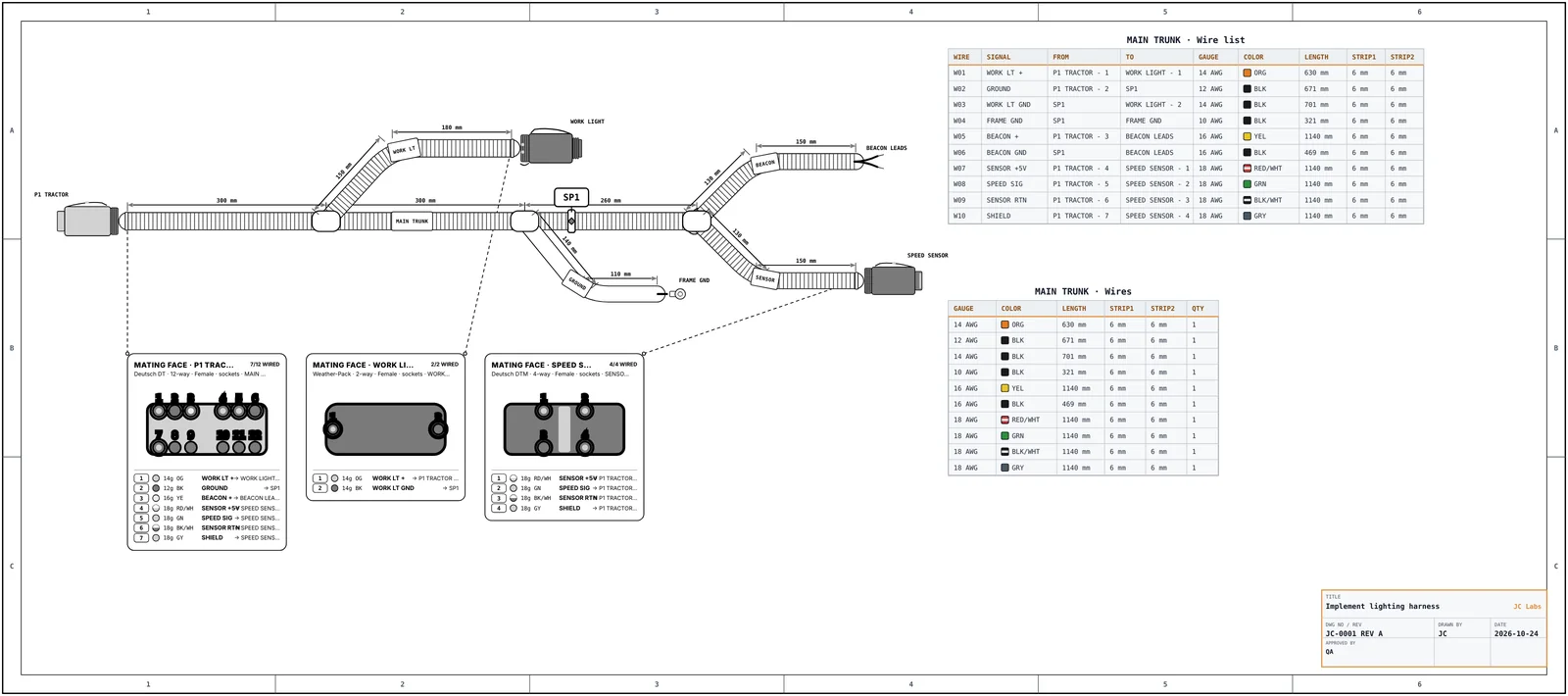
Real drawings, real parts, real manufacturing output — captured from HarnessLab itself.

See every screen
FEATURES

Everything from first wire to final drawing.

A unified workspace for harness design, electronics, documentation and manufacturing.

FEWER TOOLS.
CLEARER BUILDS.
BETTER PRODUCTS.
AUTOMOTIVE
AEROSPACE
INDUSTRIAL
ROBOTICS
AND BEYOND

Harness Studio

Design complete harnesses with real components, auto-routing, length calculation, and validation.

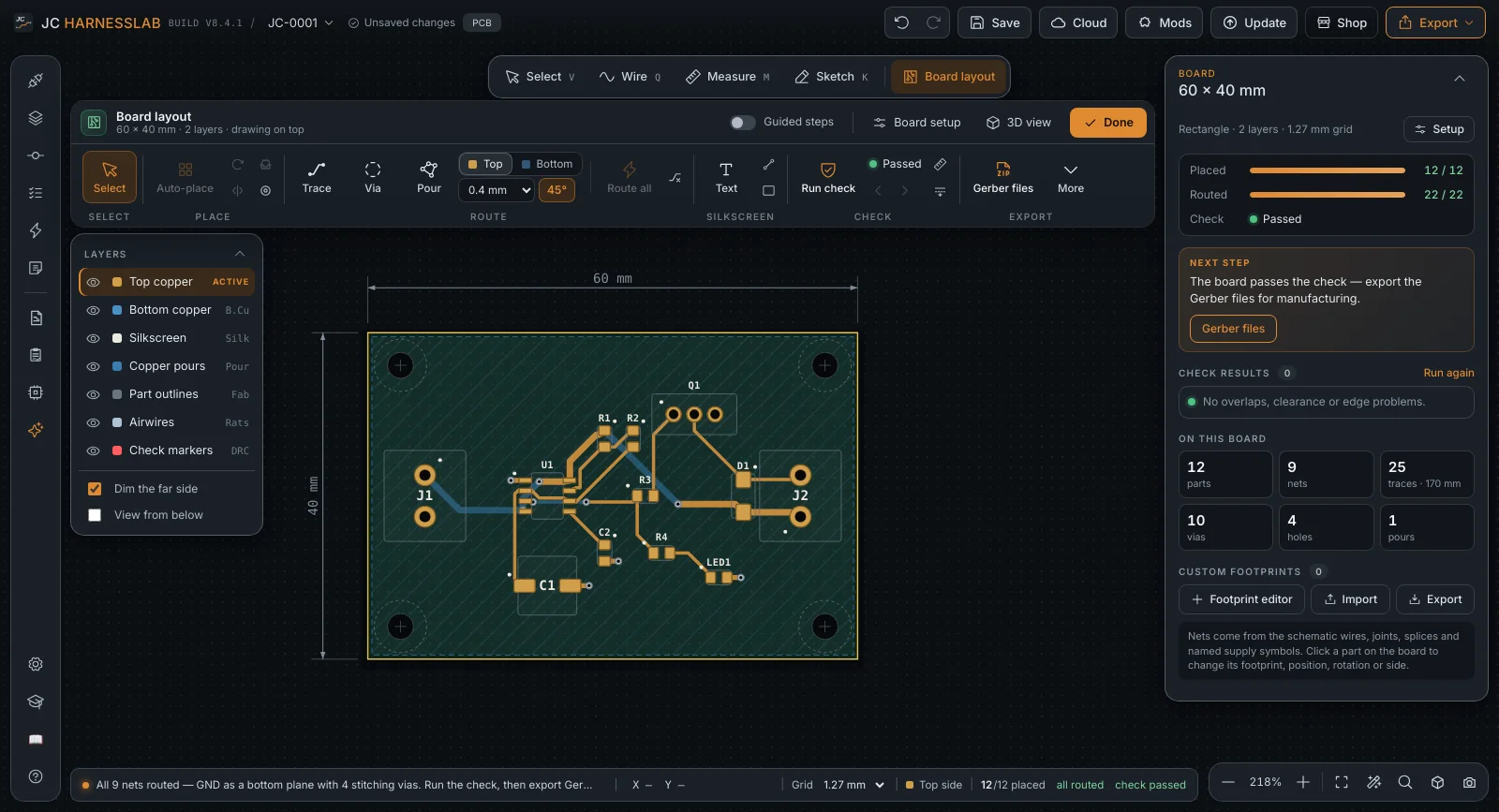
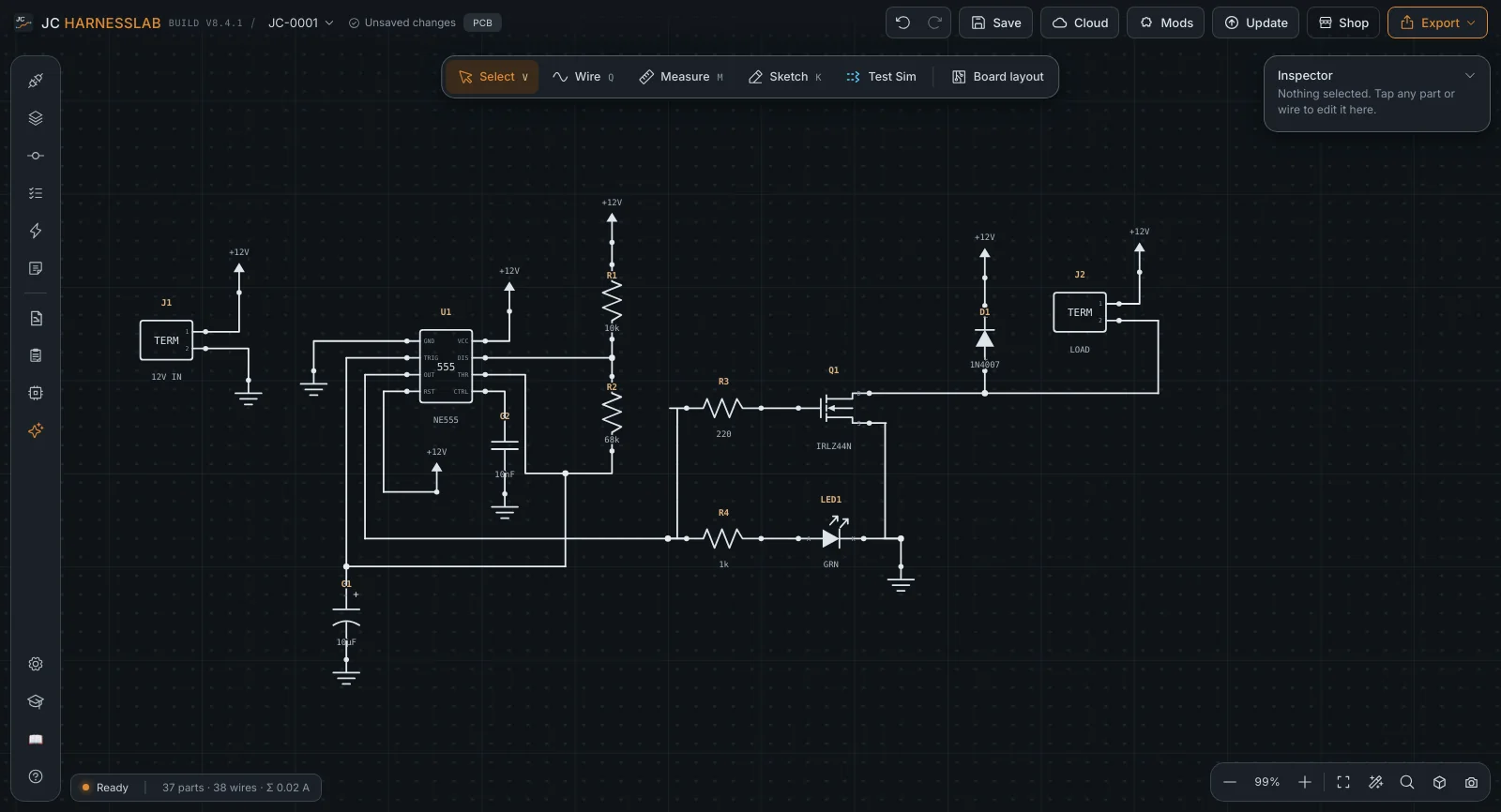
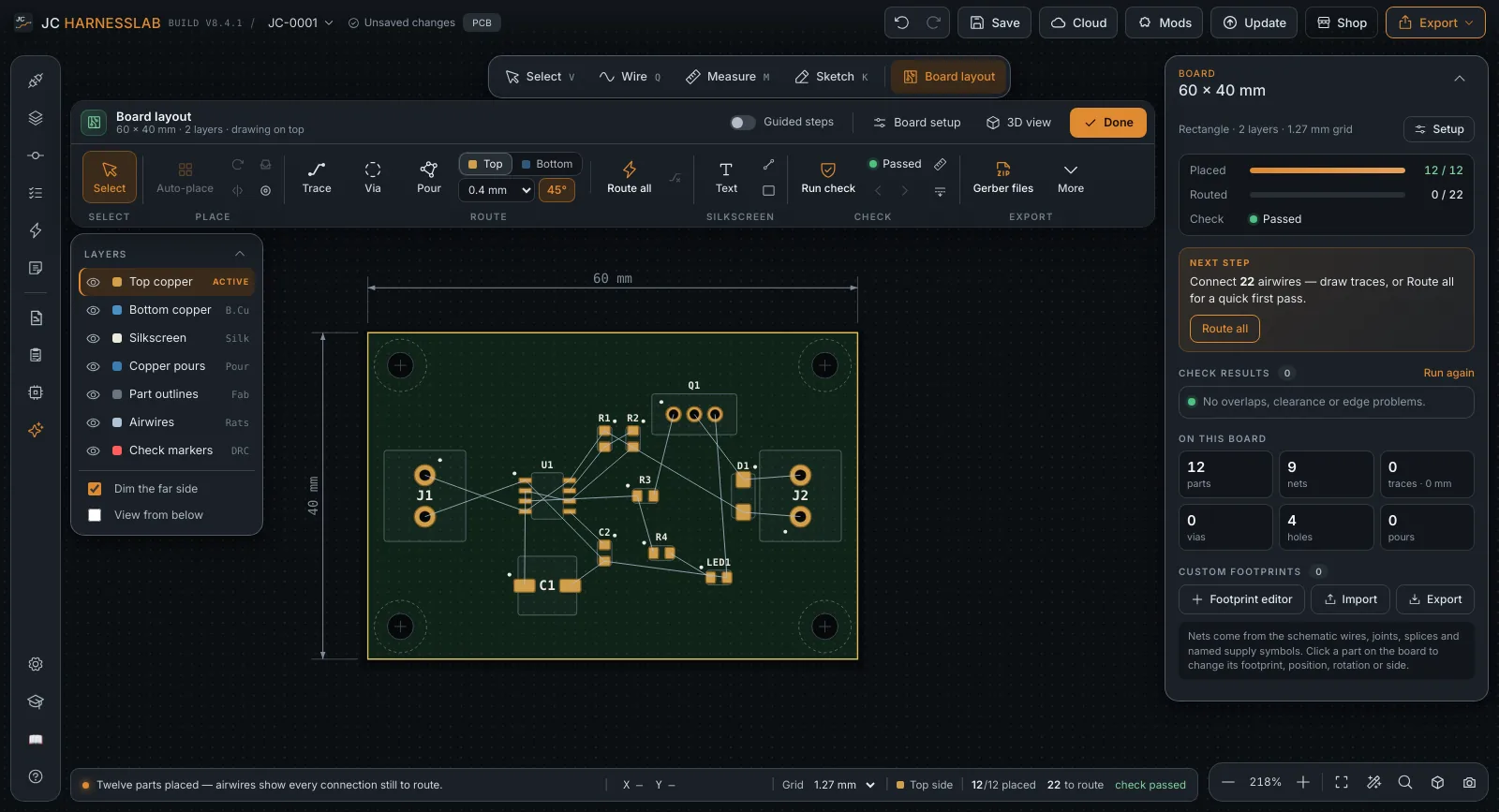
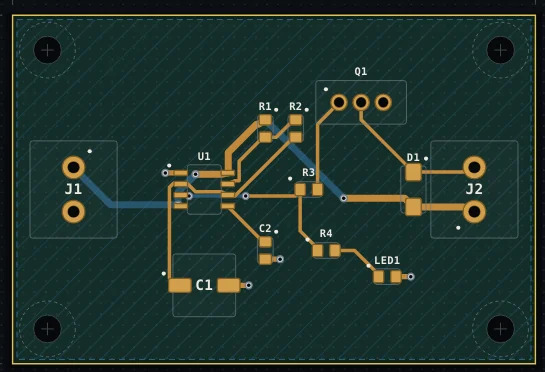
PCB Layout

Design companion PCBs, keep electrical and physical data in sync, and eliminate integration errors.

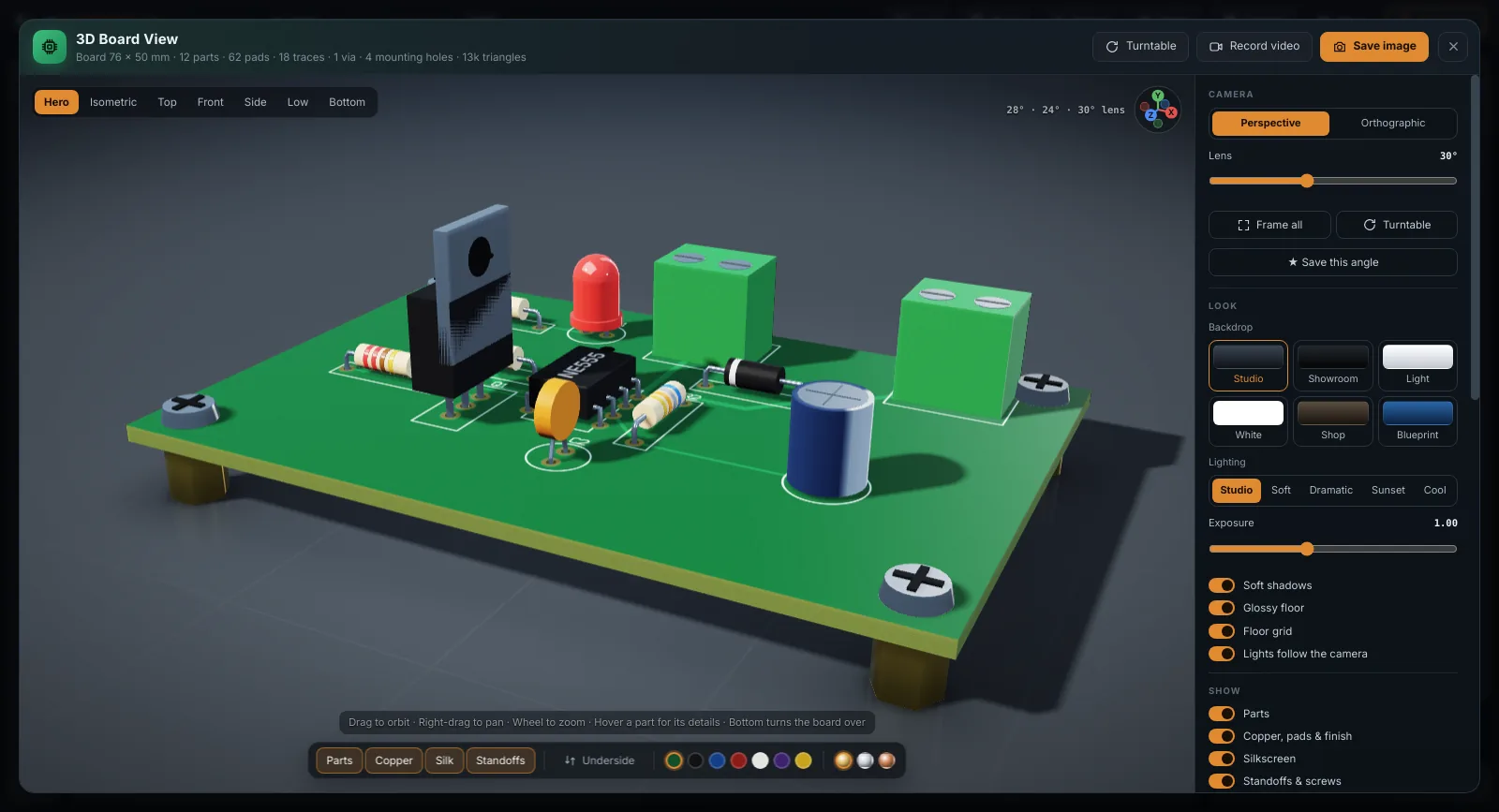
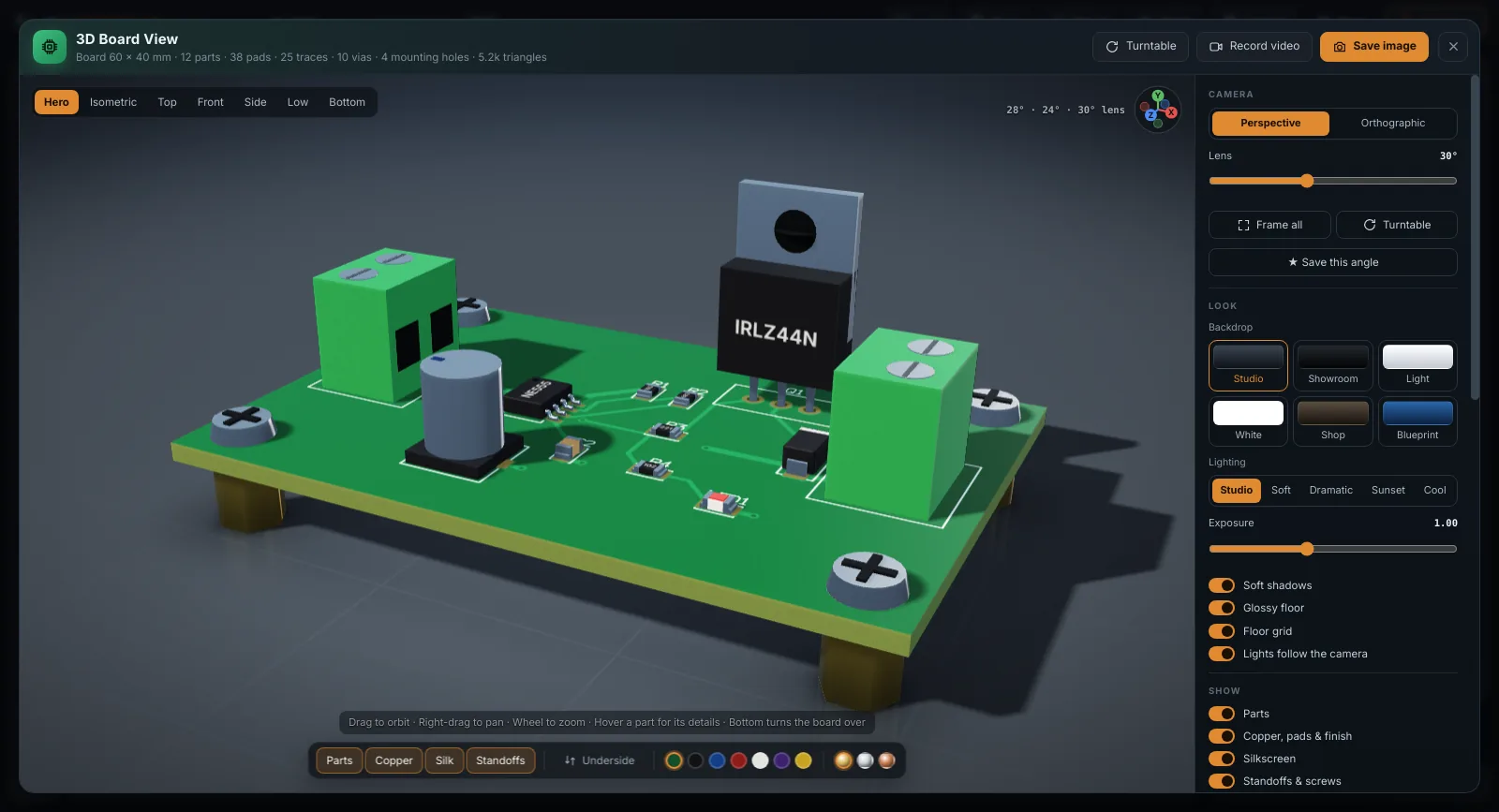
3D Board View

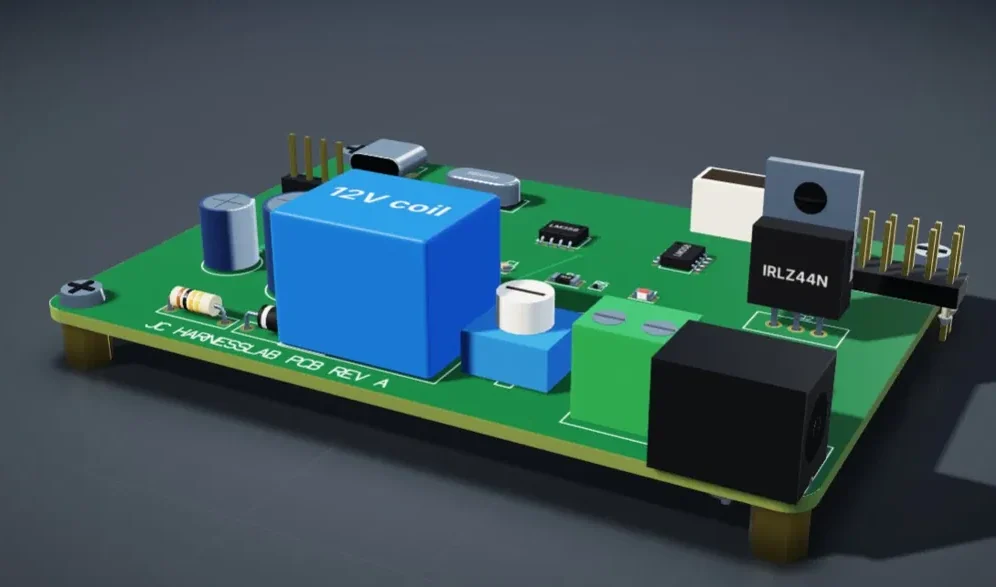
Interactive 3D visualization of boards, connectors and enclosures for fitment confidence.

ProjectDesignViewToolsHelp
Raptor_ECU_Harness.jch Saved
Vehicle Platform ▾Rev. A ▾
Project
▾ 📁 Raptor_ECU_Harness
▾ 📁 Harnesses
● Main_Harness
● Engine_Bay
● Interior
● Chassis
▾ 📁 Connectors
C101 — TE 776164-1
C102 — TE 776165-1
C201 — Molex MX150
C202 — Deutsch DT06-12SA
C203 — Deutsch DT04-6P
▾ 📁 Splices
S001
S002
S003
▾ 📁 Wires
AWG 22 (12)
AWG 20 (8)
AWG 18 (6)
AWG 16 (4)
▾ 📁 Documents
📄 Schematics
📄 Drawings
📄 BOM
📄 Manufacturing
◯ Route ▾ Measure Annotate Grid: 10 mm ▾
C101 ECU 34P S001 (Splice) C201 Throttle Body 6P C202 Coolant Pump 12P C203 Fan 6P C102 Chassis GND 4P 320 mm 180 mm 420 mm 280 mm 150 mm
Wire Properties
AWG 20 Color. Orange
For420 mm
FromC101-12
ToS001
Part No.TE TXL20-OR
Validation
No connectivity errors
All wire lengths calculated
Bend radius within limits
Connector mates valid
Ready for manufacturing
JC HarnessLab
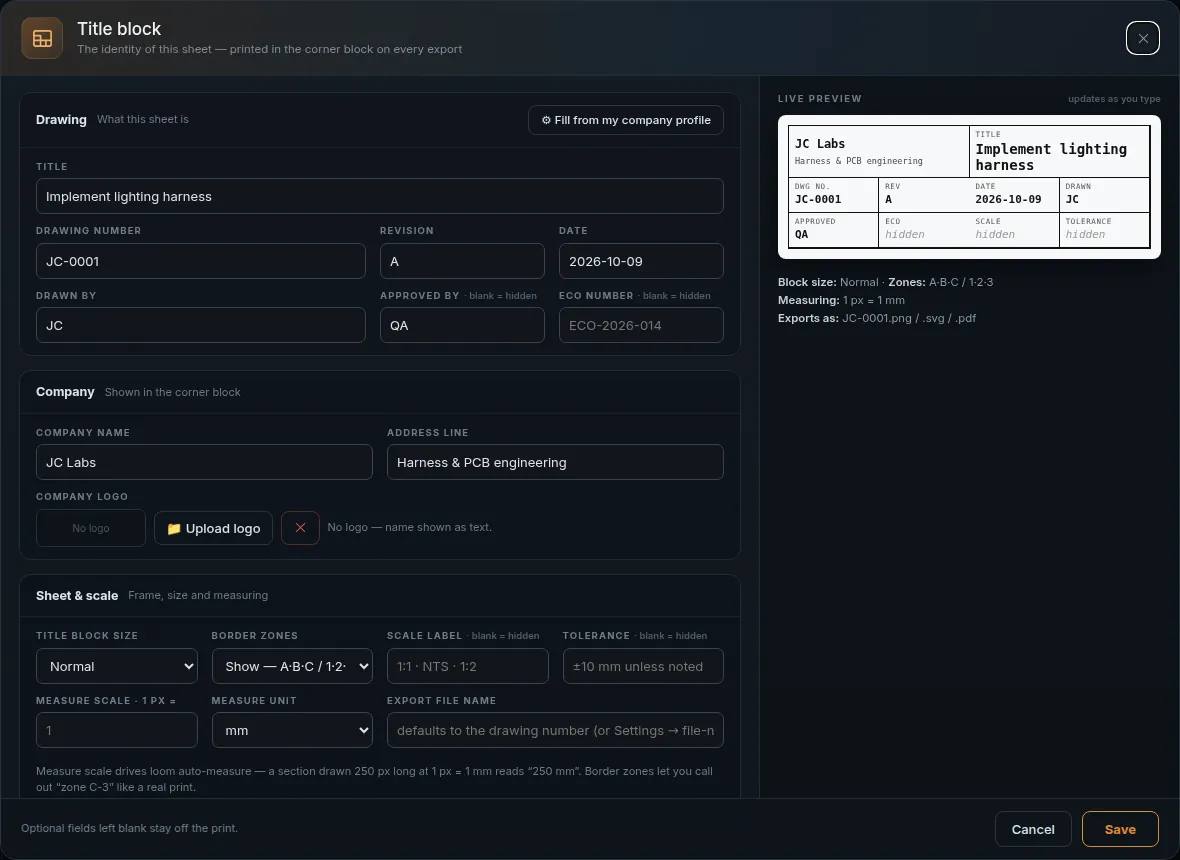
ENGINE CONTROL HARNESS
Drawing No. JCH-2024-001Rev. A Vehicle Raptor Platform1:2 Date 2024-05-14Sheet 1 / 1

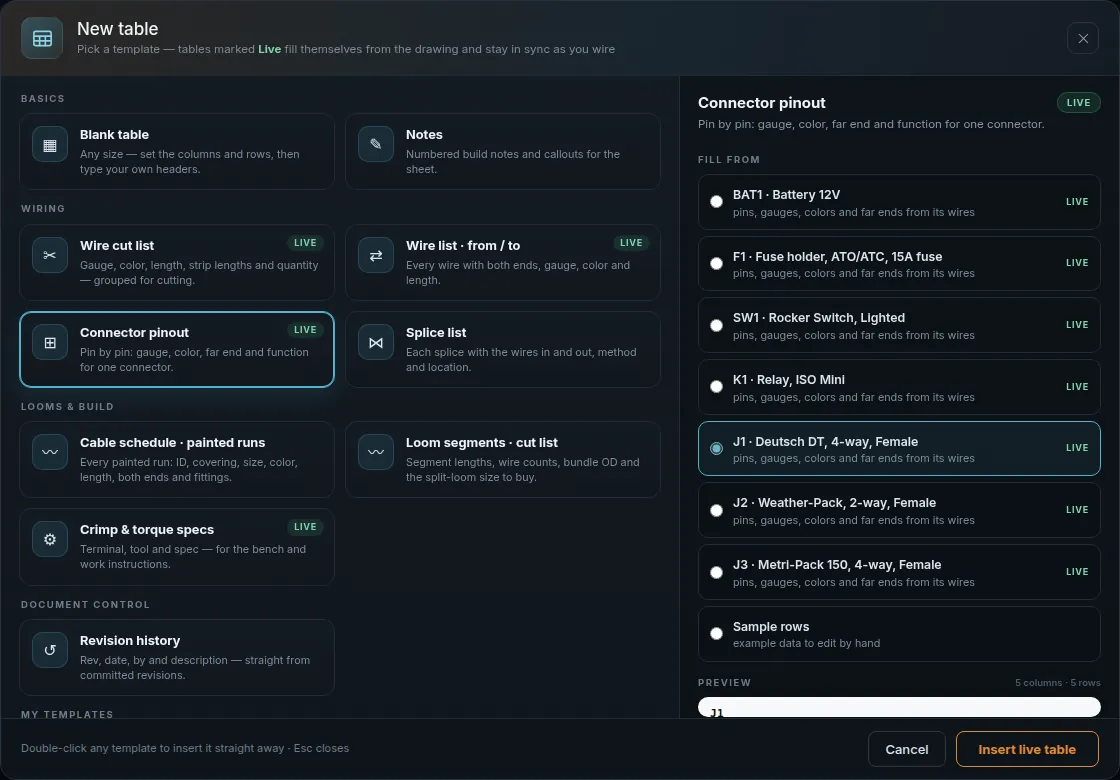
BOM + Quotes

Generate detailed BOMs, get live pricing, and prepare manufacturing packages in seconds.

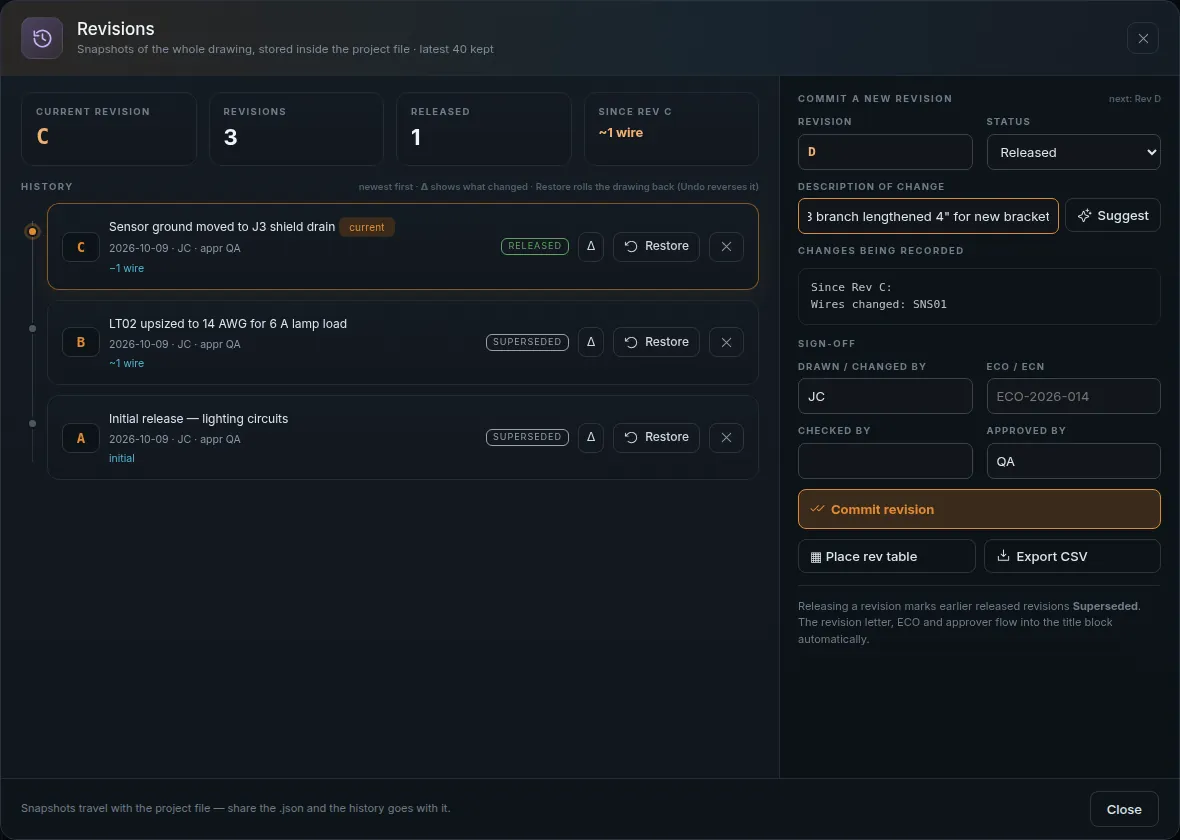
Revision Control

Track changes, compare revisions, and collaborate with your team — all in one place.

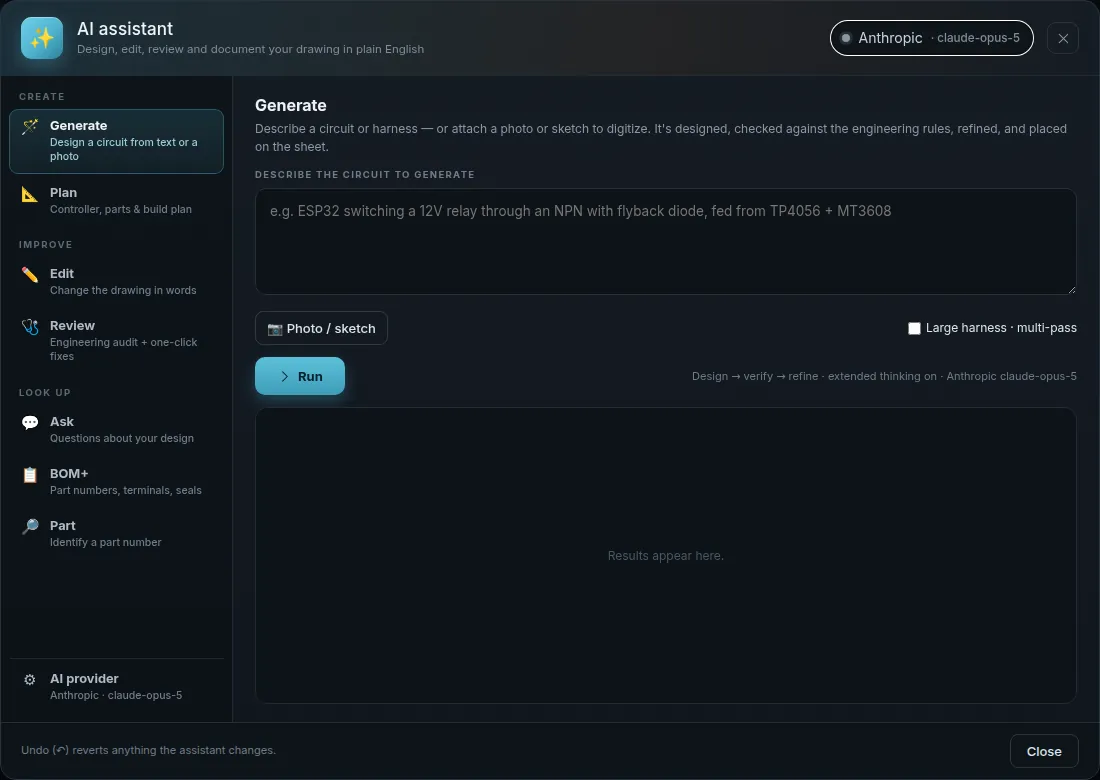
AI Assistant

Get instant answers, design suggestions, and error checks trained on real engineering data.

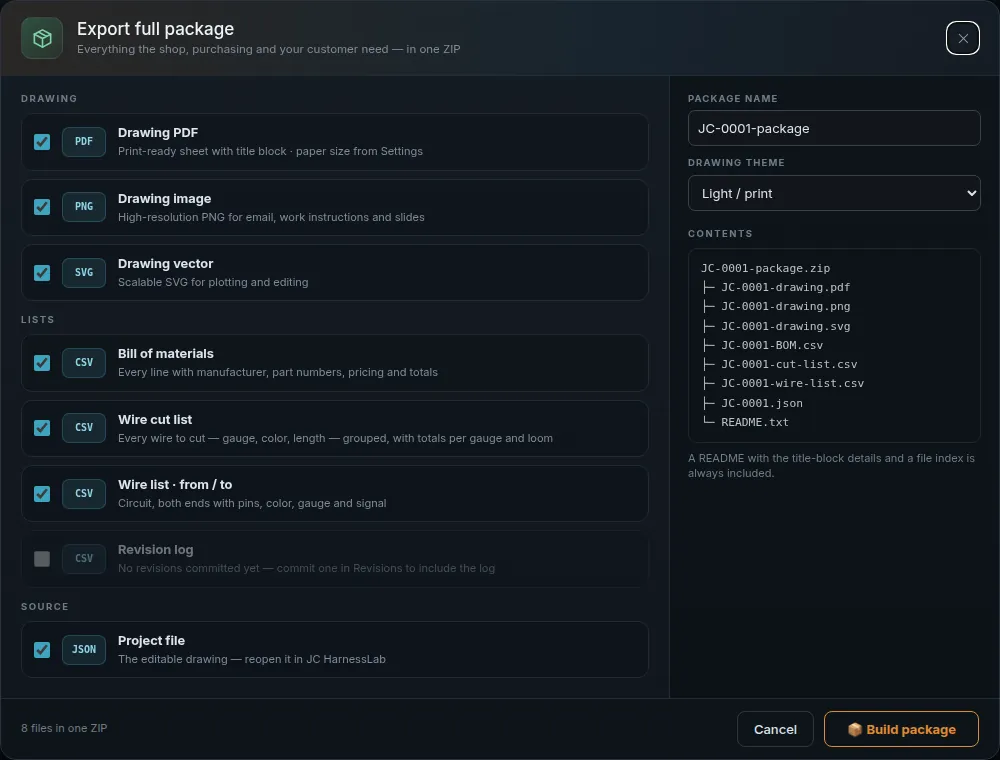
Export to your workflow PNG SVG PDF CSV KiCad Gerber SAME DATA.
MORE POSSIBILITY.
SCREENSHOTS

Straight from the app.

Not renders, not mockups — every image below is the real HarnessLab running a real drawing.

CLICK ANY IMAGE
TO ENLARGE

From idea to production package.

Draw, check, document, and export without leaving HarnessLab.

Works offline
HARNESSES
POWER DISTRIBUTION
SIGNAL INTEGRITY
MANUFACTURING OUTPUT
IDEAS
INTO
REALITY
01

Build

Create your harness with an intuitive drawing environment.

Harness Main_Harness
J112 pin J28 pin J36 pin 050100mm
  • Drag-and-drop components
  • Route, branch, and bundle
  • Real-time length and weight estimation
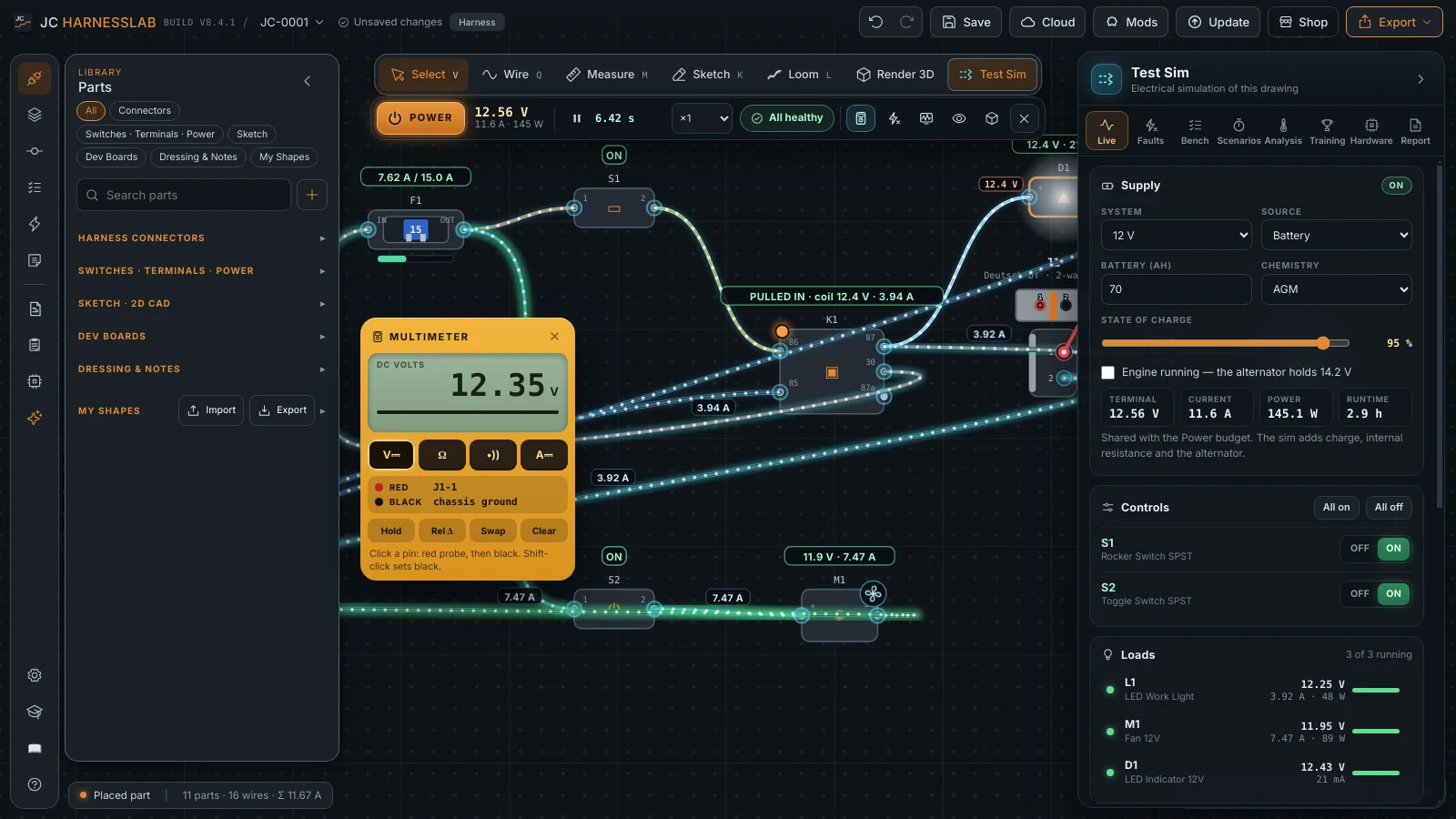
02

Verify

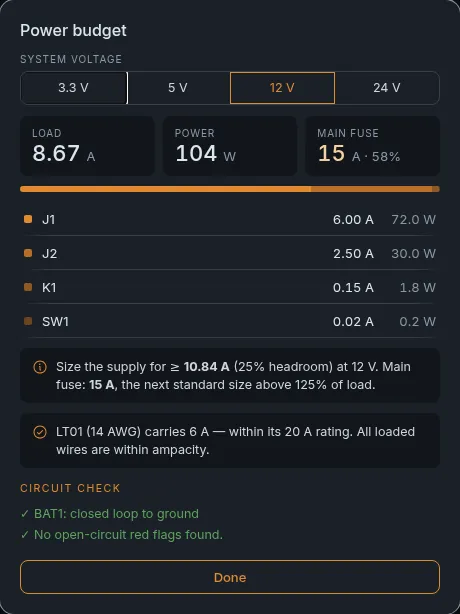
Validate design, check power, and catch issues early.

Power Budget

Total Load42.8 A
60 A
Voltage Drop (max)0.32 V
Total Power513 W
Margin28%

Measurements

Harness Length3.42 m
Total Weight1.28 kg
Total Connectors7
Total Splices3
Design Rule CheckStatus
All wires within current limitsPass
Bend radius requirements metPass
Connector compatibilityPass
Unprotected segment near bulkhead1 issue
No unassigned pinsPass
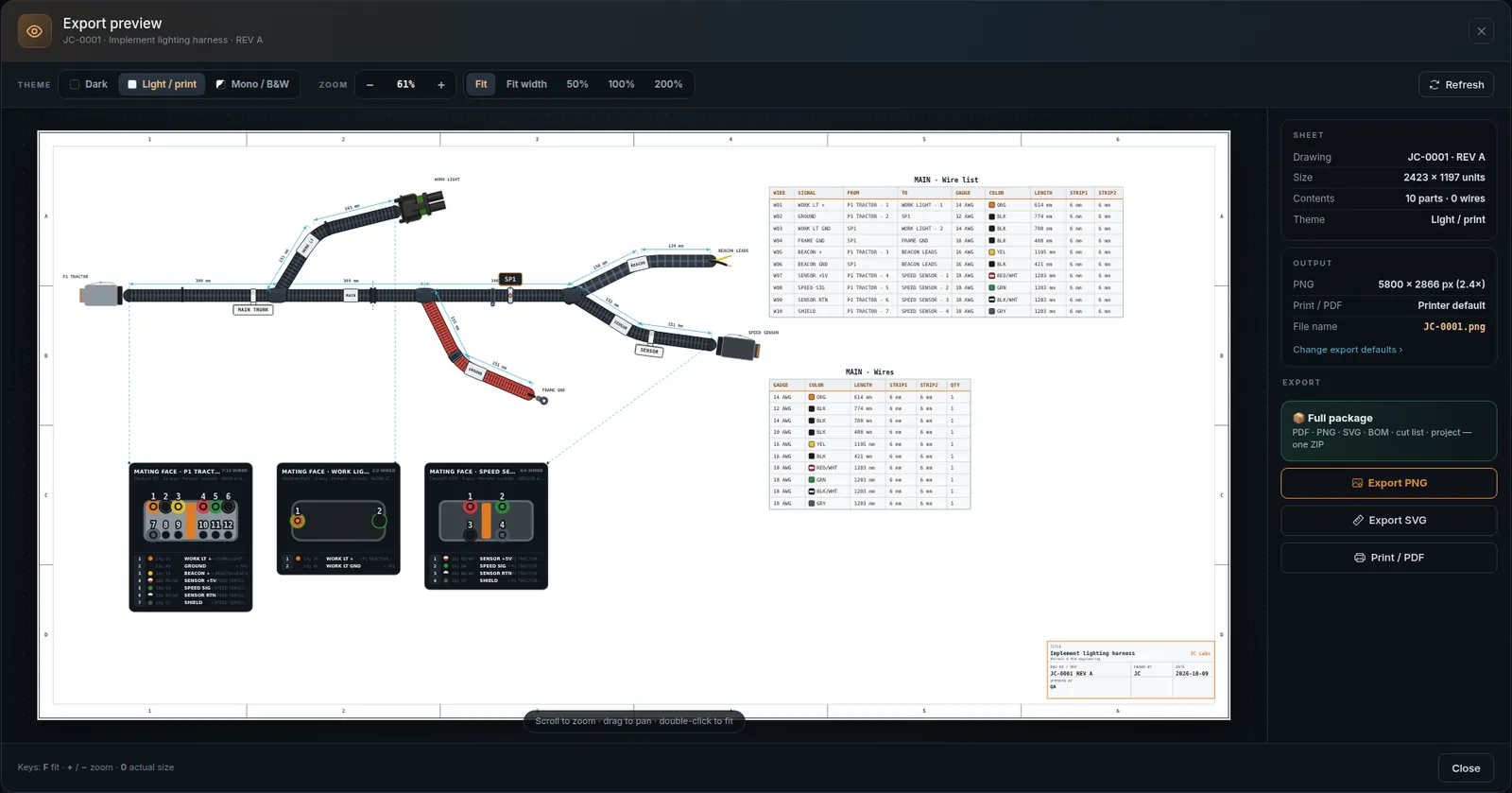
03

Export

Generate manufacturing-ready outputs with one click.

Drawing Sheet

Dimensioned harness drawing (PDF/DWG)

BOM

Bill of materials (CSV/XLSX)

Wire List

Cut list and wire details (CSV/XLSX)

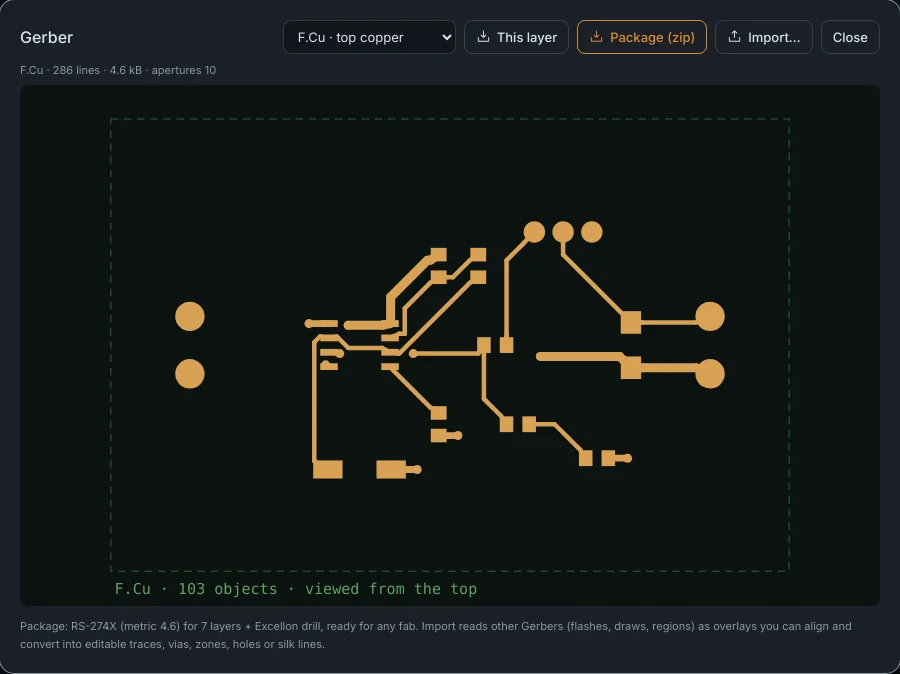
Gerber

PCB files for panels (RS-274X)

Ki
KiCad

Schematic and harness files

Ready for manufacturing.
HARNESSES
MADE
SIMPLE
IDEAS
TO HARDWARE
DESIGN
VALIDATE
BUILD
REAL PARTS
REAL PROJECTS
ENGINEER
A BRIGHTER
TOMORROW
SCHEMATICS  •  HARNESSES  •  PCBS  •  REAL-WORLD READY

Professional tools. Run them your way.

Pay once, own it, no subscription — on your desktop today, in your pocket soon.

JC HarnessLab
DESKTOP INSTALLER
$99.99
one-time purchase
WINDOWS 10 / 11 · 64-BIT
  • Harness and PCB design
  • 3D board preview
  • BOM and quote tools
  • Professional exports
  • Offline — no account, no cloud

Installs to your PC with a Start menu shortcut. The right pick for your own workstation.

MOST FLEXIBLE
JC HarnessLab
PORTABLE EDITION
$119.99
one-time purchase
RUNS FROM A USB STICK
  • Everything in the installer
  • No installation, no admin rights
  • Runs on any shop or lab PC
  • Settings travel with the drive
  • Leaves nothing behind on the host

One executable on a USB stick. Plug into a locked-down machine on the floor and work.

IN DEVELOPMENT
JC HarnessLab
MOBILE EDITION
Coming
soon
pricing announced at launch
PHONES & TABLETS
  • HarnessLab in your pocket
  • Open and review project files
  • Built for the shop floor
  • Same offline-first approach
  • Full details at launch

Want a ping the day it ships? Tap the button and leave your email.

Instant download Secure checkout Yours forever

No subscription

Pay once. Use forever.

No cloud lock-in

Work on your terms.

Your files stay local

Your data. Your control.

ORDER COMPLETE

Thank you — your copy is on the way.

Your receipt and download link are in your inbox. Here’s how to get running.

1

Open the email

Your receipt and the download link for JC-HarnessLab-Setup.exe are in there. If it hasn’t arrived in a couple of minutes, check spam — it comes from the checkout, not from a person.

2

Install it, or unpack it

Installer: double-click JC-HarnessLab-Setup.exe and follow the prompts.
Portable: unzip the folder to your USB stick and run the .exe inside. Windows SmartScreen may ask first — choose More infoRun anyway.

3

Launch and start drawing

Launch it from the Start menu, the desktop shortcut, or straight off the stick. No sign-in, no internet needed — it runs entirely on your machine.

Download didn’t arrive? Check your spam folder first, then get in touch with the email address you paid with and we’ll resend it.
BETTER
HARNESSES
BUILD
BRIGHTER
THINGS
SUPPORT

Help when you need it.

Guides, tutorials, and answers to keep your projects moving.

FREQUENTLY ASKED QUESTIONS
No results. Try “export”, “offline”, or “license”.

Yes — completely. HarnessLab installs and runs on your own machine. No account, no internet connection, and no cloud service is required at any point, including exports.

Dimensioned drawings (PDF, SVG, PNG, DXF), wire lists and BOMs (CSV/XLSX), Gerber RS-274X and Excellon drill files for PCBs, plus KiCad-compatible schematic and harness output.

Wherever you choose. Projects save as a single portable project file on your own disk — nothing is uploaded, and you can back them up or version them like any other engineering file.
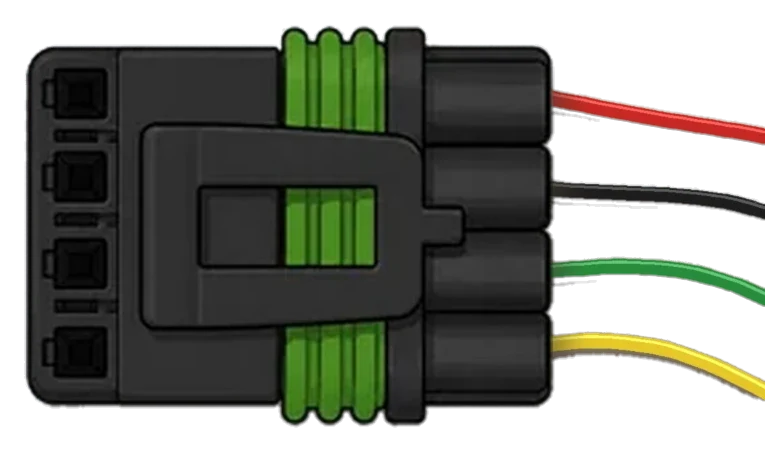
Same application, different delivery. The installer sets HarnessLab up on one PC with a Start menu shortcut — right for your own workstation. The portable edition is a single executable you run from a USB stick or a network folder: no installation, no admin rights, nothing left behind on the host machine. Techs who move between shop and lab PCs, or work on locked-down company machines, want the portable one. A mobile edition for phones and tablets is in development — the Coming Soon card on the pricing page takes sign-ups.
One purchase covers your personal installs and includes updates within the current major version. There is no subscription and no seat check-in.

Windows 10 or 11, 64-bit, and about 300 MB of disk space. HarnessLab is a desktop application — you run the installer once and launch it from the Start menu like any other program.

Still need help?

Our team is here to assist.

Browse Documentation
Typical response time: within 1 business day.
ENGINEERING IDEAS INTO REALITY PLAN / ROUTE / DOCUMENT / MANUFACTURE