Desktop Installer
For your own workstation- Harness & PCB design
- Loom Studio & Connector Studio
- Live tables, BOM & quotes
- One-click full export package
- Works fully offline
- Updates within the major version
Draw the wiring with real connectors — HarnessLab writes the pinouts, cut list, wire list and BOM for you as you go. Harness and PCB studio for Windows. 100% offline. Pay once, it’s yours.
A quick look at JC HarnessLab — from a real 3D harness and the design studio to wiring, the finished print and the community behind it.
Every time a wire moves, a hand-typed pinout drifts a little further from the drawing. HarnessLab keeps one source of truth — the drawing — and builds every table from it.
Built from the drawing · always in syncThe same flow whether it’s a two-wire pigtail or a full machine harness.
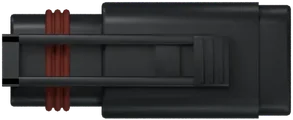
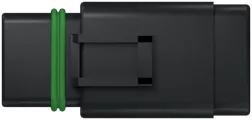
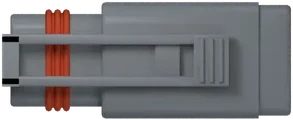
Pick from 214 connector families with rendered pictures and 3D models, terminals, switches, relays, fuses, dev boards and modules — or build your own from a photo in Connector Studio.
Wire pin to pin, twist pairs, add splices, then paint looms with tees, ties, grommets, convolute and heat-shrink — with every run measured as you draw it.
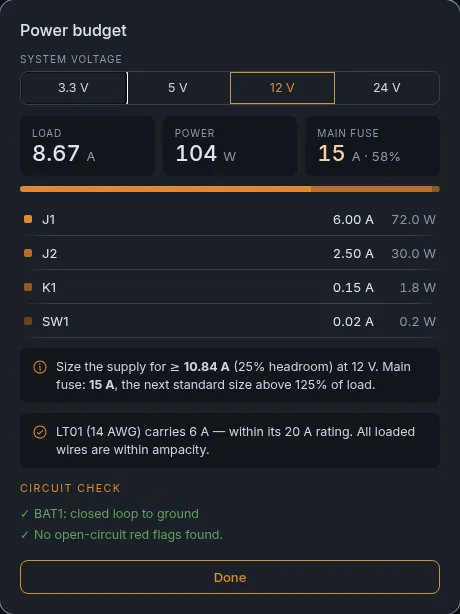
Ampacity and fuse sizing, open-circuit checks, live pinout tables, a priced BOM and a full revision history — all built from the same drawing, so nothing drifts.
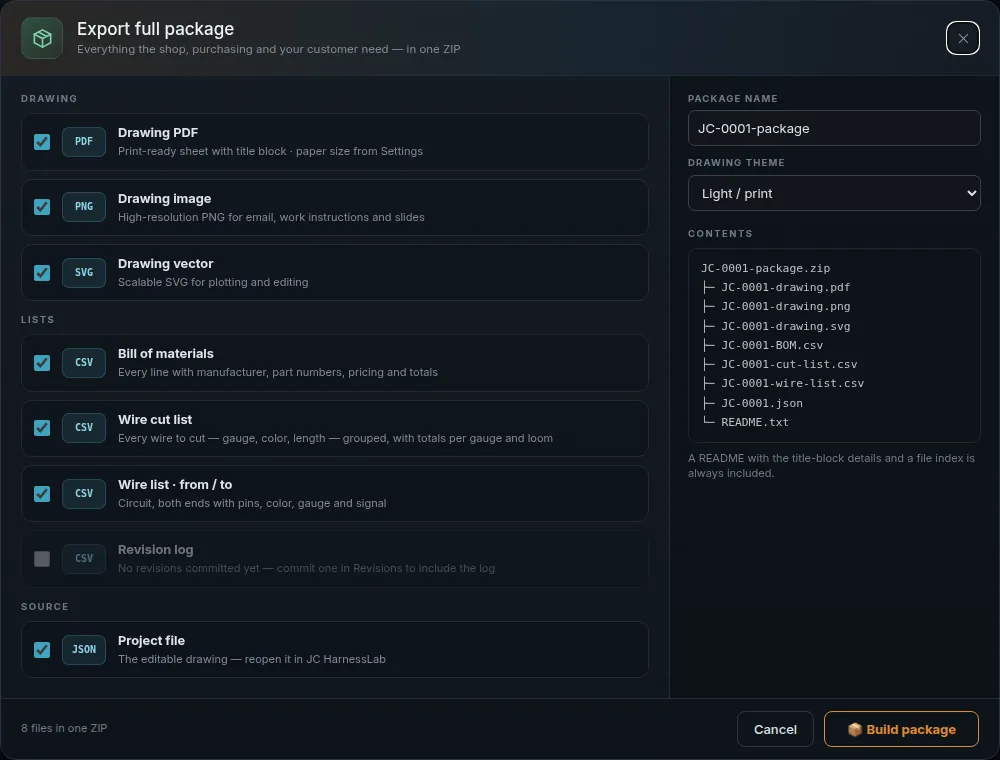
One click builds the PDF, images, BOM, cut list, wire list and project file — titled, numbered and ready for the floor.
Draw the harness, then design the board it plugs into — without switching tools or buying a second license.


Slide in your own numbers. This only counts the time spent typing and re-checking pinouts, cut lists and BOMs by hand — the part HarnessLab fills in from the drawing.
The connectors, presets and checks for the work you actually do.

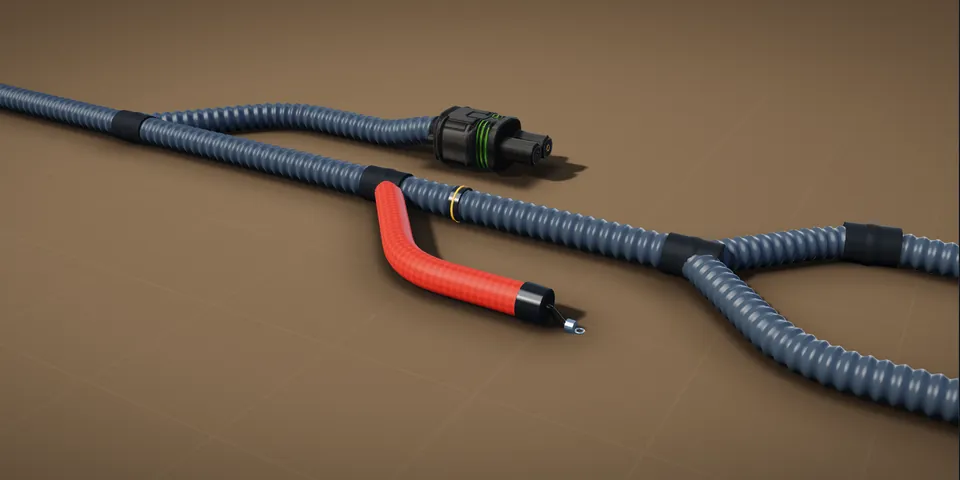
Deutsch DT/DTM, Metri-Pack, Weather-Pack and GT connectors, relays, fuses and ring lugs.

ISOBUS breakaway, SAE J928, DIN 9680 and HD30 — with CAN pairs that look like CAN pairs.

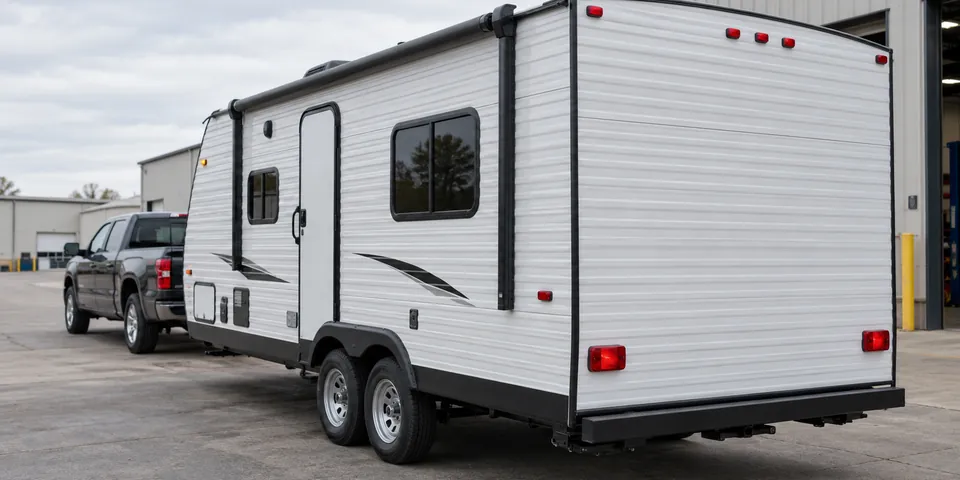
7-way RV, 4-flat, J560 and ISO 11446 plugs, trailer cord presets and ground studs.

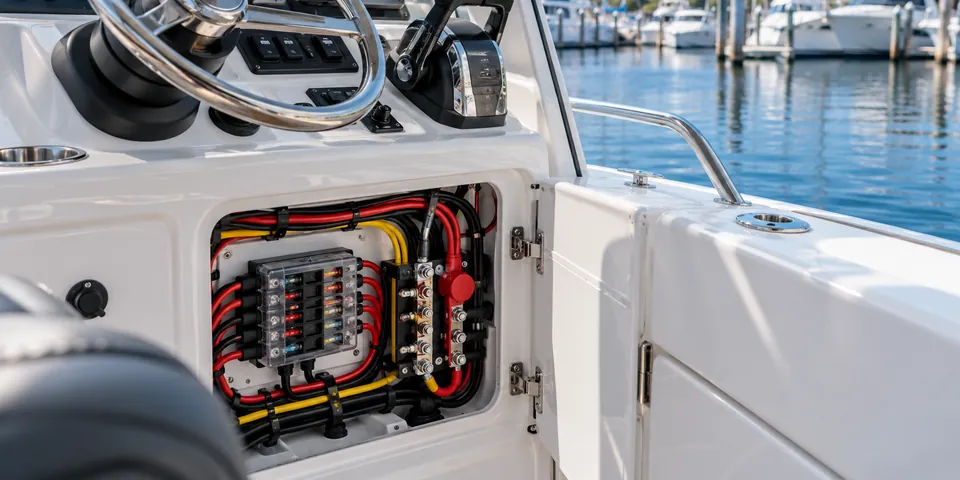
Marine BC5W2 wire on the BOM, battery switches and cable, bilge pumps, float switches and strobes — with battery runtime and voltage drop per run.

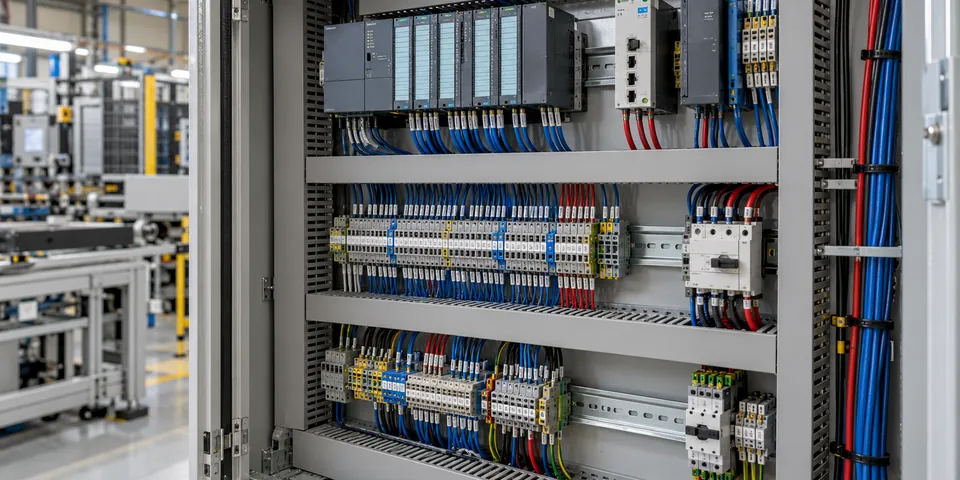
M12 circulars, DIN solenoid plugs, terminal blocks, E-stops, limit switches and panel wiring.

Prox and limit sensors, contactors, time-delay and solid-state relays, valves and motors on 24 V — then run Test Sim before the first power-up.
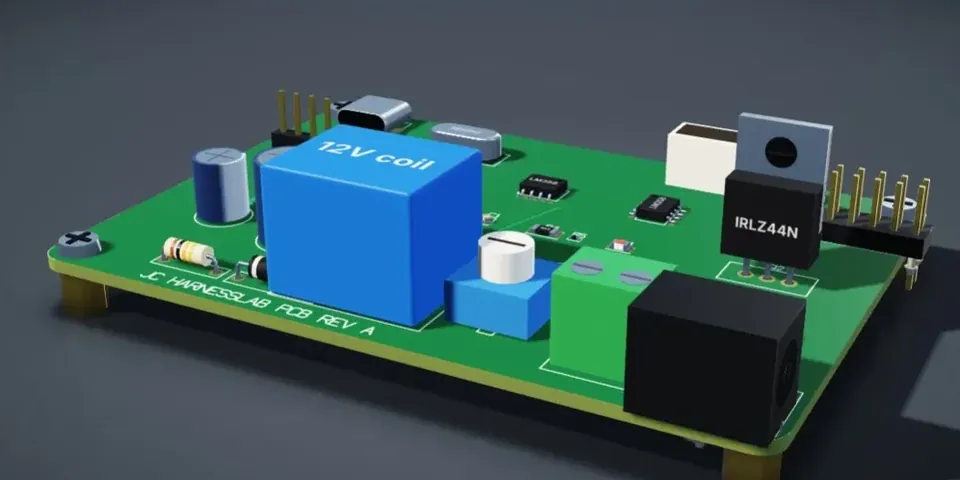
Rendered in HarnessLabESP32, Arduino, Raspberry Pi and 100+ modules with pin guides, then a board you can send to the fab.

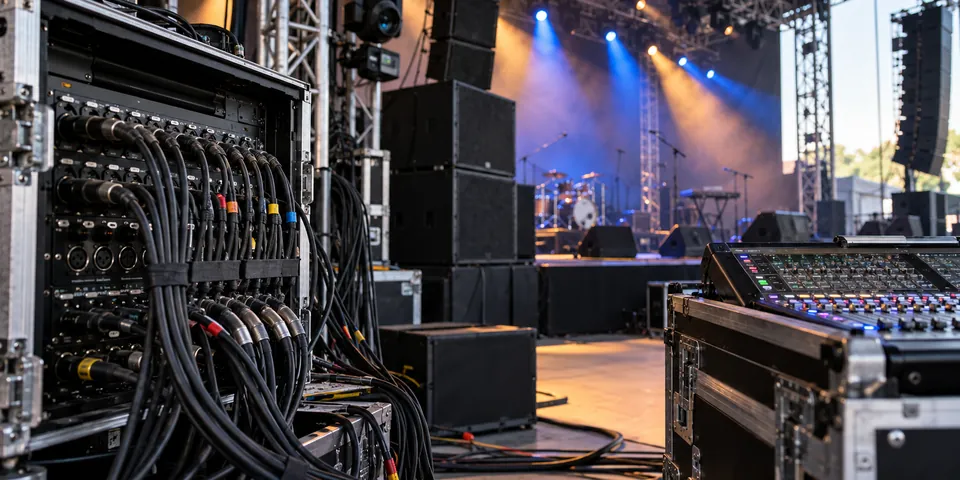
XLR 3- and 5-pin for audio and DMX, Speakon, TRS and RCA, speakers and amps, LED strips and strobes — with cut lists for every snake.
Rendered in HarnessLabPortable edition on a USB stick, print-ready sheets and cut lists the bench can build from.
No monthly fee to keep drawing, no forced cloud, no locked file format.
Desktop Installer $129.99 or Portable Edition $149.99 — a one-time purchase. New versions arrive right inside the app.
Draw, check and export with no internet at all. Only the extras go online: the AI assistant (your own key), optional Cloud, and update checks.
Projects save as portable .json files wherever you choose. Exports are standard PDF, PNG, SVG and CSV — plus KiCad and Gerber for boards.
Real feedback from people designing with JC HarnessLab. Read all & leave a review →
Ask questions, share your builds, and grab connector libraries, mods and templates other builders made.
No. The app is a one-time purchase — Desktop Installer $129.99 or Portable Edition $149.99. HarnessLab Cloud is an optional monthly add-on for syncing and teams; you never need it to use the app.
No. Drawing, checking and exporting all work offline. The internet is only used by optional extras: the AI assistant (with your own key), HarnessLab Cloud, and update checks.
The real app with a few limits: up to 5 real parts per drawing (wires, splices, looms, ties and shapes don’t count), a starter set of the library, and 2 exports with a watermark. Board exports, the full package ZIP and the AI assistant are locked. Opening a whole project always works.
Installer: a normal Windows install with a Start menu shortcut (a per-user install works without admin rights). Portable: one program you run from a USB stick or folder — no install, and your settings, shapes and footprints travel with the drive.
PDF prints, PNG and SVG images, BOM, cut list and wire list (CSV), the project file (.json) and a full package ZIP — and for boards, KiCad, Gerber + drill, netlist and 3D images.
Windows 10 and 11 (64-bit). A Mobile Edition for phones and tablets is in development.
The app checks for new versions and installs them from inside the app (Help › Check for Updates). New versions also show up in your account’s Downloads tab.
Still wondering? Visit Support or ask the community.
Pay once, draw forever. Or take the free demo for a spin first.
Start menu install · per-user install without admin rights
Runs from a USB stick · no install · settings travel with you
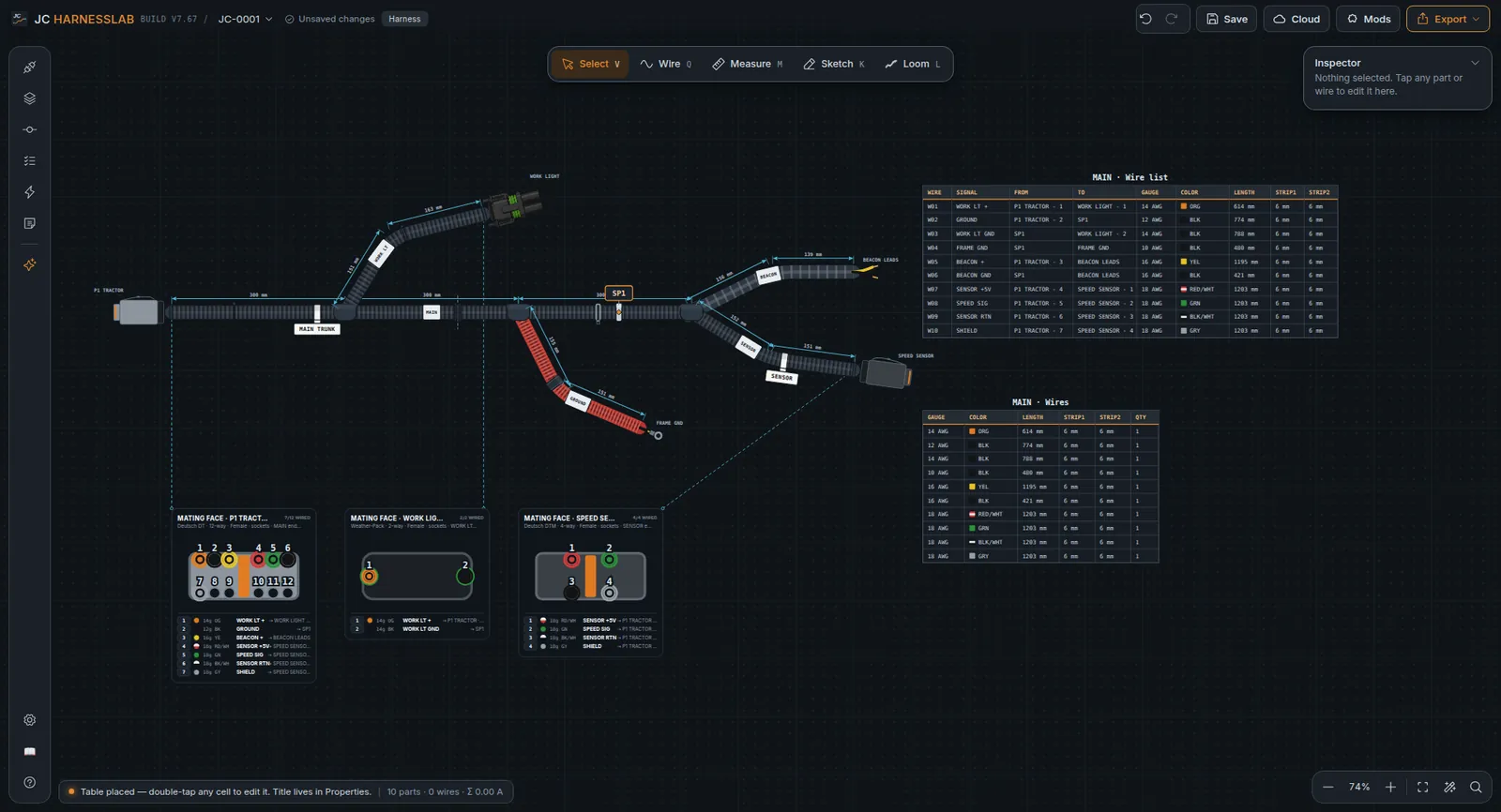
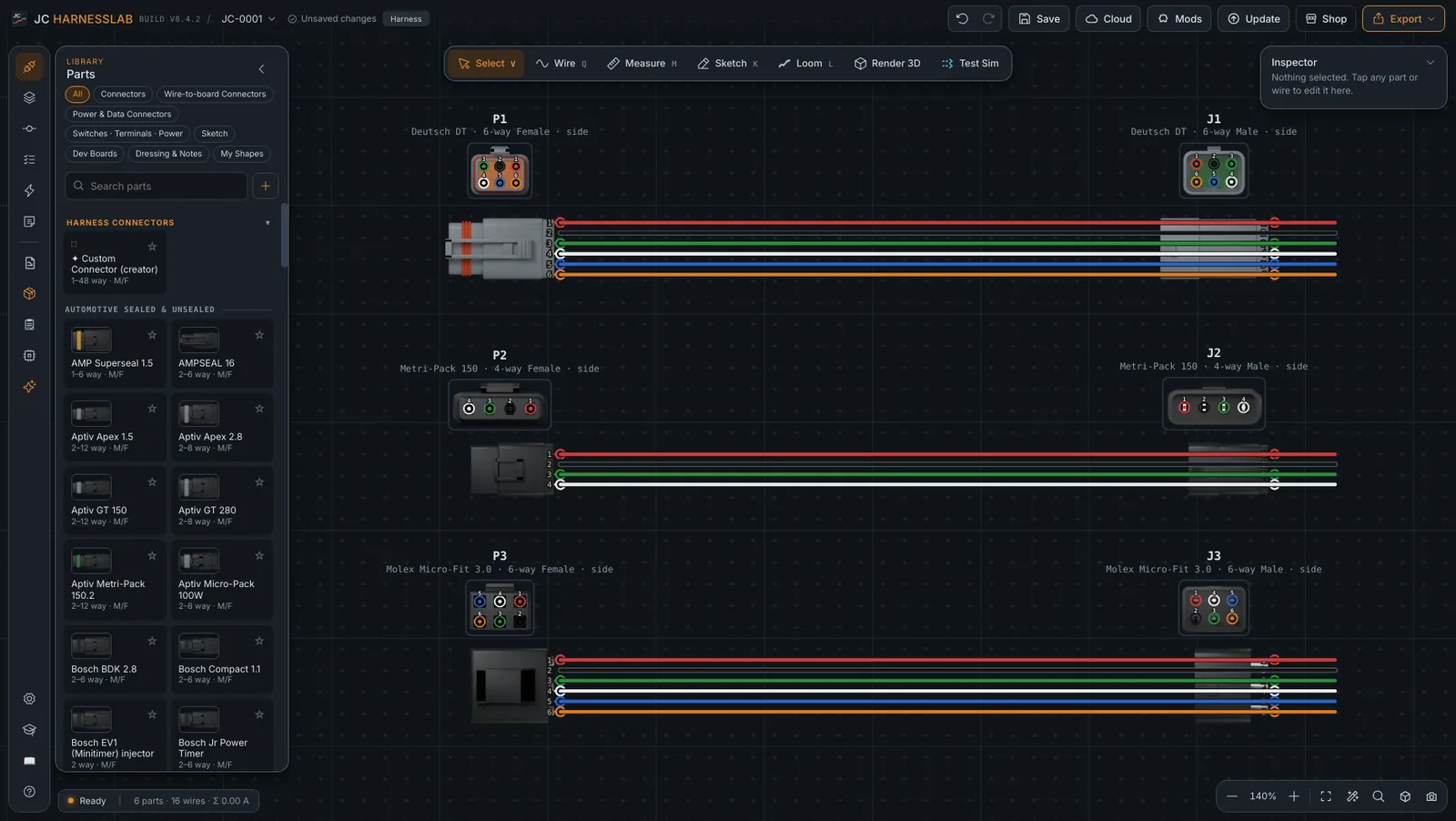
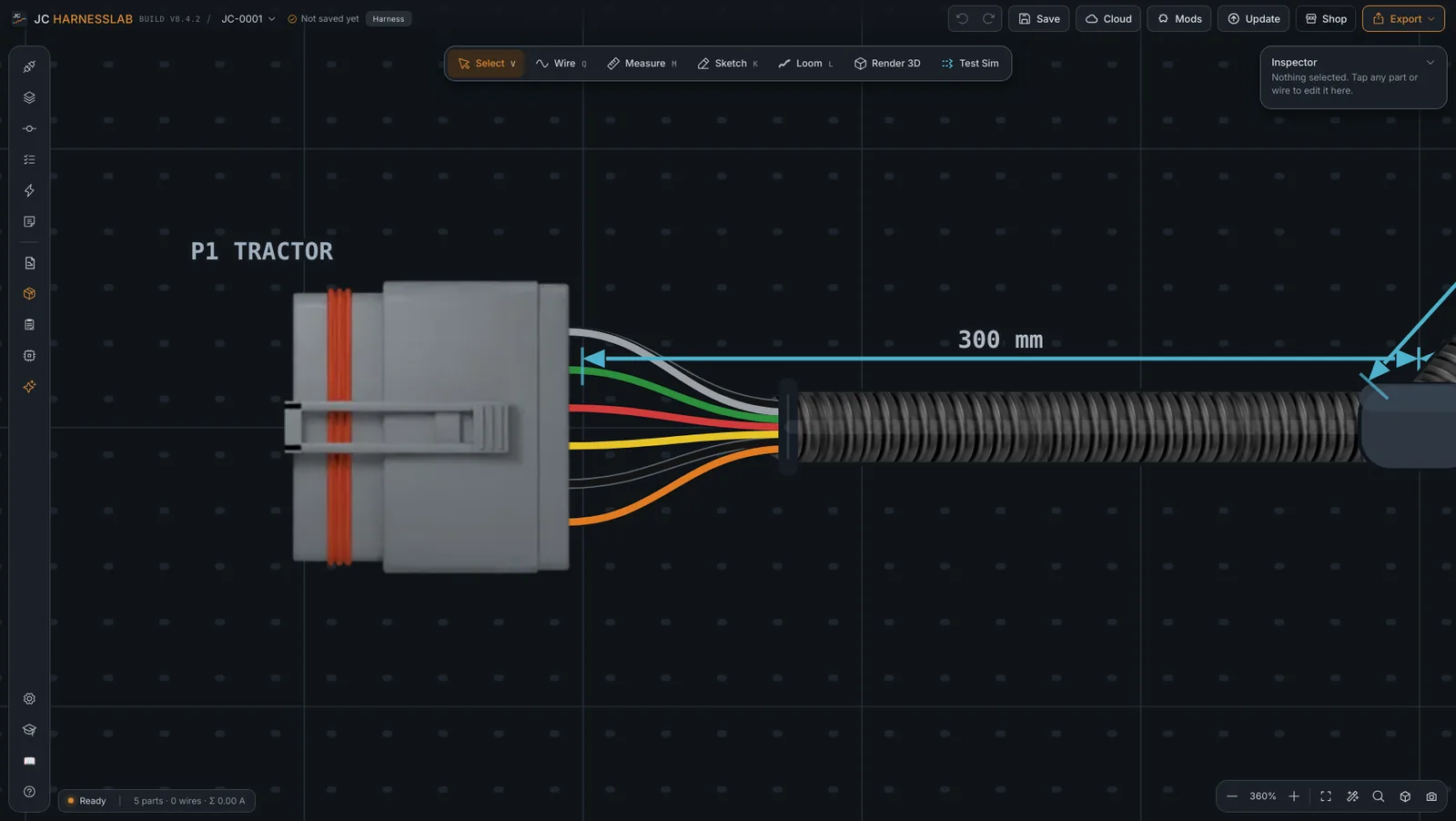
Drop connectors from a 214-family library, paint the loom, twist the pairs and wire the whole thing pin to pin. Lengths measure themselves and the cut list, wire list and BOM are already done when you are.
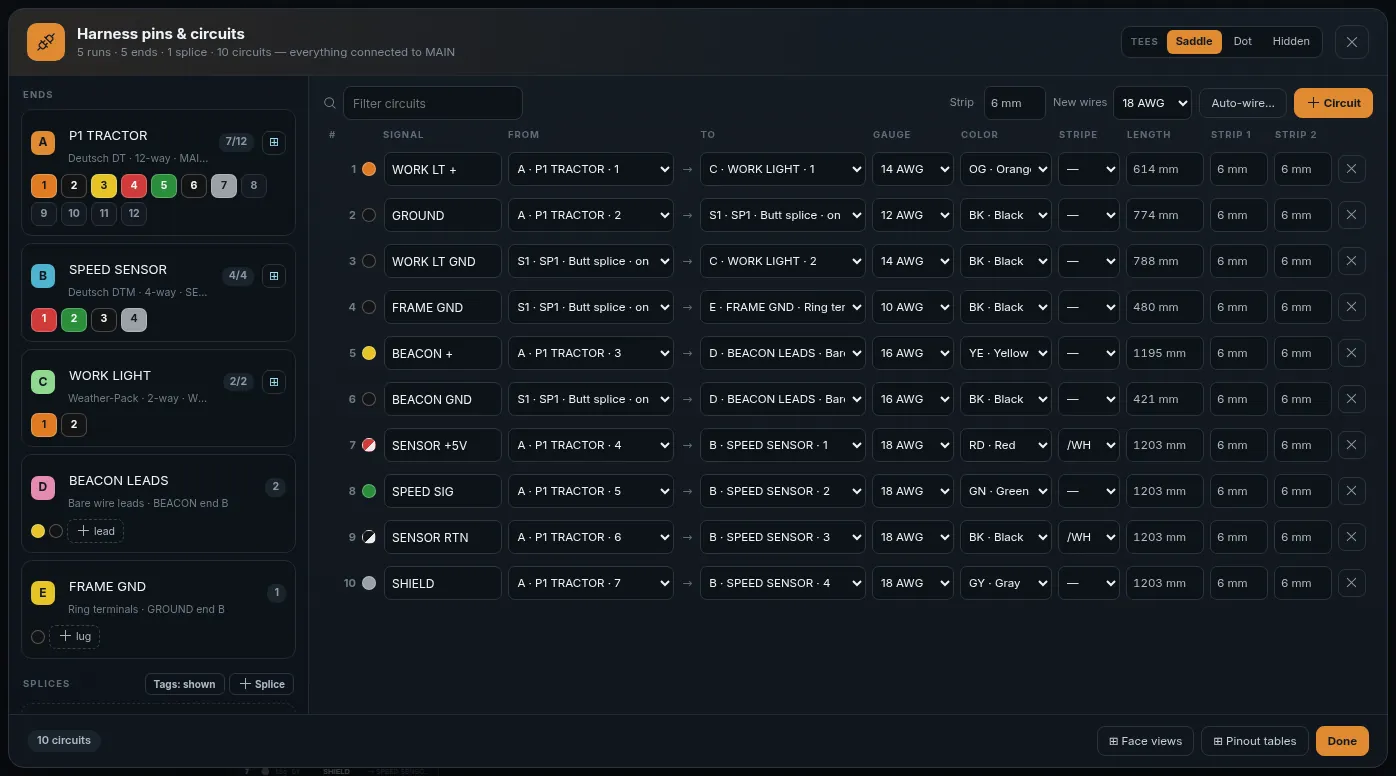
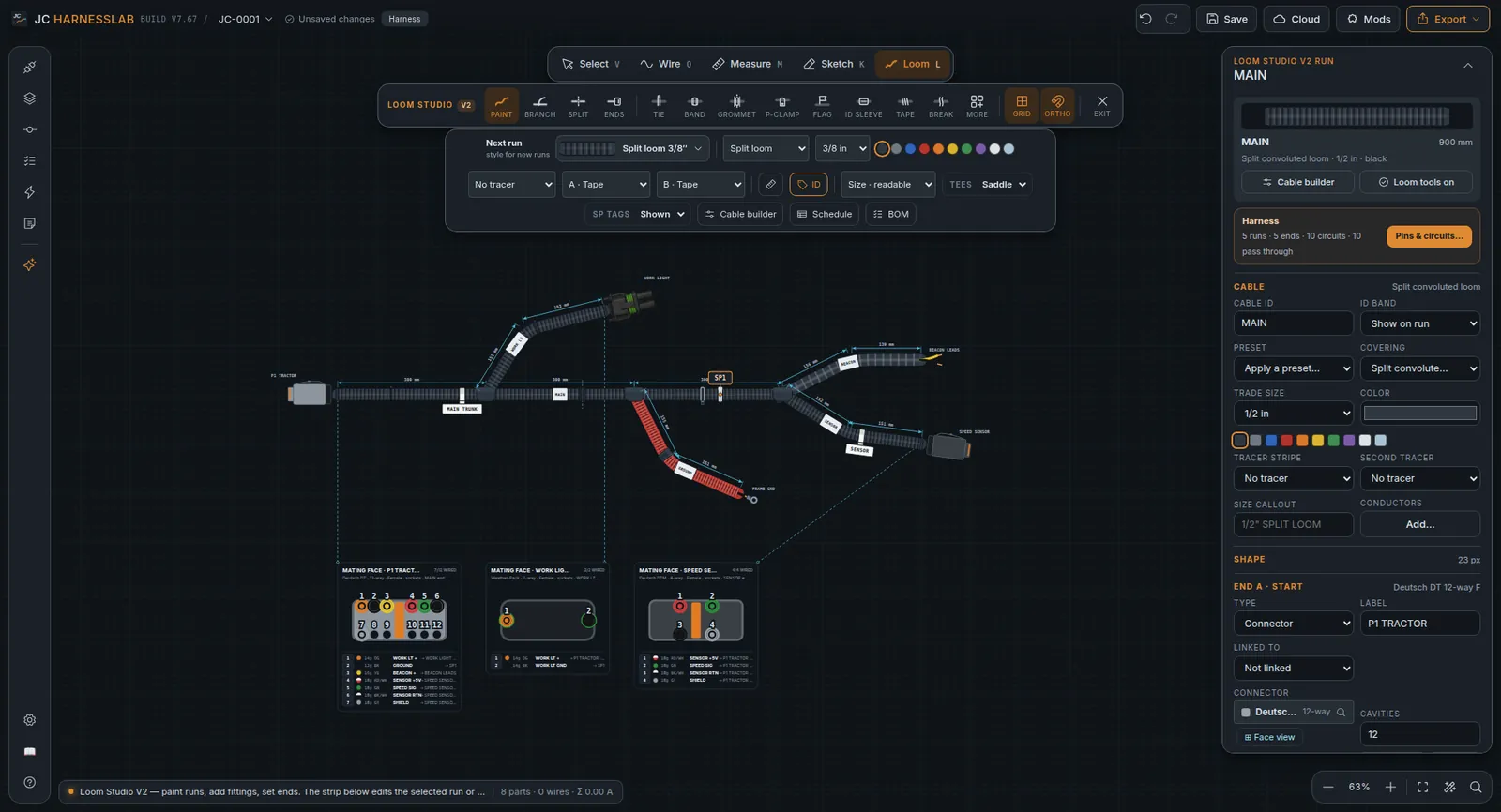
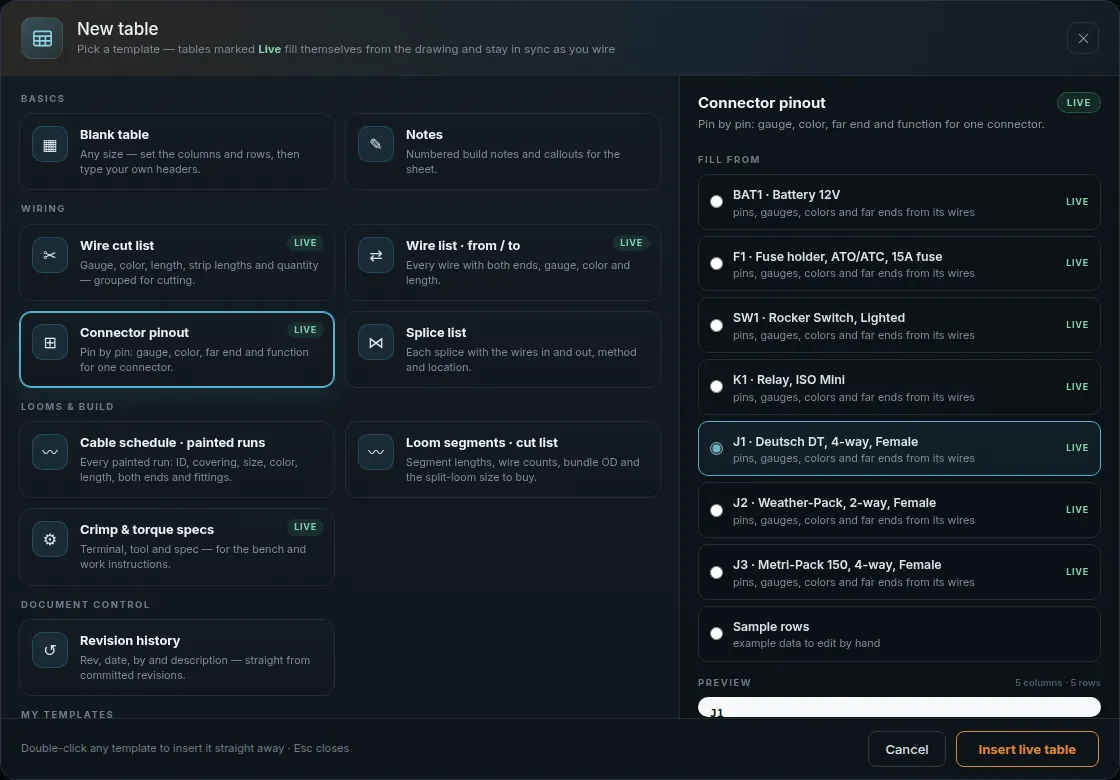
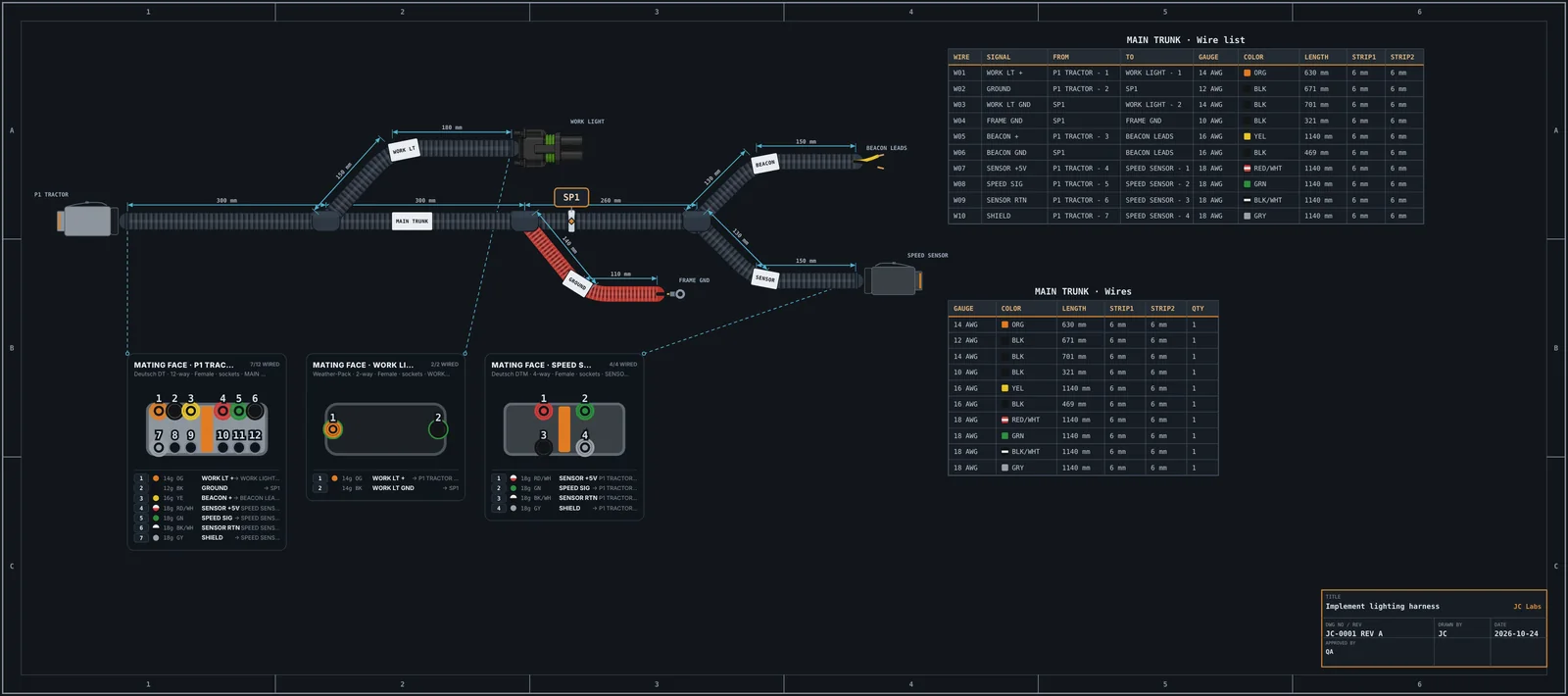
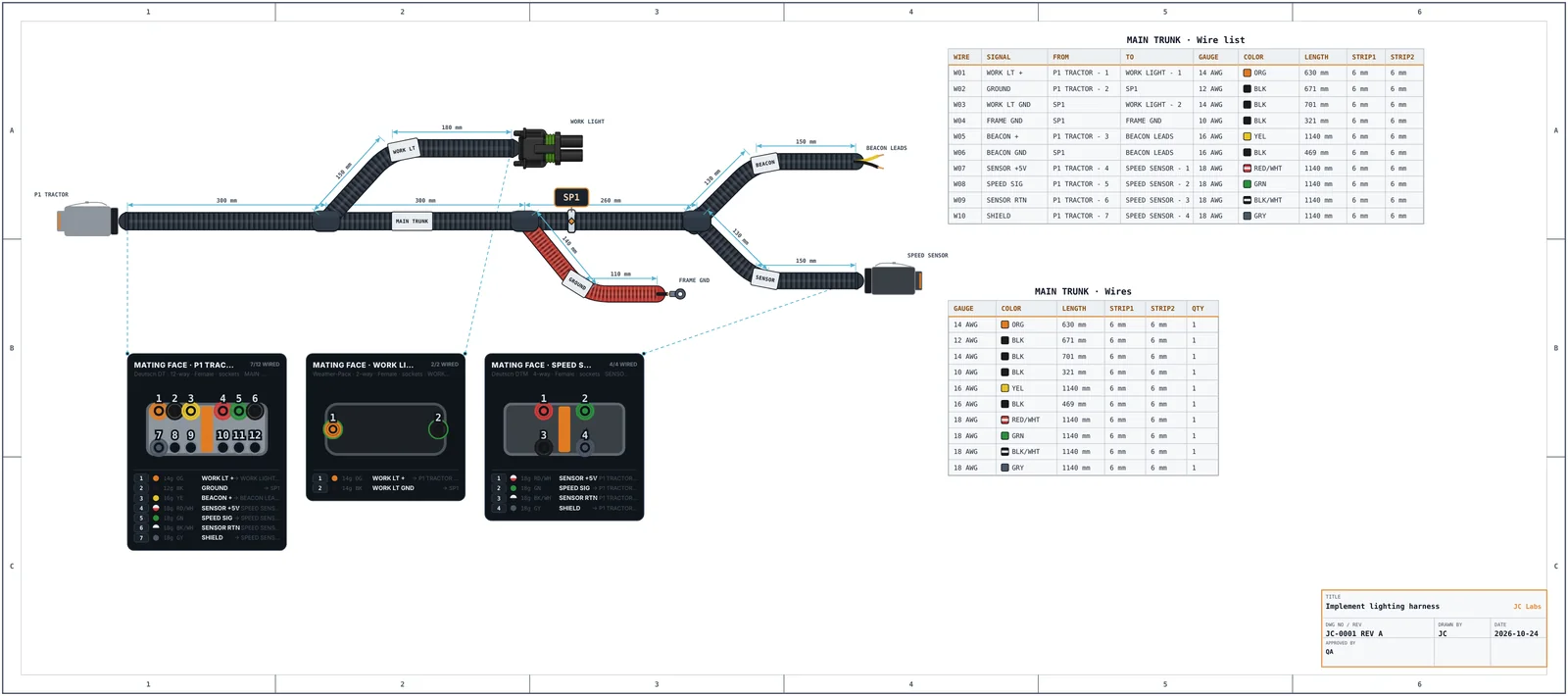
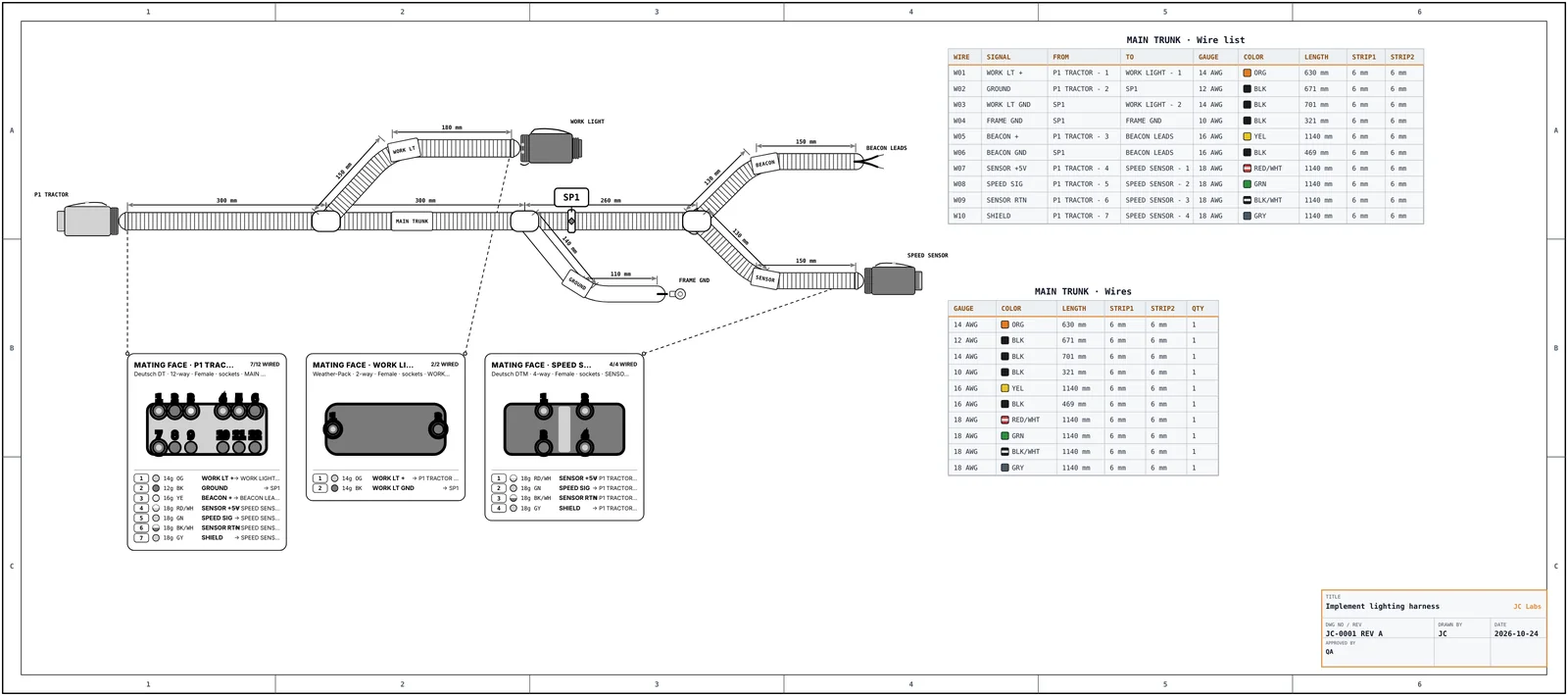
A five-run implement harness: loom, splice, three face views and two live tables — nothing typed twice.

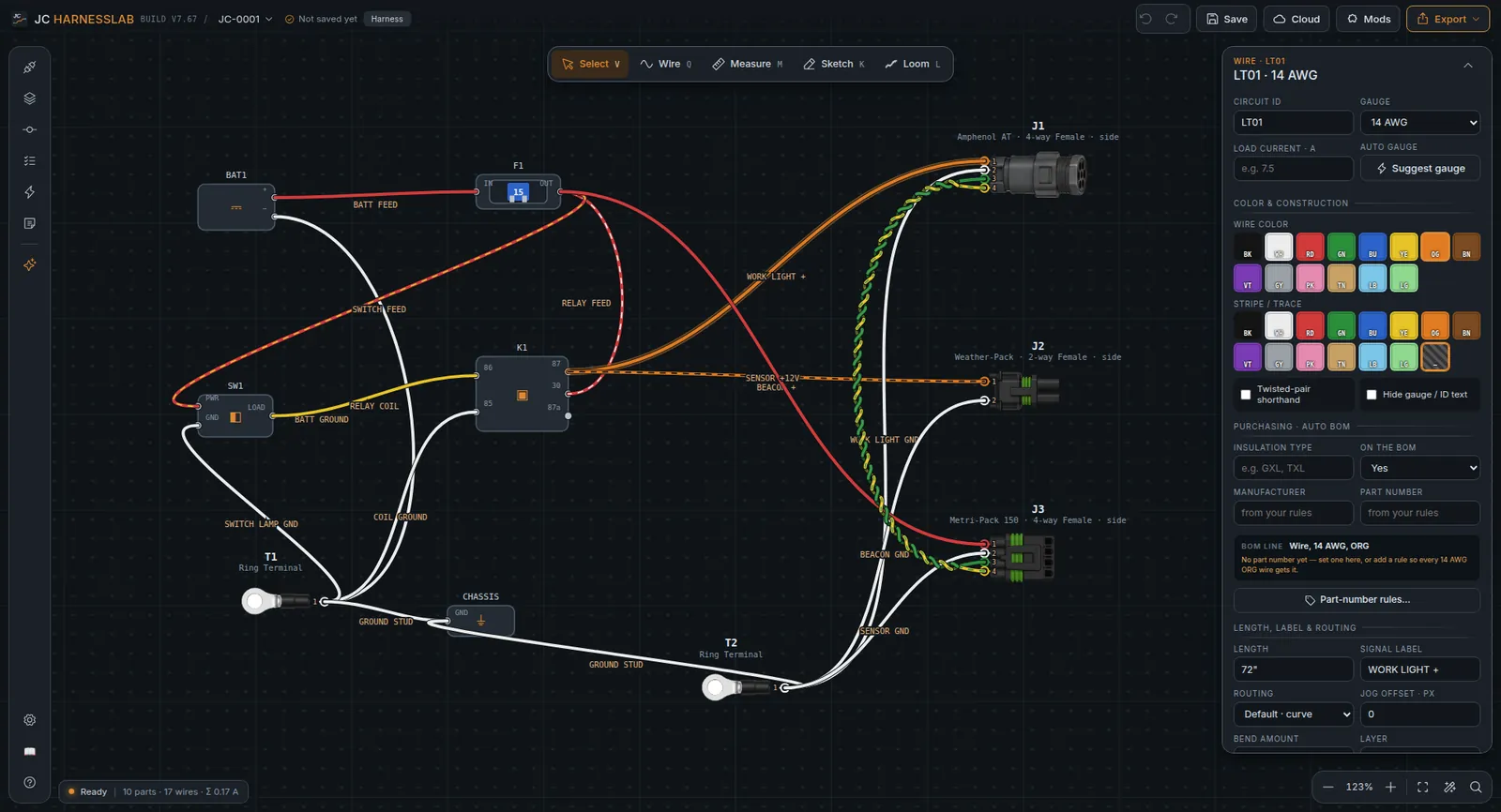
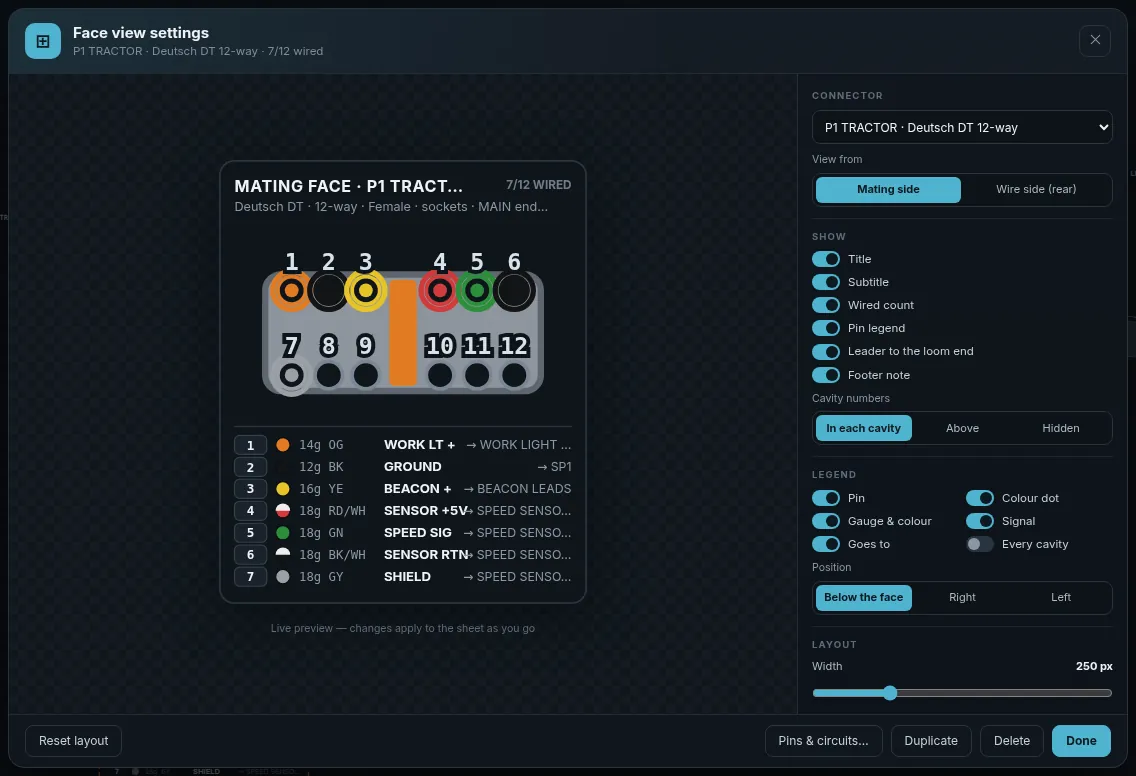
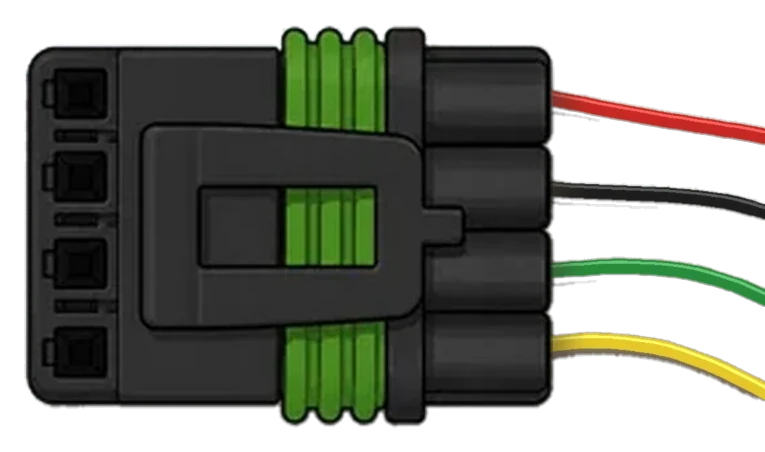
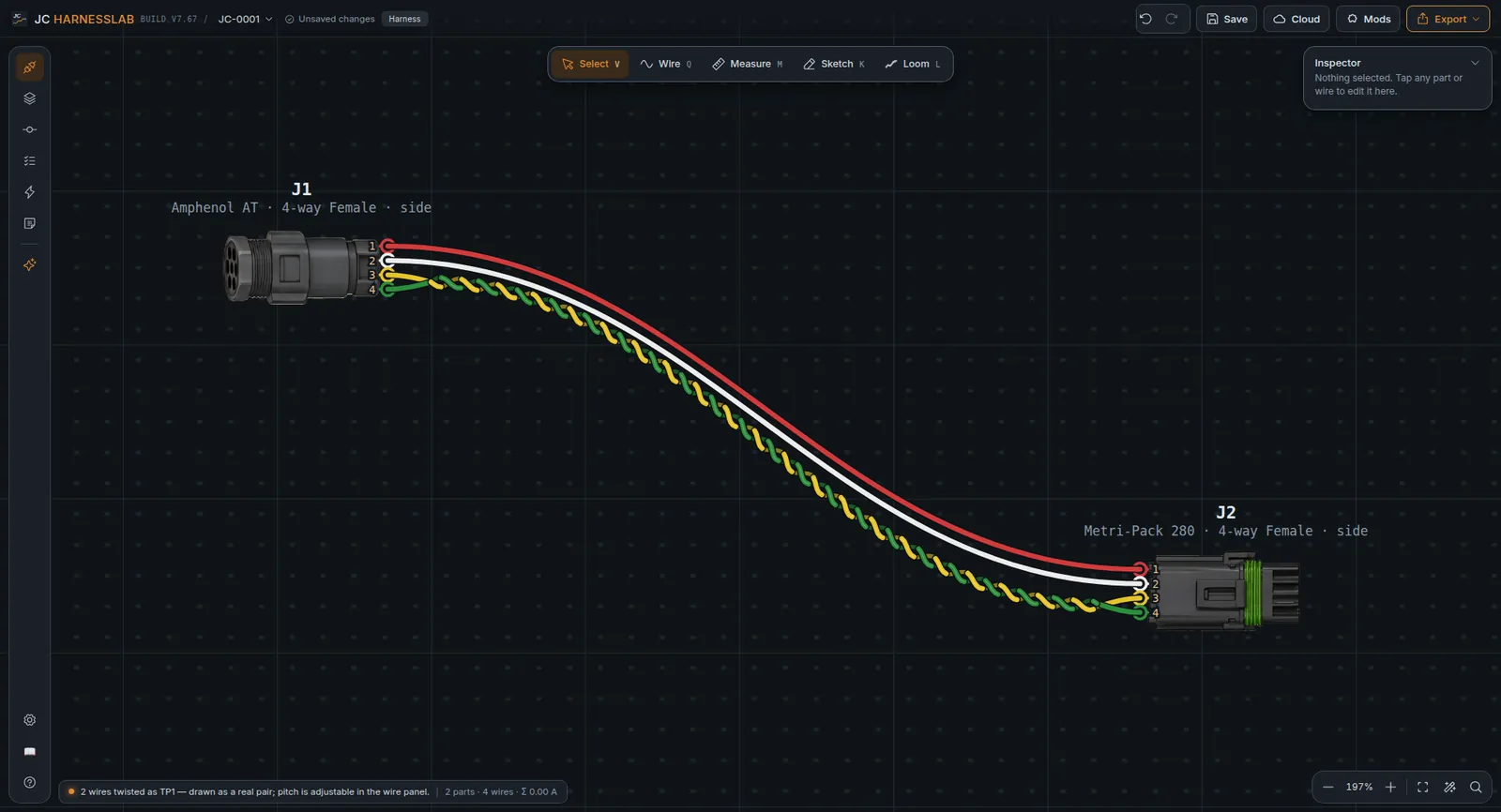
Switch any connector to its side-view picture and the drawing looks like the bench: the real housing, the real wire side, and the mating face above it with every cavity numbered where the wire lands. The Inspector puts colour, stripe, gauge, circuit and length on every wire.


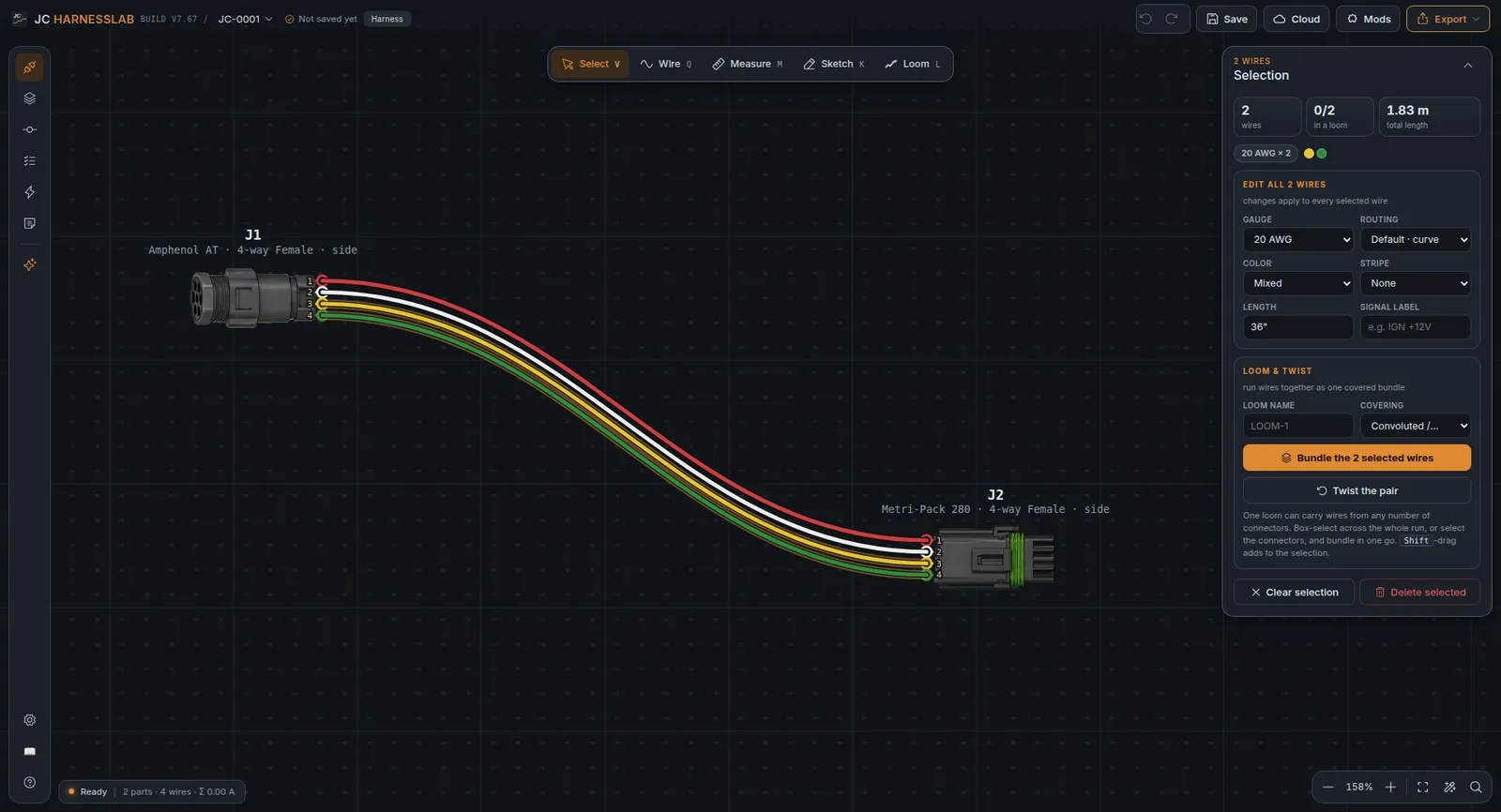
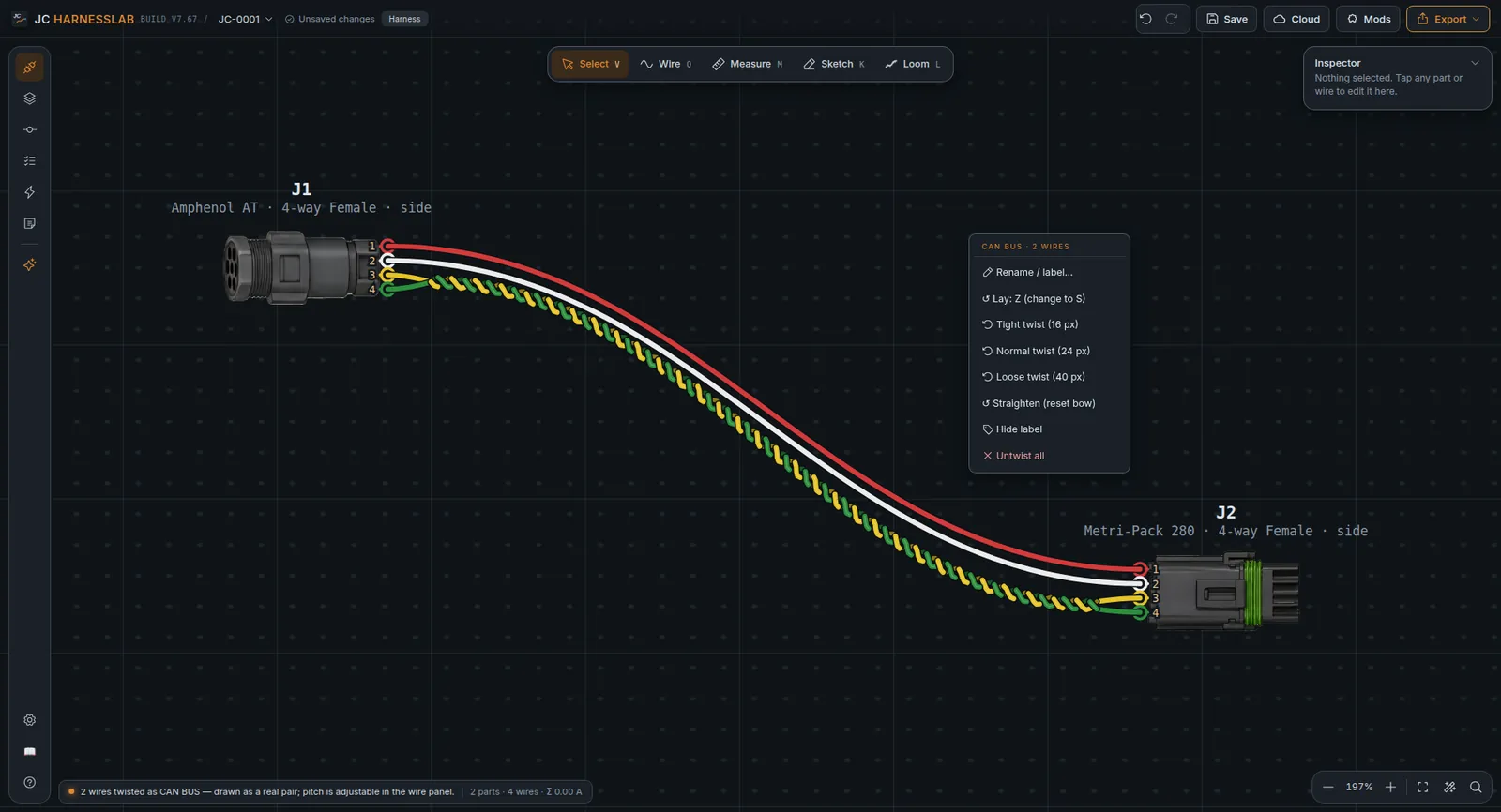
CAN, sensor and signal pairs draw as an actual twisted pair between the real connectors — tight, normal or loose pitch, Z or S lay, bowed where you drag it and tagged with its name.
Every run that tees into another becomes one harness. Click a pin on one end, then a pin on another — the circuit is wired, measured along its real path and bought at that length on the BOM.

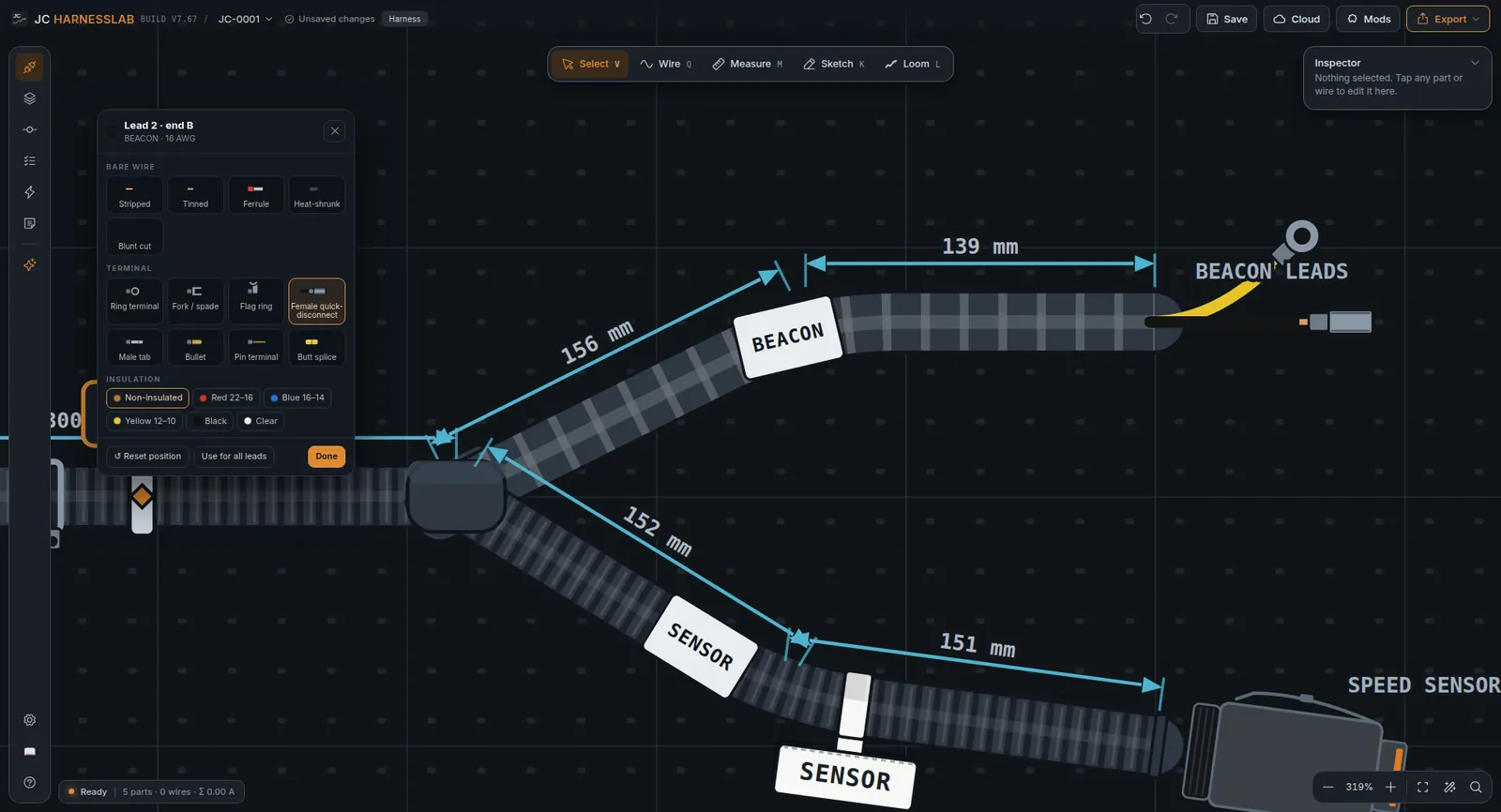
Draw split loom, braid, tape, heat-shrink or jacketed cable along any route. Branch off the trunk and the tees grow on their own — every segment measures itself.

Drop a mating-face view for any loom connector — or one for every connector at once. Cavities fill with their wire colours and the legend writes itself from your circuits.

Grab any bare lead or ring terminal and drag it exactly where you want it, then choose how each lead is finished. Coverings draw at true wire thickness and ends match the wire’s colour and gauge.

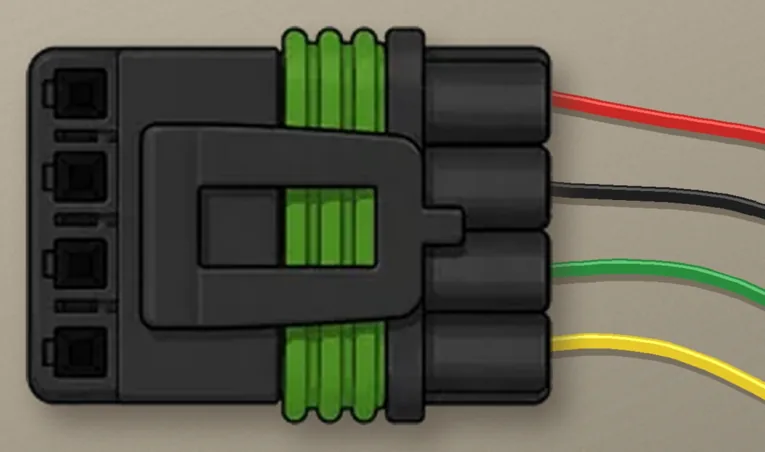
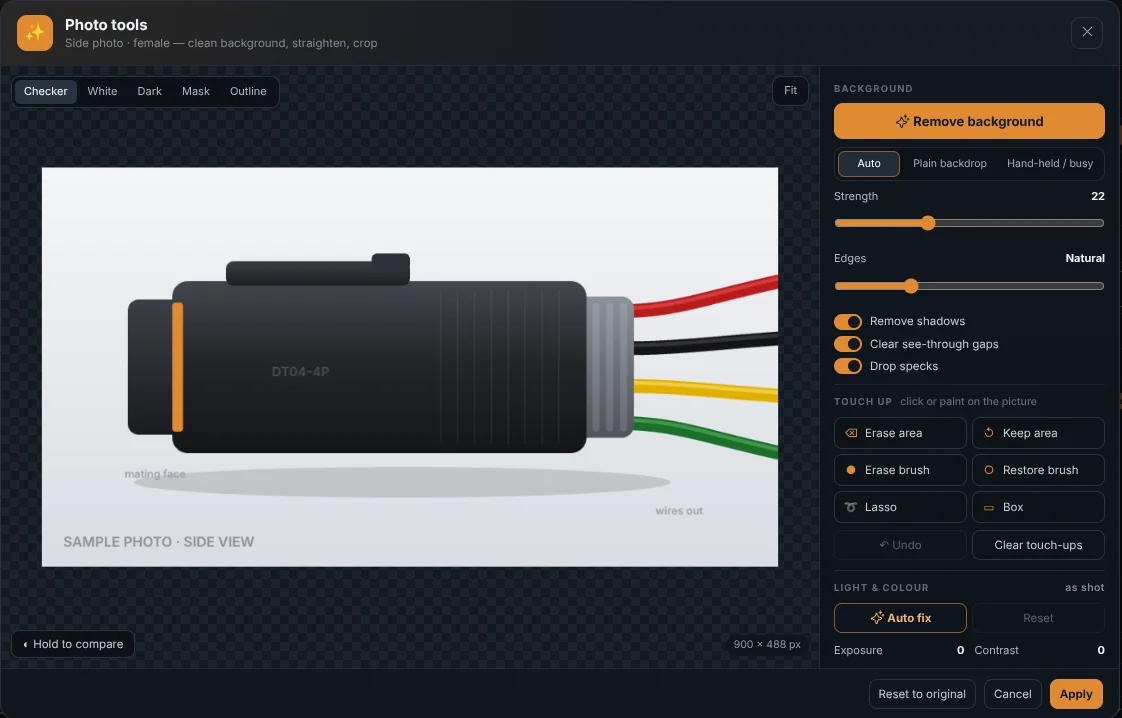
Snap a phone photo of any connector. The background remover runs fully offline — it clears the bench and the shadows and keeps the wires running off the edge. Click where the wires land and it’s a real part: on the sheet, at loom ends and on the BOM.
.jchlib file
PHONE PHOTOAFTER · REMOVED OFFLINE
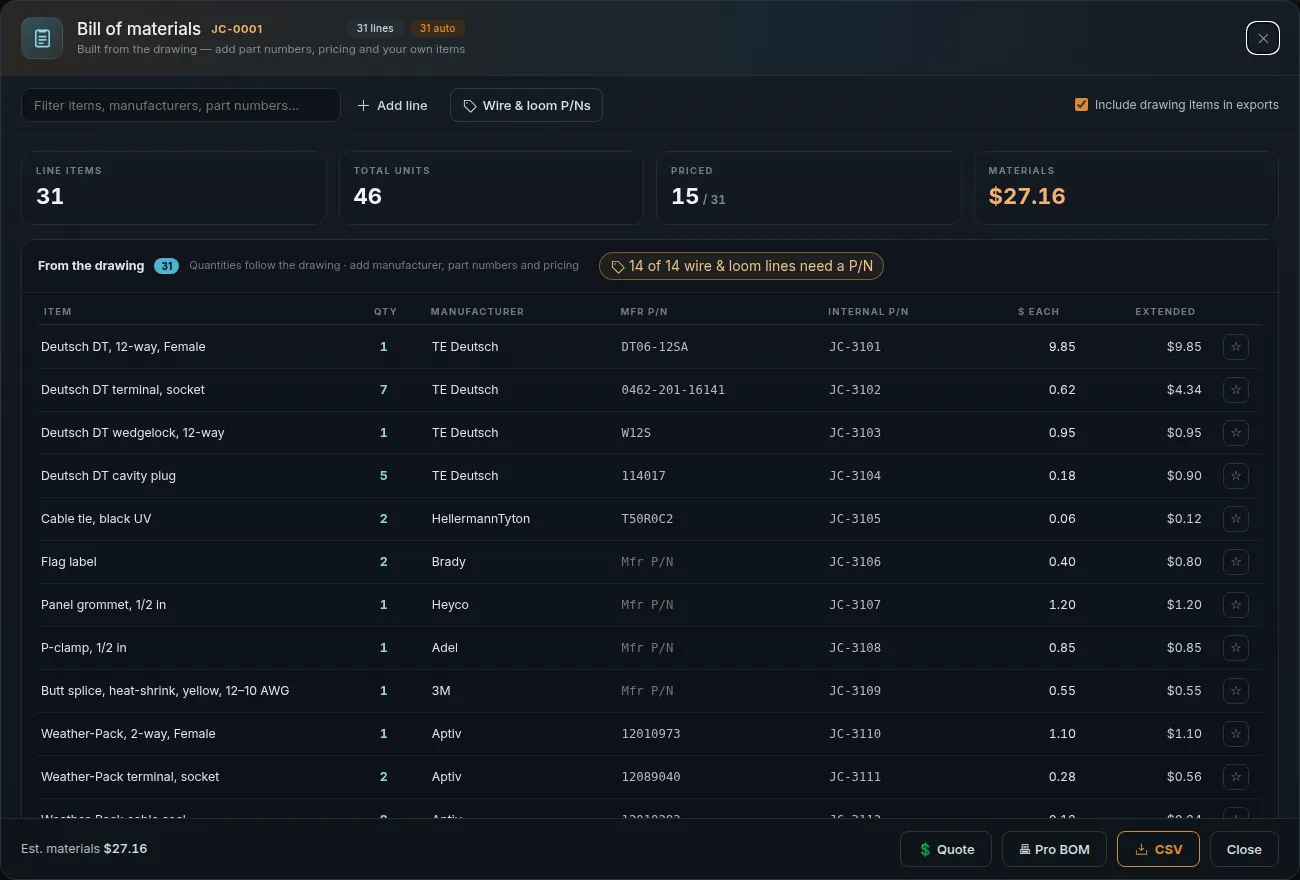
Housings, terminals, seals, wedgelocks, cavity plugs, splices, ties and wire by cut length all come straight off the drawing. Add manufacturer and internal part numbers once and save them as rules for every drawing.


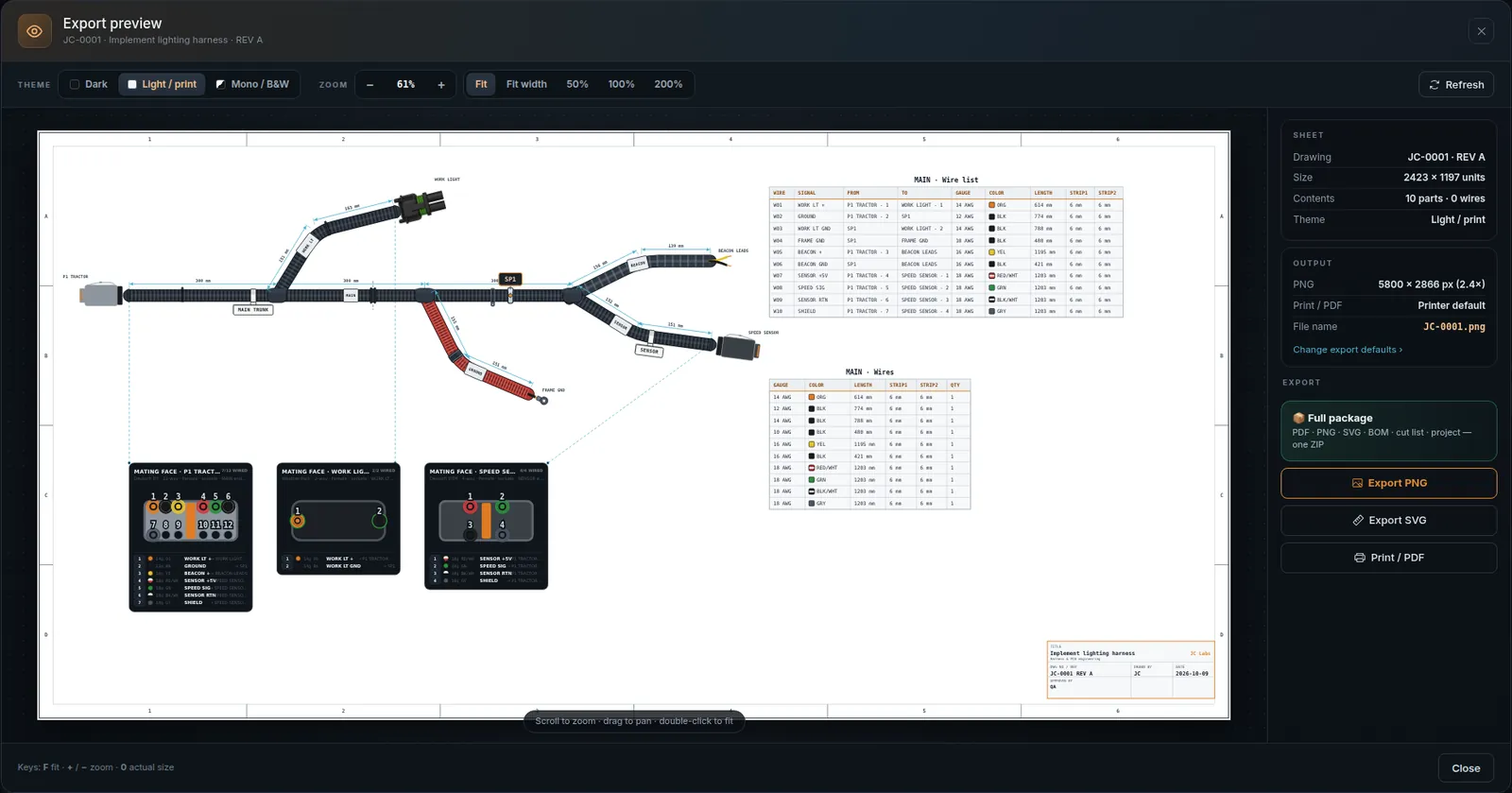
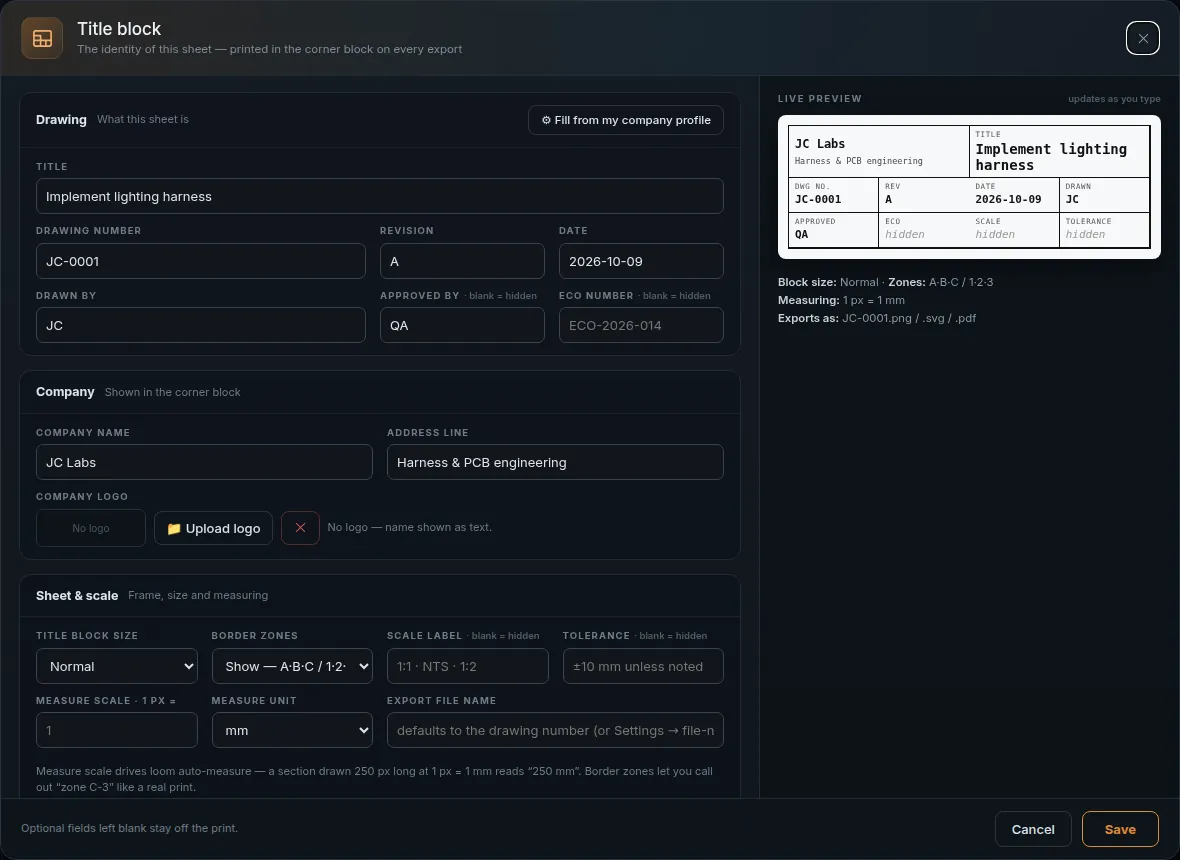
Every export is a finished, titled sheet — title block, border zones and your company profile with auto-numbered drawings. Preview it dark, light or mono, then build the whole package.

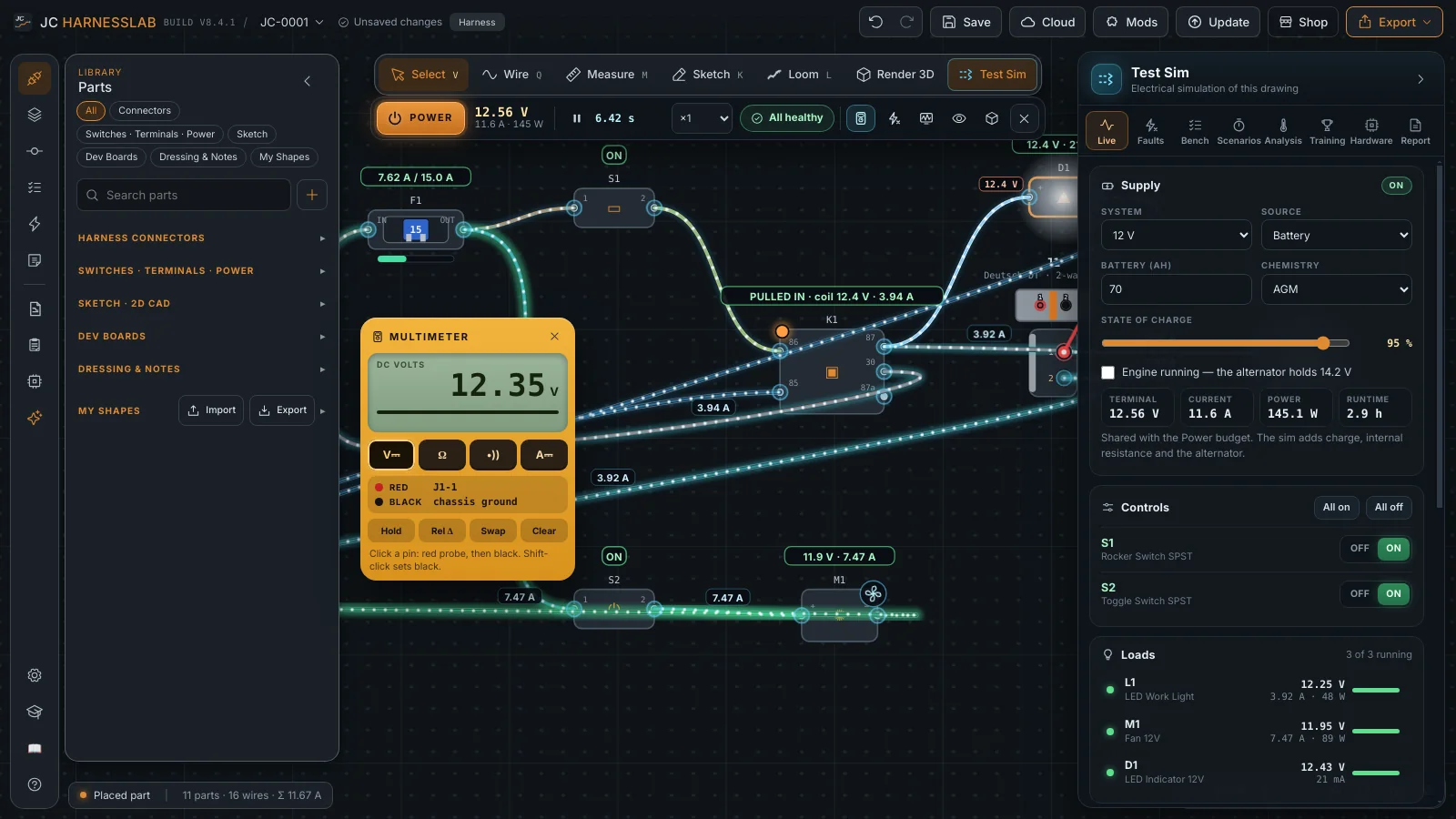
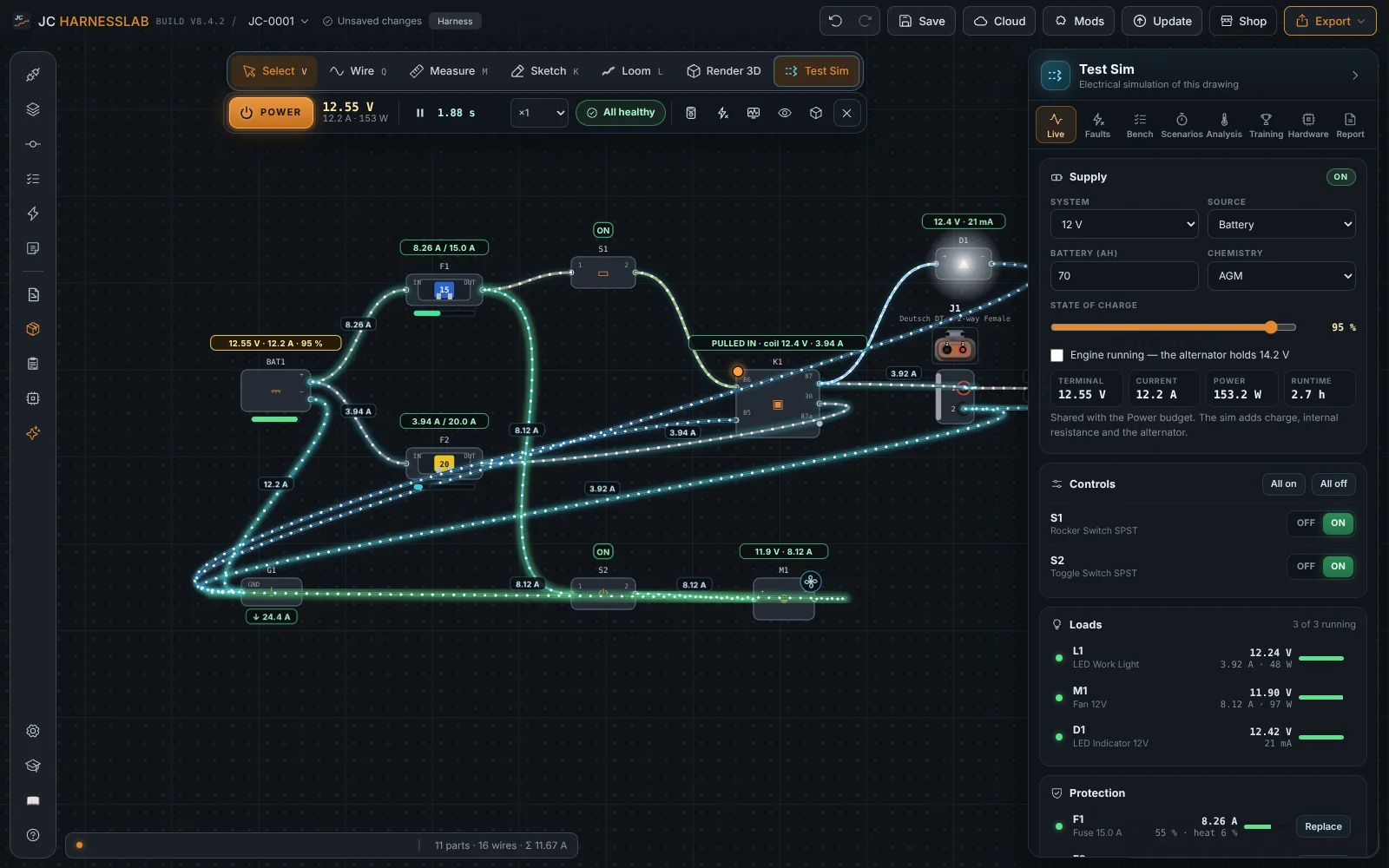
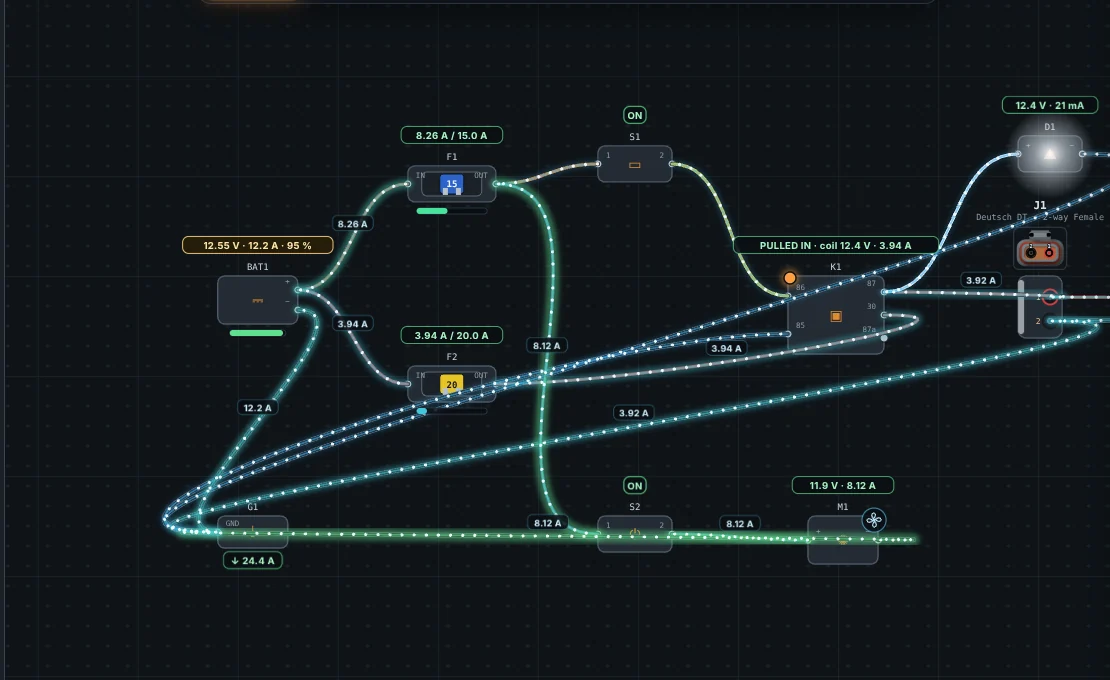
Test Sim turns the drawing into a live electrical model. Press Power and current flows along every wire, fuses heat up and blow, relays pull in and lamps glow — then break it on purpose and see exactly what fails.

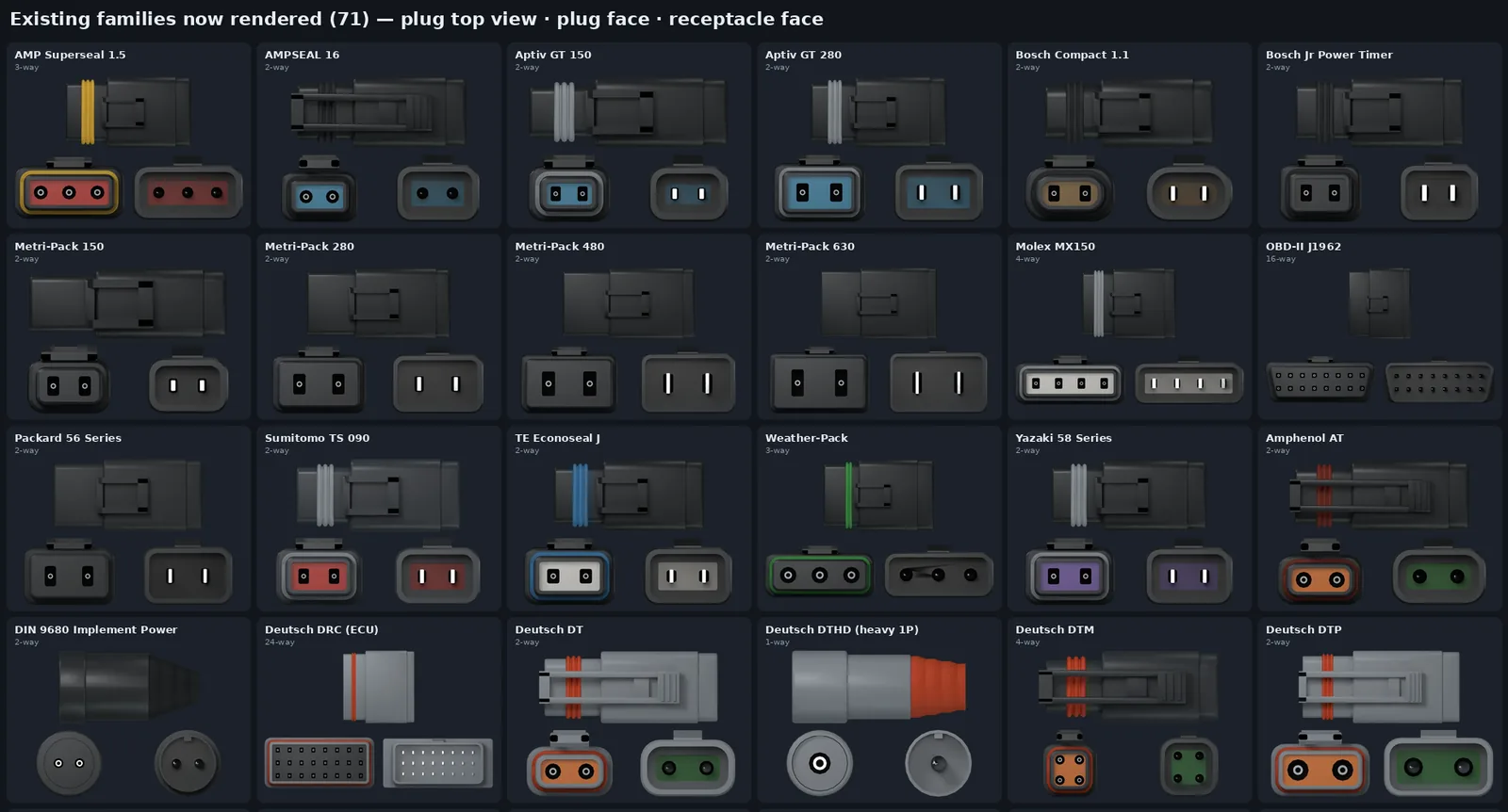
Every family in the library has a rendered picture of the real housing, a mating face with every cavity numbered and a 3D model in the Render Studio — for every pin count and both halves. Drop one on a loom end and it comes in at real size, with the wires fanning into its cavities.

Every Loom Studio connector end can show its wires — each one leaving the covering and running into its own cavity in its circuit colour — or run the covering right up to the connector under a boot. Whatever you set shows on the sheet and in the 3D render.

Everything below comes from the same drawing — change a wire and every list follows.
Give parts a current draw and undersized wires get flagged before they get hot.
Left, right, both or none, with arrowhead styles — dimensions that read like a real print.
Manufacturer and P/N for wire, braid, loom and any Auto BOM line.
Save any assembly — a fuse block, a lamp pigtail — and drop it into the next job.
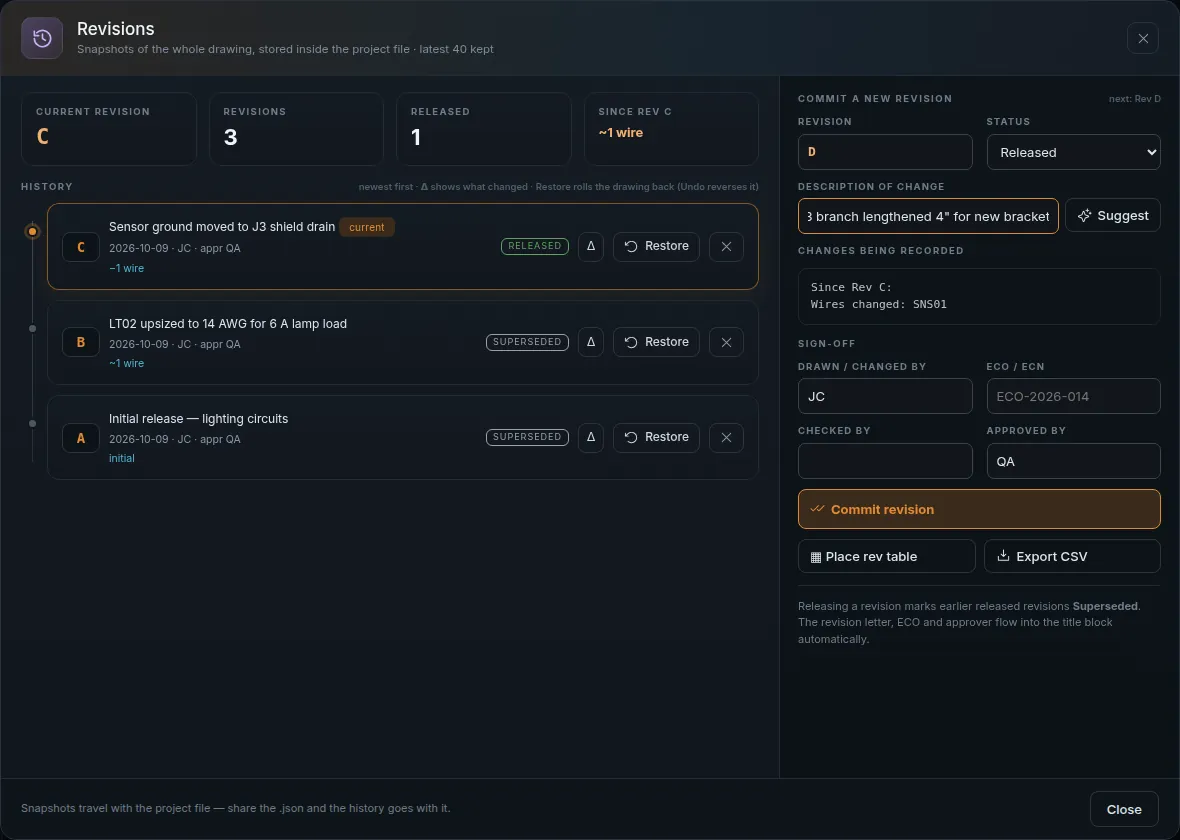
Commit, compare and restore. The revision log exports to CSV and rides along in the package.
Cut list, from/to, splices, segments and crimp tables that follow the harness as it changes.
Covering, trade size, tracers, shield, conductors and both ends — save your own presets.
Low-code .jchlmod add-ons for exports, BOM lines, design rules and more.
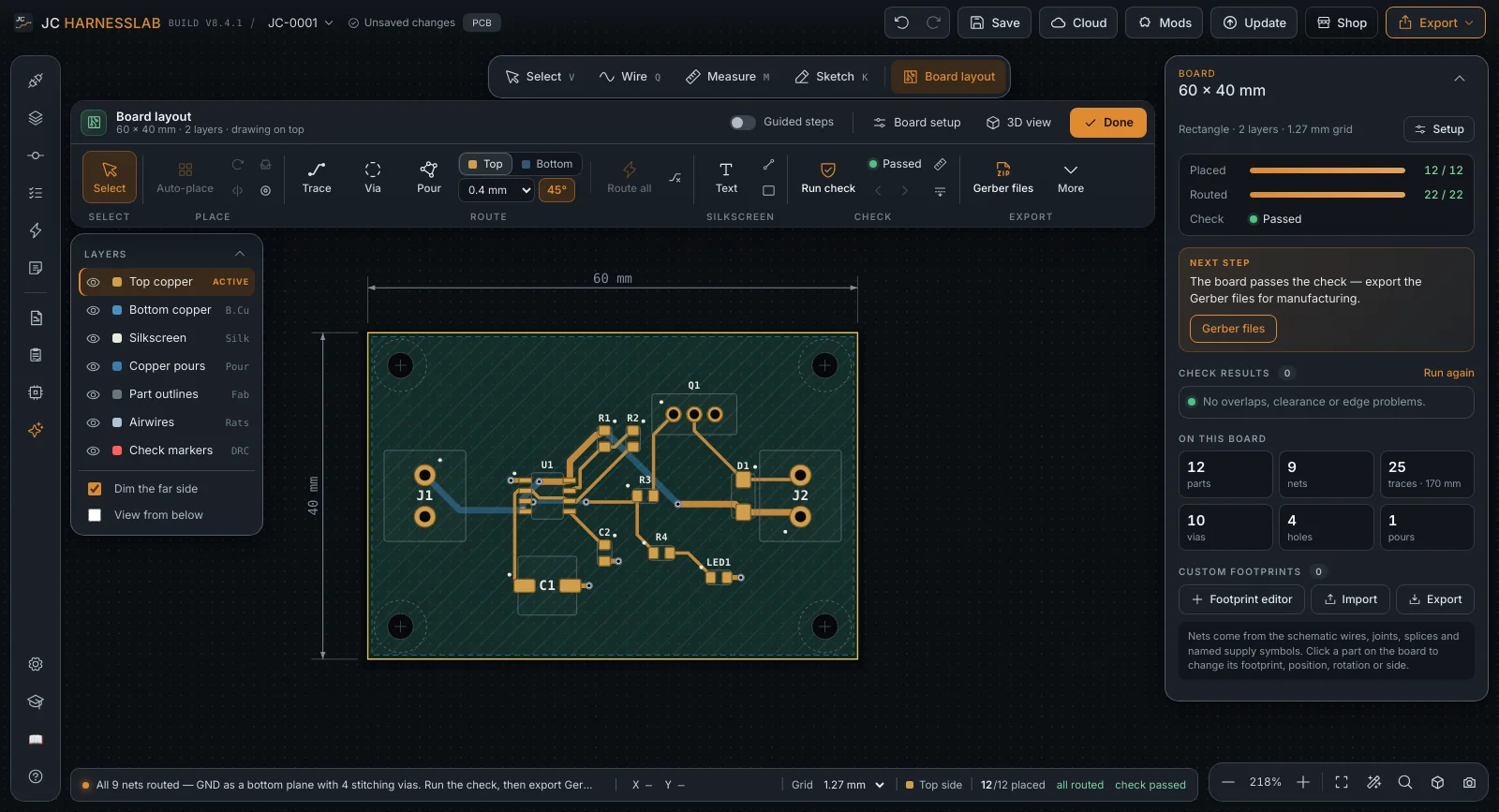
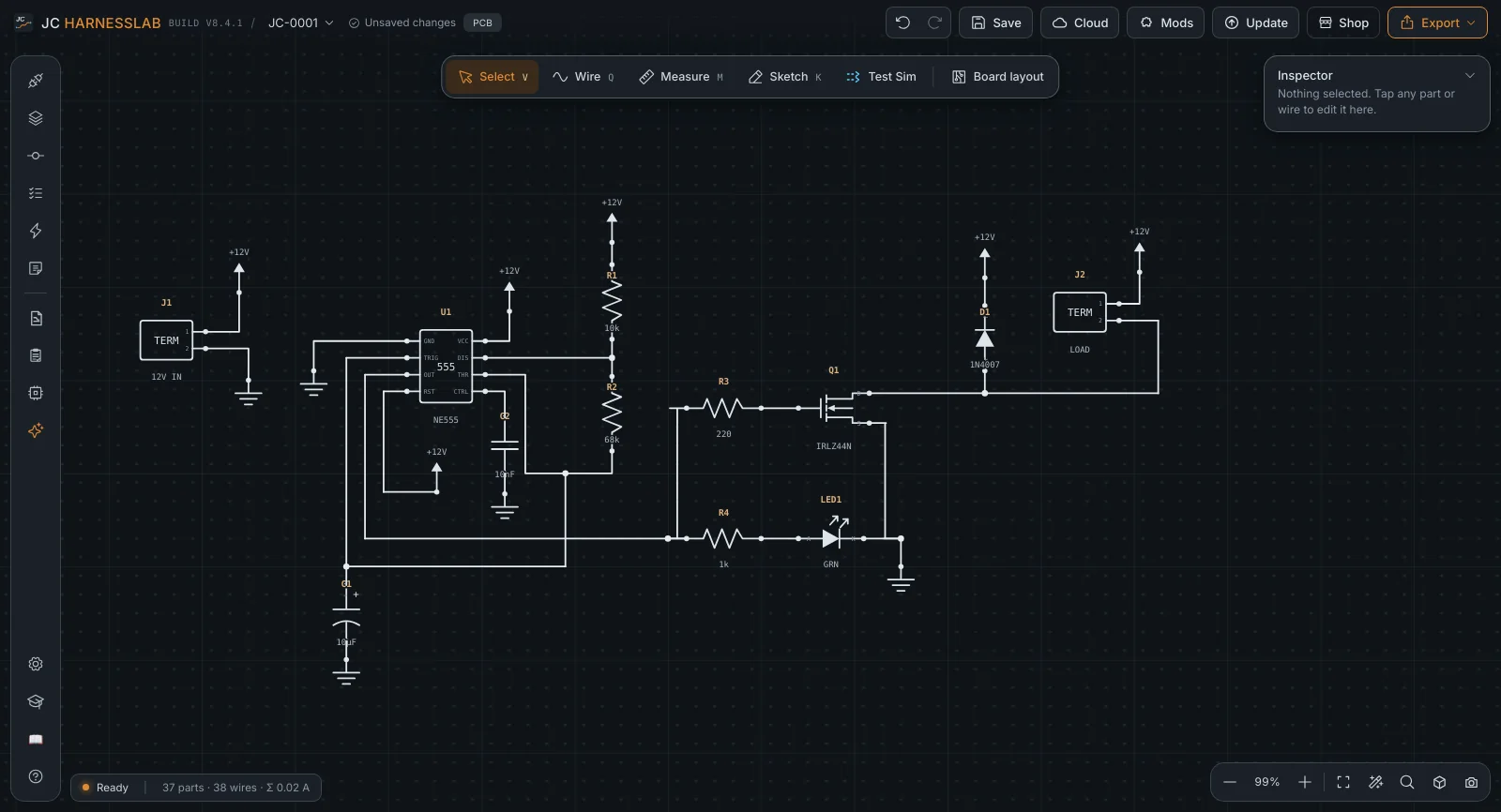
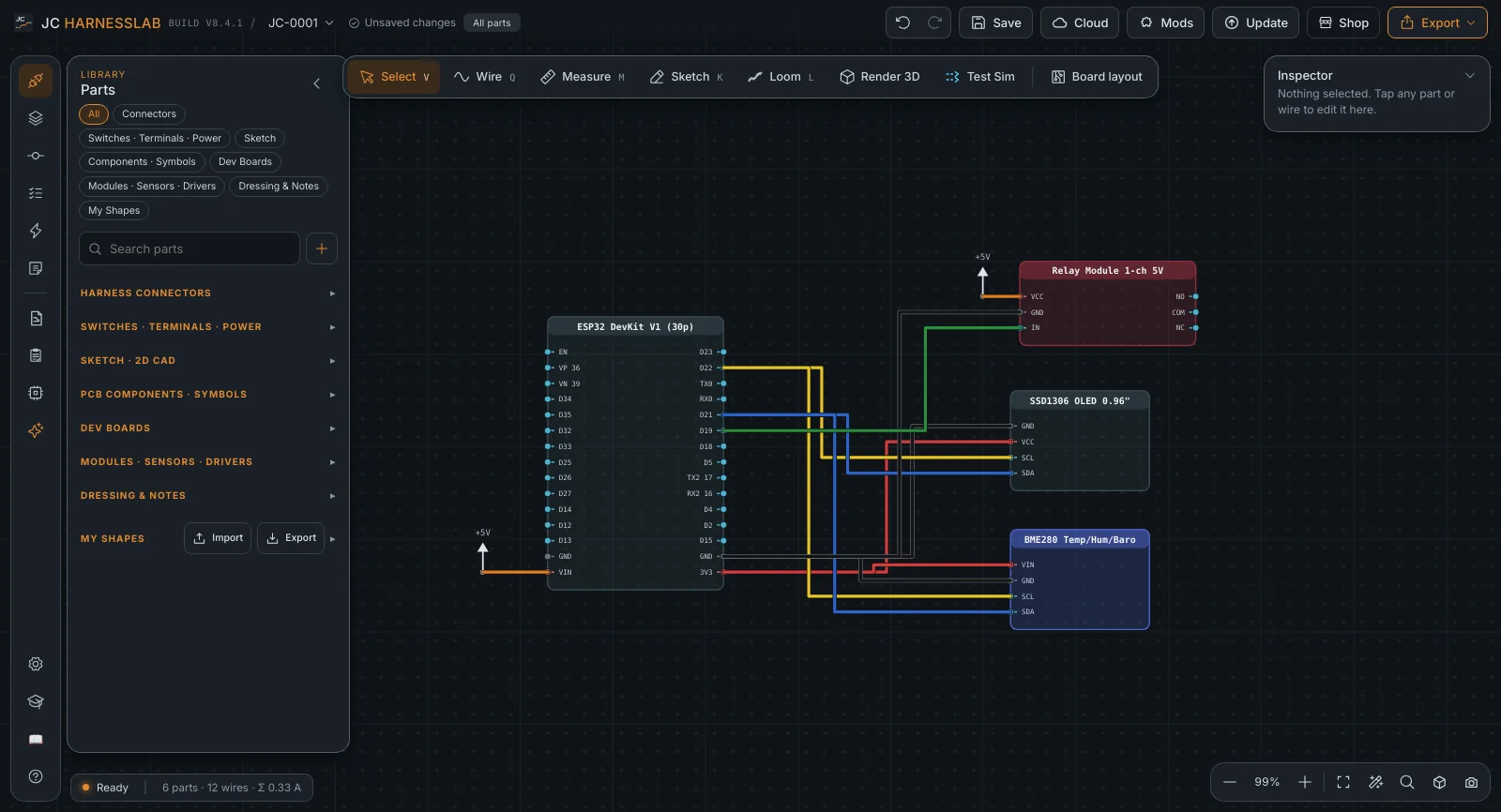
Draw the circuit with real symbols and named dev-board pins, push it to a board, route it and check it, spin it in 3D — then send Gerbers and a drill file straight to the fab house.
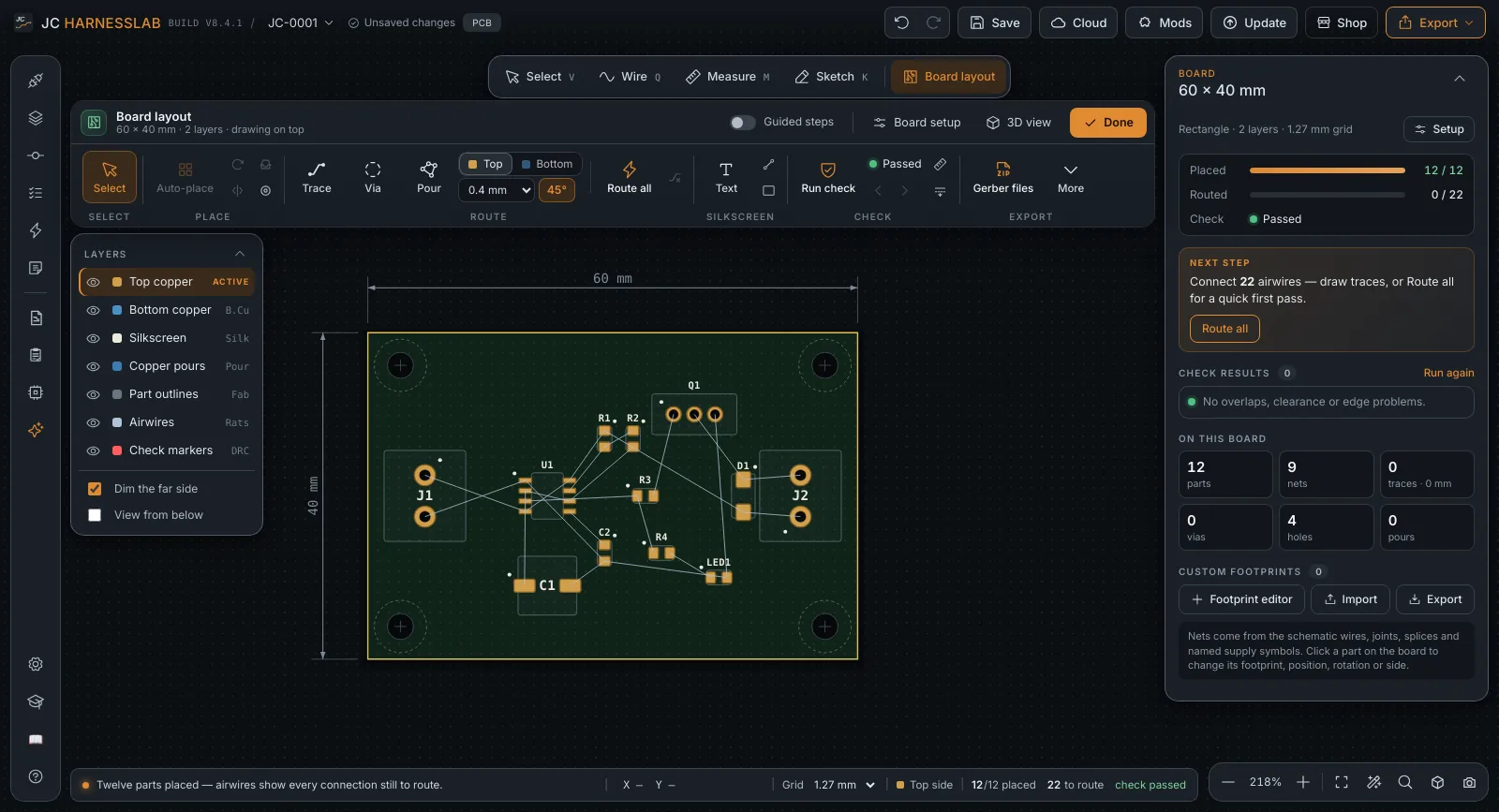
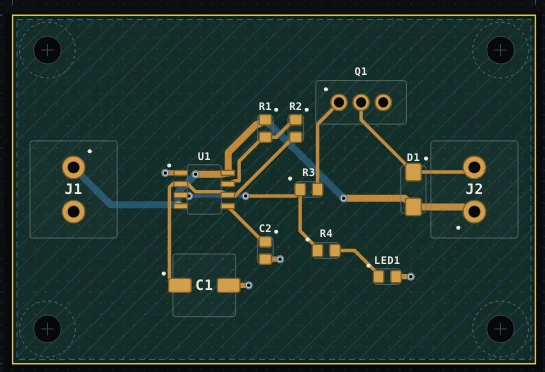
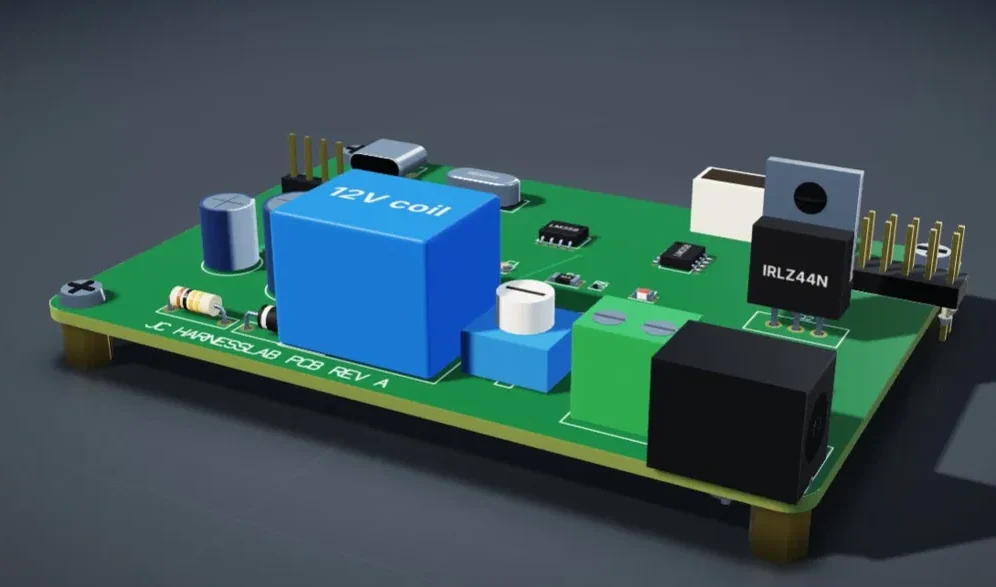
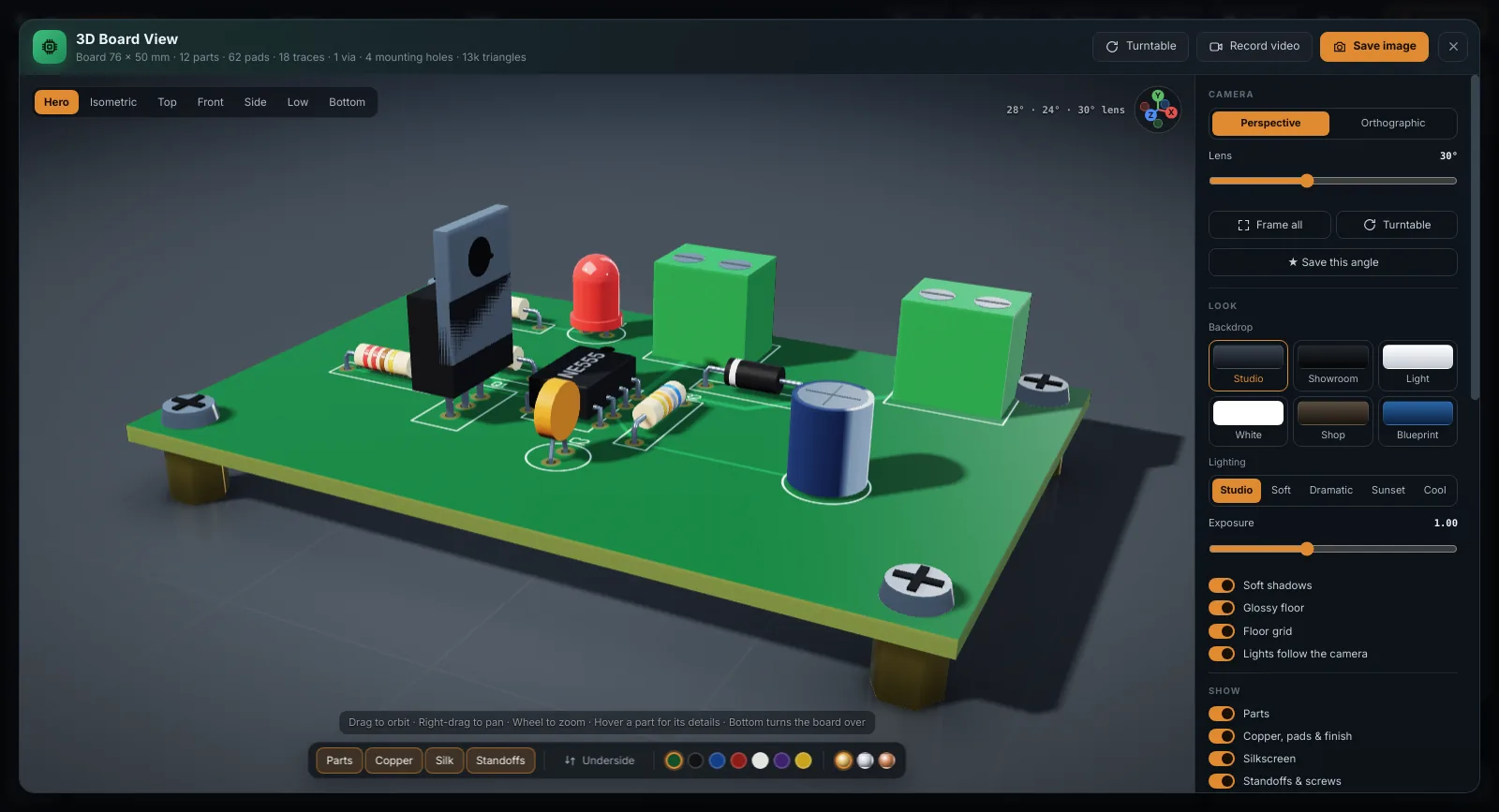
A 555 flasher / load driver on a 60 × 40 mm board: smart-placed, routed on two layers with a GND plane, ten vias and four mounting holes — check passed.

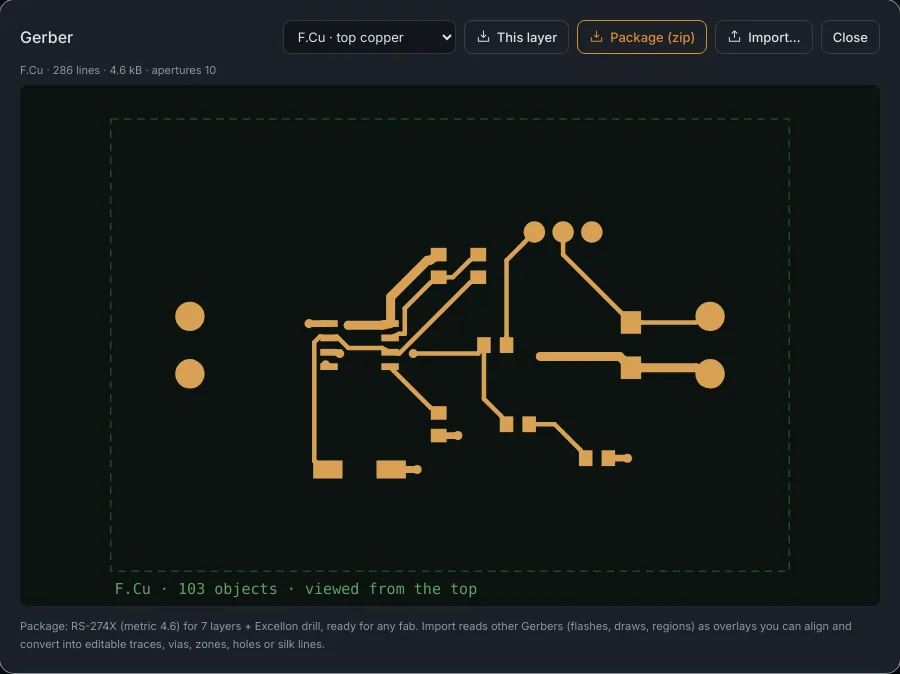
This is the same 555 board, layer by layer, drawn from the app’s own geometry. Each layer leaves as its own Gerber in the fab ZIP — hover one to lift it out.
275 symbols, each with an SMT or through-hole package — passives, diodes, transistors and MOSFETs, logic gates and flip-flops, regulators, op-amps, the 555, CAN and RS-485 transceivers, 46 processors with their support circuit, headers and terminal blocks. Wire pin to pin in colour; references number themselves.

Auto-place puts the connectors on the board edges and keeps the 555 with its timing parts. Route all then works both copper layers and vias, widens the power nets and pours ground on the bottom with stitching vias — and the check tells you what’s next.


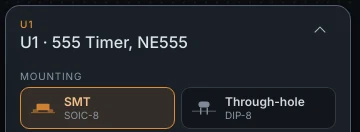
Symbols made in both packages switch with one click in the Inspector: SOIC-8 or DIP-8, 0805 or axial, SMA or DO-41, DPAK or TO-220. Switch one part or the whole board — the footprint, the BOM line and both 3D views follow.


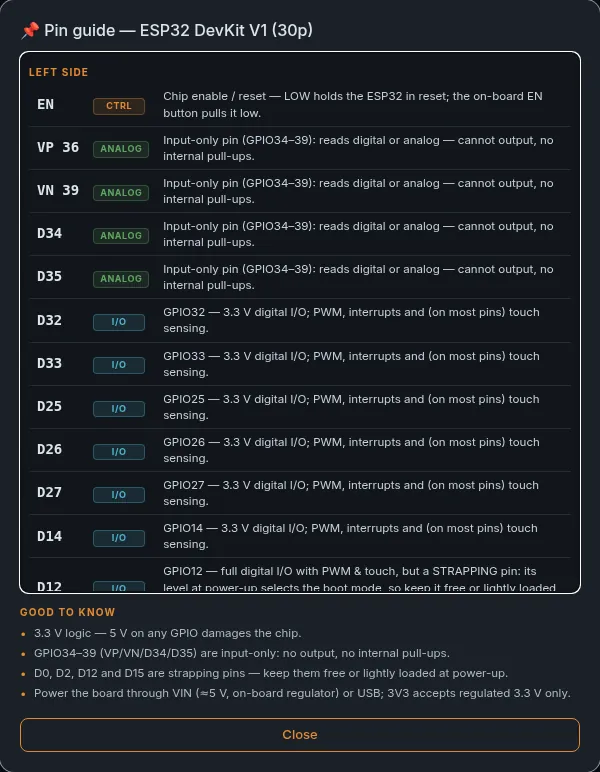
Arduino, the ESP32 family, ESP8266, Raspberry Pi and Pico, STM32 Blue Pill, Teensy and more — plus chargers, converters, IMUs, displays, relay boards, motor drivers, GPS and CAN modules.


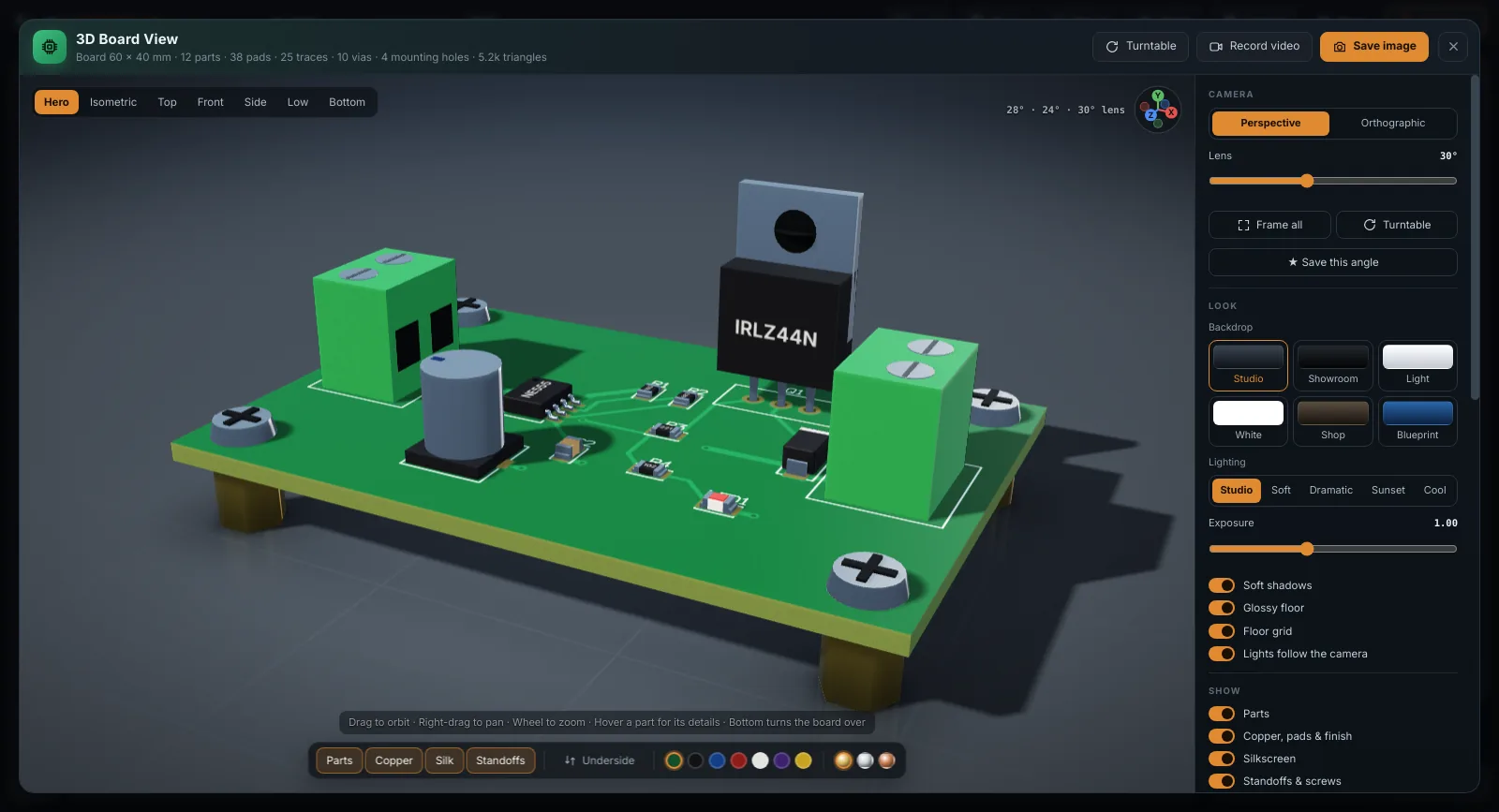
Check fit and clearance in 3D — hero, isometric, top, front, side, low and bottom views; toggle parts, copper, silk and standoffs, pick a backdrop and lighting, then save an image or record a turntable video for the customer or the build sheet.


Package RS-274X Gerbers for all seven layers plus an Excellon drill file, zipped and ready for any fab house. Preview every layer before you send it.

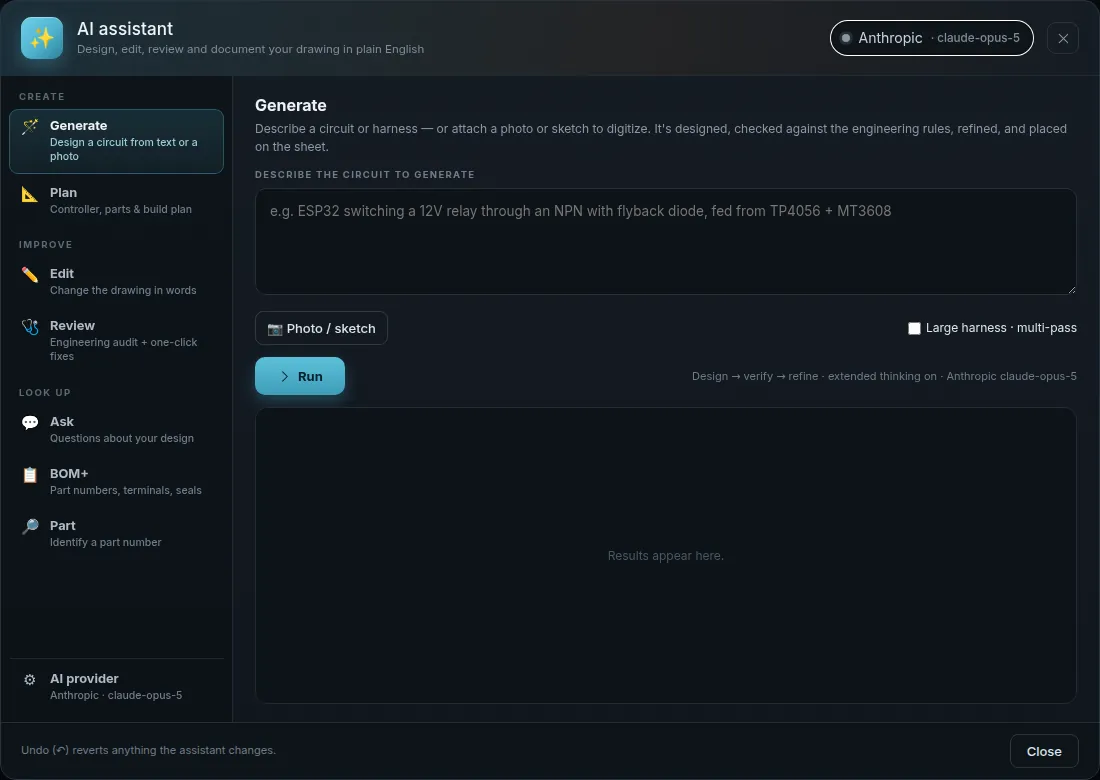
Type what you need — “ESP32 switching a 12 V relay through an NPN with a flyback diode” — and the assistant drafts the parts, the wires and an explanation. Review the plan, then add it to the canvas.

Straight from the board you just checked — no converters, no second program.
Generate a starting footprint or build it pad by pad; import and export between PCs.
Flip to the bottom side to place and route there.
Check every Gerber layer on its own before it leaves.
Load someone else’s Gerbers as overlays, align and convert to editable objects.
Pour zones, add silkscreen text and graphics, place mounting holes.
Rectangle, rounded or custom — drag outline corners and set a corner radius.
Power nets route wider automatically under your design rules.
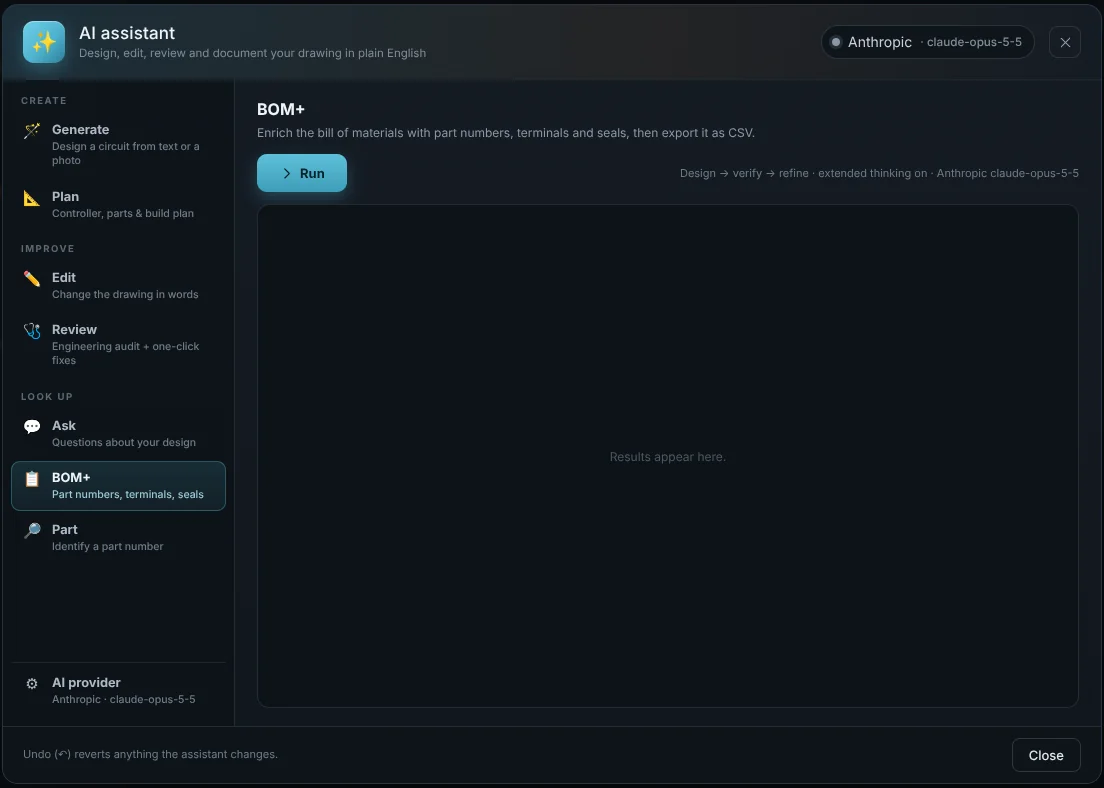
Let the assistant fill in BOM detail and write the firmware to go with it.
Every dialog is designed for the job — drag or swipe through a few of them.


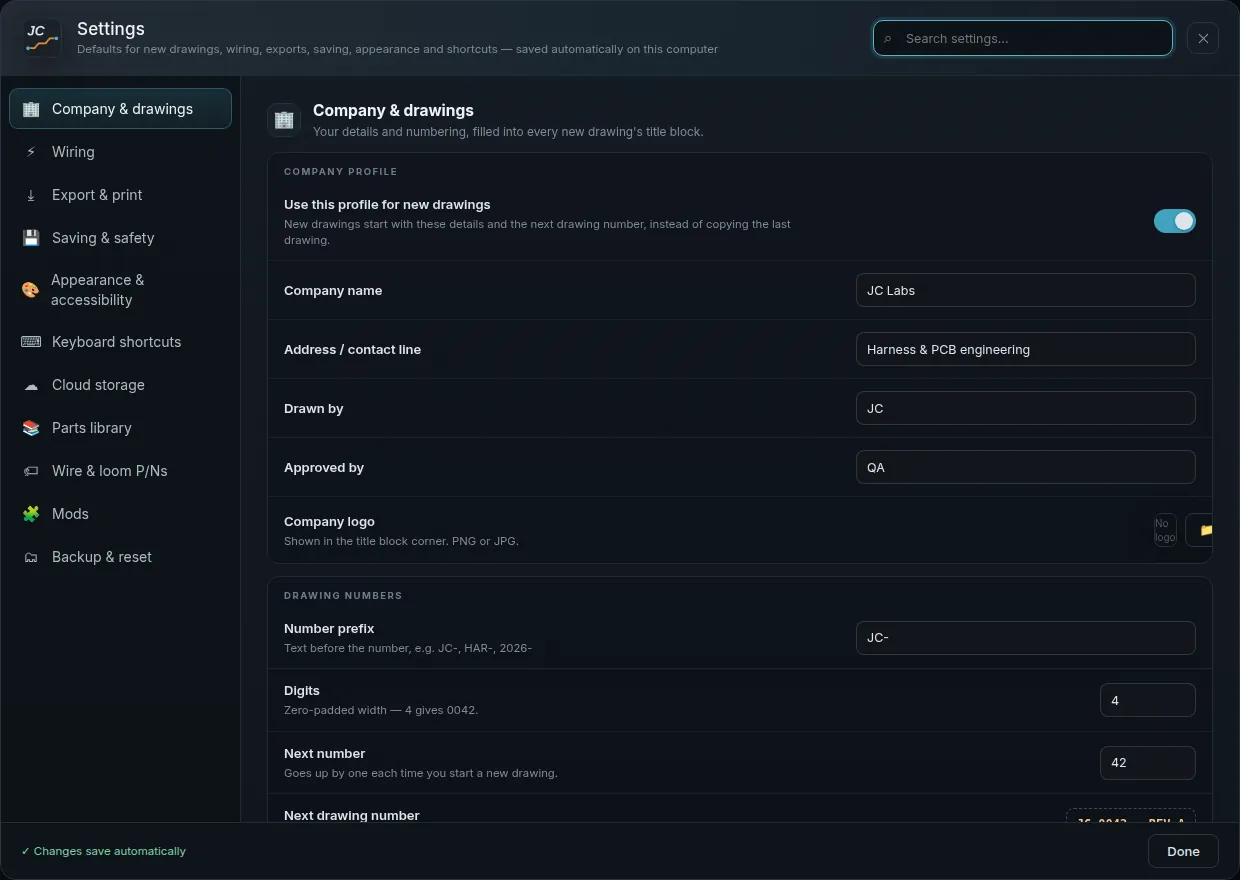
Switch workstations and the library and tools change to suit the job — nothing on your sheet moves. Draw the controller and the harness that feeds it in one drawing, one BOM and one package.
Connectors, terminals, switches, power parts, Loom Studio V2 and cut lists.
Schematic symbols, dev boards, modules, board layout and Gerbers.
Everything at once for mixed jobs — one sheet, one BOM.
Installs in a minute, runs entirely on your machine — try it free with the demo first.
Five steps, one file, no internet required. Place the parts, wire them, dress the cable, check it and ship the packet — without ever leaving HarnessLab.
Start from a library built for harness work — or bring your own. Search, favorite and drop parts onto the sheet; references number themselves as you go.
Drag from a pin to its mate, or tap-tap. Every wire carries its color, stripe, gauge, circuit ID, length and signal label, and the routing stays tidy on its own.
Paint the real cable in Loom Studio: split loom, braid, tape, heat-shrink or jacketed cable, with branches, ends and fittings — and lengths that measure themselves.
HarnessLab watches the electrical side while you draw, so problems turn up on screen instead of on the bench.
Every output is a finished sheet: title block, border zones, your logo and an auto-numbered drawing. One click bundles everything the floor and purchasing need.


REAL EXPORT PREVIEWSame harness, same five steps — captured straight out of JC HarnessLab v8.4.1.
Exported locally, named the way you set in Settings, and ready to hand off.
.json files you can back up and version.Try the free demo, or buy once and keep it forever.
Pay once and own the app — add Cloud storage, teams and HarnessLab AI whenever you need them.
Free HarnessLab account required — you’ll sign in first.
Installs to your PC with a Start menu shortcut. The right pick for your own workstation.
Free HarnessLab account required — you’ll sign in first.
One executable on a USB stick. Plug into a locked-down machine on the floor and work.
Want a ping the day it ships? Tap the button and leave your email.
The app is pay once, use forever.
Add it when your team needs it.
Until you choose to sync them.
Keep projects and part libraries in sync across your PCs and share them with your team — right from the app’s ☁ Cloud button. Monthly, cancel any time. Your HarnessLab license stays yours either way.
Free HarnessLab account required — you’ll sign in first.
Teammates you invite don’t need their own plan — just a free account and their own HarnessLab license. Cancel any time: your space turns read-only so you can still download everything.
How Cloud works →The ✨ assistant in HarnessLab, ready to go — no API key, no setup. Design, edit, review and document your drawing in plain English. Monthly, cancel any time.
An add-on for JC HarnessLab (Installer or Portable Edition) — subscribe with the same email you bought HarnessLab with. You’ll sign in to your free HarnessLab account first.
ESP32 switching a 12 V relay with a flyback diode, plus a status LED.
Here’s a plan for your sheet:
Pay once for HarnessLab and keep it. Add Cloud or the AI assistant only if you want them — monthly, cancel any time.
Same HarnessLab, two ways to run it. Both are yours to keep.
Purchases need a free HarnessLab account — you’ll sign in first so your download, license and updates land in one place. The demo needs no account.
Optional monthly add-ons that work with either edition. Cancel any time — the app stays yours.
Pick what you need and see exactly what you’ll pay — today and each month.
Each item is its own secure checkout. Start with the app, then add plans here or from your account any time.
The app does the work. Add-ons are there when you outgrow one PC or want a co-pilot.
| Installer | Portable | + Cloud | + AI | |
|---|---|---|---|---|
| Design | ||||
| Harness, schematic & PCB design | ||||
| Loom Studio & Connector Studio | ||||
| Live tables, BOM & quotes | ||||
| One-click full export package | ||||
| Running it | ||||
| Works fully offline | ||||
| No install or admin rights | with Portable | with Portable | ||
| Updates within the major version | ||||
| Cloud & teams | ||||
| Sync projects & libraries across PCs | ||||
| Version history & 30-day trash | ||||
| Shared team space & roles | Team plan | |||
| AI assistant | ||||
| ✨ Assistant with your own API key | ||||
| ✨ Assistant with no API key needed | ||||
| Price | $129.99 | $149.99 | from $6.99/mo | $9.99/mo |
No. The Installer and Portable Edition are one-time purchases — pay once and keep using them. Only the optional Cloud and AI add-ons are monthly, and you can cancel those any time.
Same application, different delivery. The Installer sets HarnessLab up on your own PC with a Start menu shortcut. The Portable Edition is a single program you run from a USB stick on any shop or lab PC, with no install and no admin rights.
Your free HarnessLab account is where your download, license, updates and any Cloud or AI plan live. Signing in first means everything lines up with the same email. The free demo needs no account.
Your cloud space turns read-only, so you can still download everything. Your HarnessLab license and the files on your PC aren’t affected.
No. The assistant also works with your own Anthropic or OpenAI API key at no extra cost — you pay your provider directly. HarnessLab AI is for people who don’t want to set up a key.
Yes — your purchase includes updates within the current major version.
Try the free demo, or get HarnessLab and keep it for good.
Your receipt is in your inbox now, and your download link follows by email shortly. Here’s how to get running.
Your payment receipt arrives right away. We send your download link for JC-HarnessLab-Setup.exe by email shortly after — usually within a few hours. Check spam if you don’t see it, and make sure the email you paid with is one you can reach.
Installer: double-click JC-HarnessLab-Setup.exe and follow the prompts.
Portable: unzip the folder to your USB stick and run the .exe inside. Windows SmartScreen may ask first — choose More info › Run anyway.
Launch it from the Start menu, the desktop shortcut, or straight off the stick. No sign-in, no internet needed — it runs entirely on your machine.
A ten-minute walkthrough, start to finish.
Every key, by mode.
155 guides, searchable.
Real feedback from people designing harnesses and boards with JC HarnessLab — and a place to leave your own.
Using JC HarnessLab? Be the first — your review will appear right here.
Purchase history, re-downloads and the latest updates — all in one place.
Haven’t bought yet? See pricing or try the free demo. You can create an account first — purchases made with the same email show up automatically.
Always the newest build of every edition you own — download it again whenever you need it.
| Order | Date | Product | Total | Status |
|---|
Your HarnessLab AI and Cloud plans — when they renew, the card they use, and cancel or resume.
Checkout uses this account’s email so your plan links automatically. Just subscribed? Press Refresh my plan. How Cloud works
Open and save straight from the app’s ☁ Cloud button, keep 10 versions of every file, and share connector libraries with up to 4 teammates.
Check out with this account’s email so the plan links up. Just subscribed? · Compare plans
Prices, checkout links, and timed sales with crossed-out prices and a countdown.
The promotion bar above the menu, the home page badge, and News posts.
Falling snow, autumn leaves, Halloween and more over the site, or a seasonal mix that changes by itself.
Publish new builds of the free demo and JC Harness Studio. No redeploy needed.
Release notes on the Support page, with Latest and Coming-soon tags.
Roadmap items and columns, plus feature suggestions waiting for review.
Reply as the team, and hide or delete reviews that don’t belong.
Who has the AI plan (paid or complimentary) and how much each account uses this month.
Everyone who asked to hear when JC Harness Studio updates, with sign-up dates.
Admins: . Super admins come from the ADMIN_EMAILS setting in Netlify (default: the site owner’s email) and can grant admin access to other verified accounts.
Ask questions, share your harnesses and help each other build better.
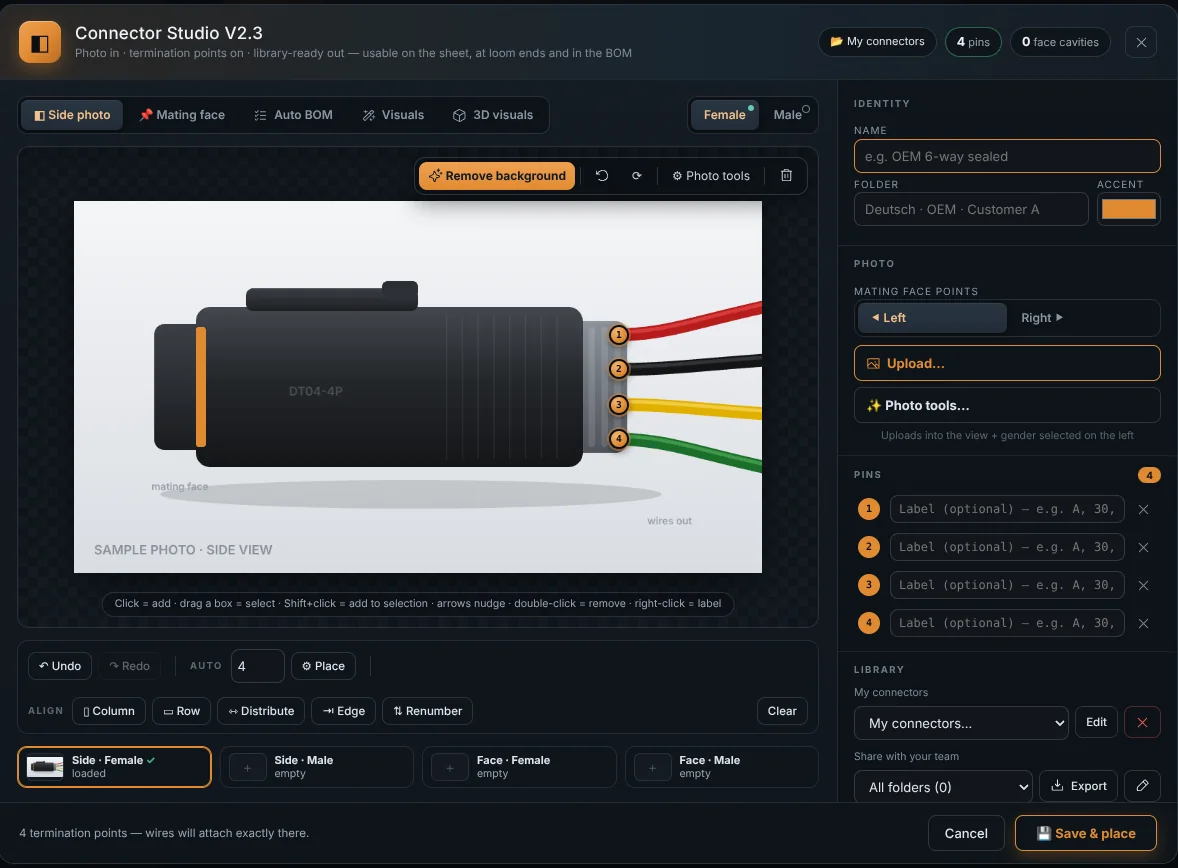
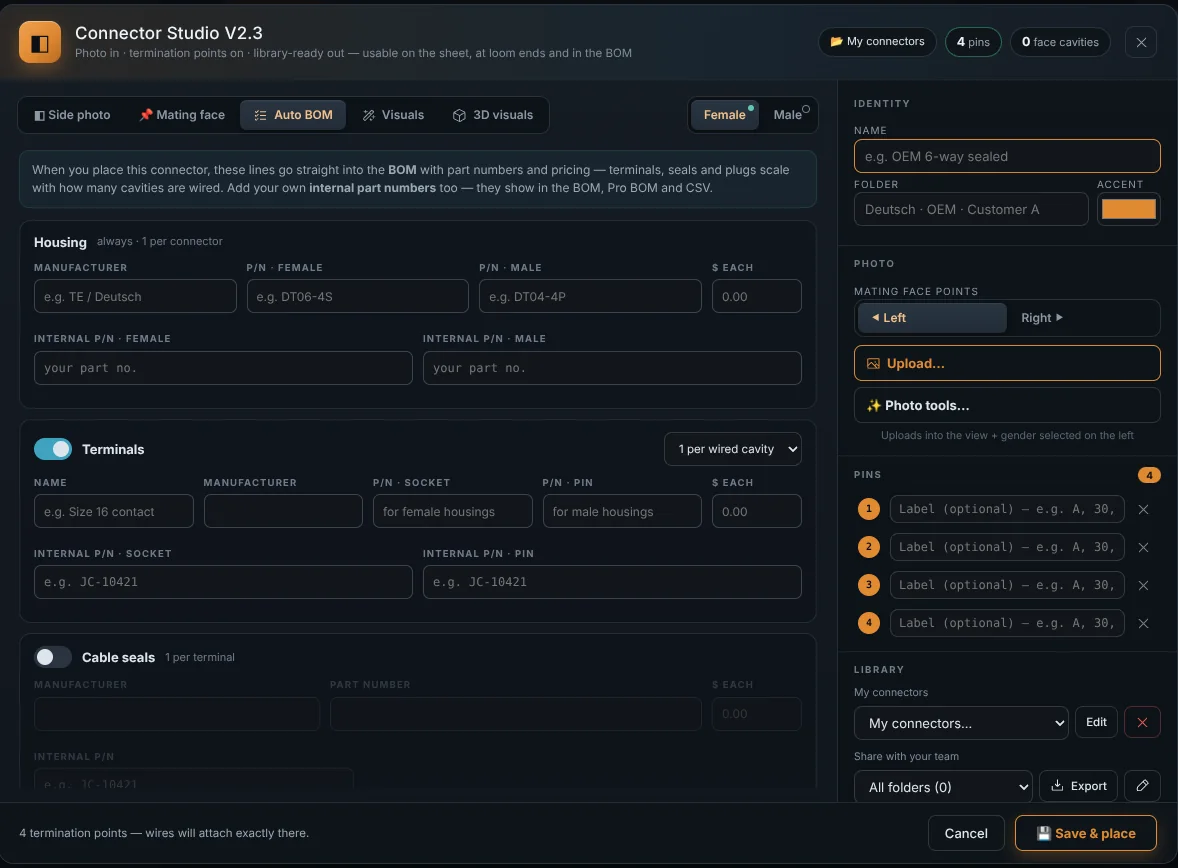
Can’t find your part in the library? Photograph it. Connector Studio turns a side photo and a mating-face photo into a real HarnessLab connector — live pins on the sheet, numbered cavities, its own bill of materials and a true 3D model.

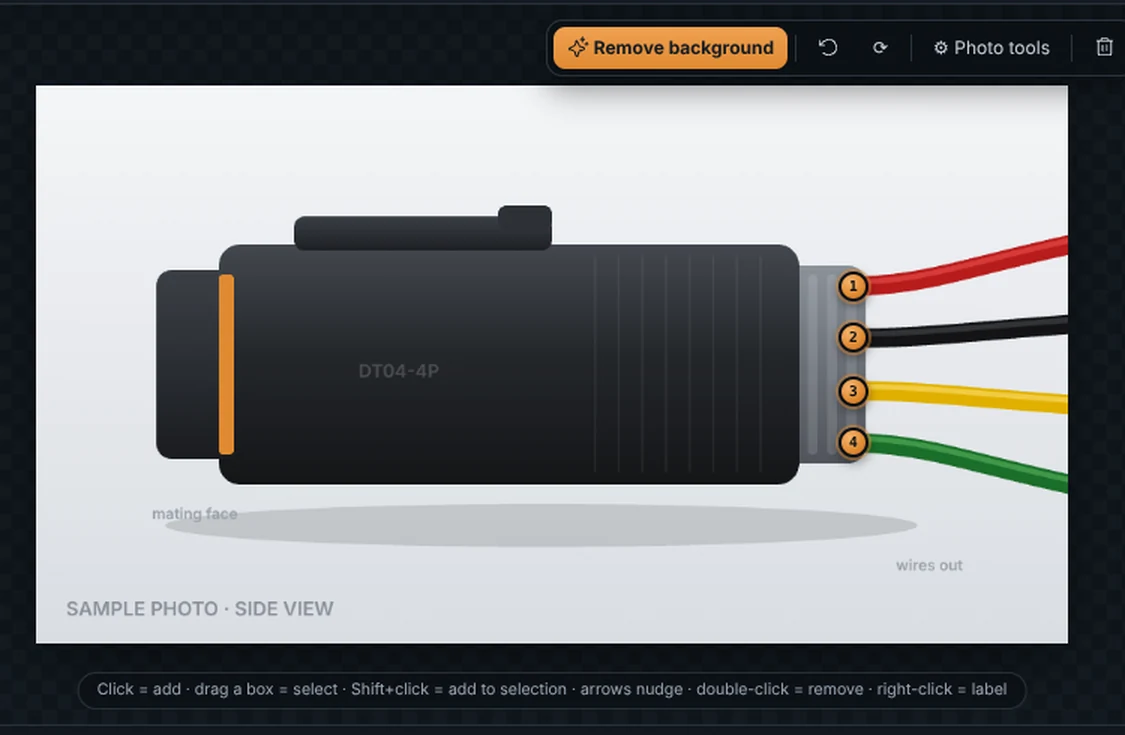
Upload a side photo — or drop it on the canvas — and tell HarnessLab which way the mating face points. Click each spot where a wire enters; those points become live pins that wires snap to on the sheet, on loom ends and in the BOM.

Remove background runs right on your computer, offline. It handles a part on a bench or a cutting mat, and even a part held in your hand in front of a busy workshop, then you can rotate, straighten and touch it up.

Tell the connector what it brings to the bill of materials: housing part numbers for both halves, a terminal per wired cavity, cable seals, a wedge lock, cavity plugs for the empty ones and a boot or backshell — each with manufacturer and price.

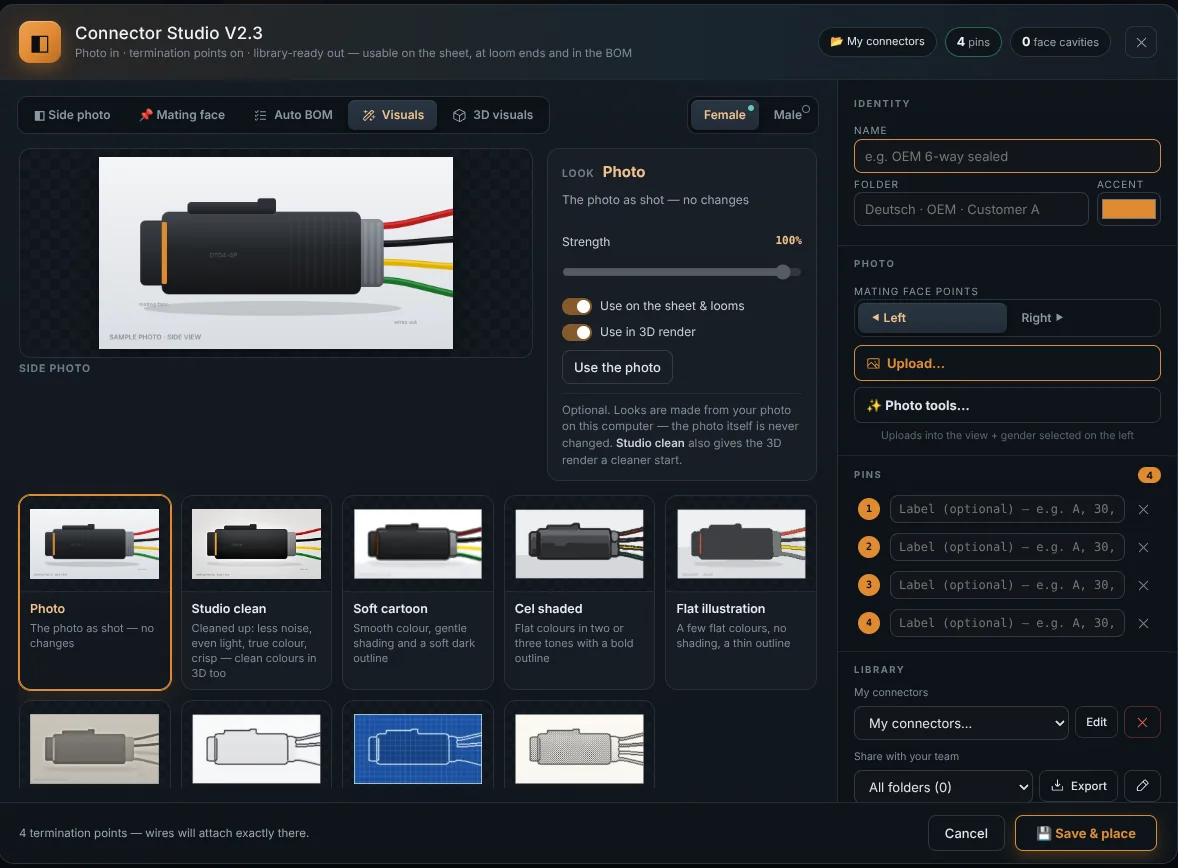
Keep the photo as shot, or give the connector a look that matches your prints: studio clean, soft cartoon, cel shaded, flat illustration, matte clay, line art, blueprint or pencil sketch. Pins and cavities never move.

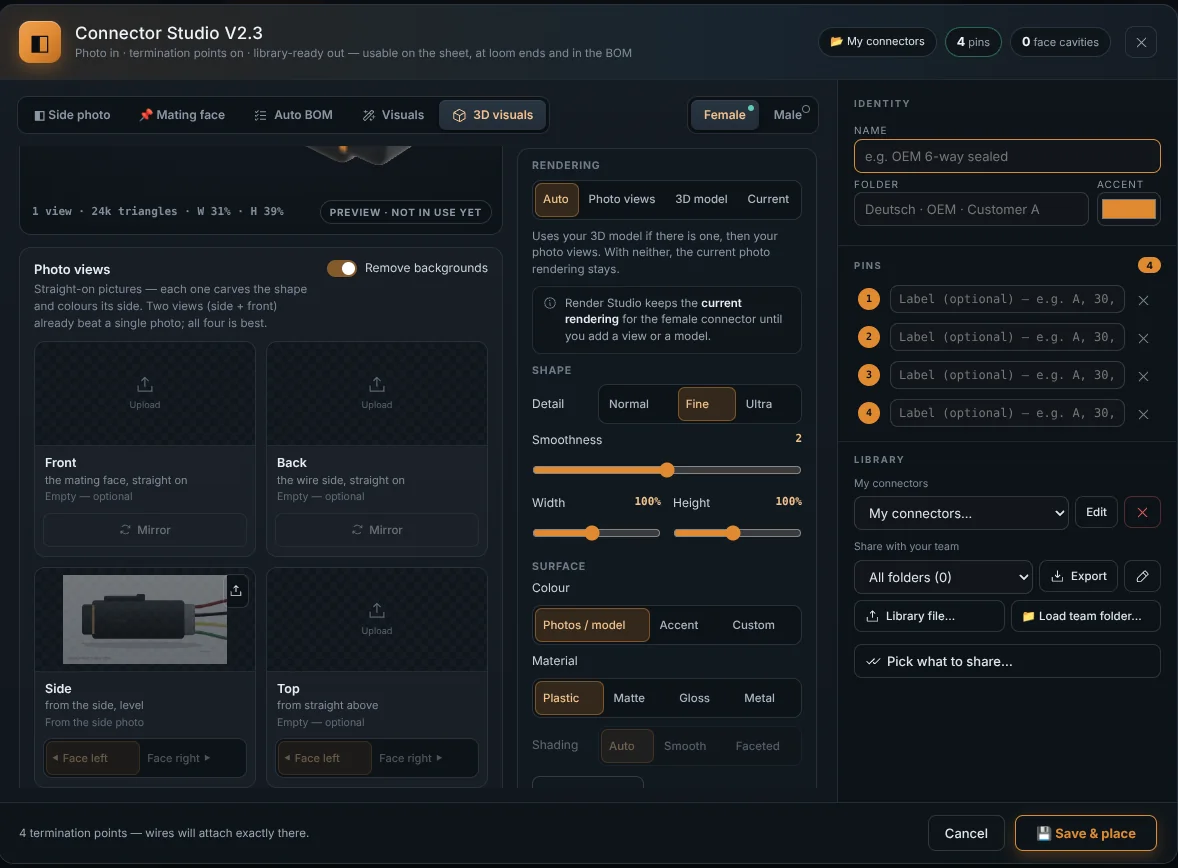
Add front, back, side and top photos and HarnessLab carves a real 3D shape from them — or upload the manufacturer’s 3D model. A live preview orbits it while you set the shape, colour and surface.

Before you photograph anything, check the library: every family has a rendered picture, a numbered mating face and a 3D model, for each pin count and both halves — automotive, heavy-duty, wire-to-board, power and data.

Saved connectors sit in your library under their own folder. Export a folder as one .jchlib file, keep a shared folder on a network drive or OneDrive and everyone loads it with Load team folder. You can also publish them in the community Shop.
The free demo is the full HarnessLab 8.4.2 editor with the whole parts library — only the clean output is held back until you buy. Install it, open the guides and try it on a real job.
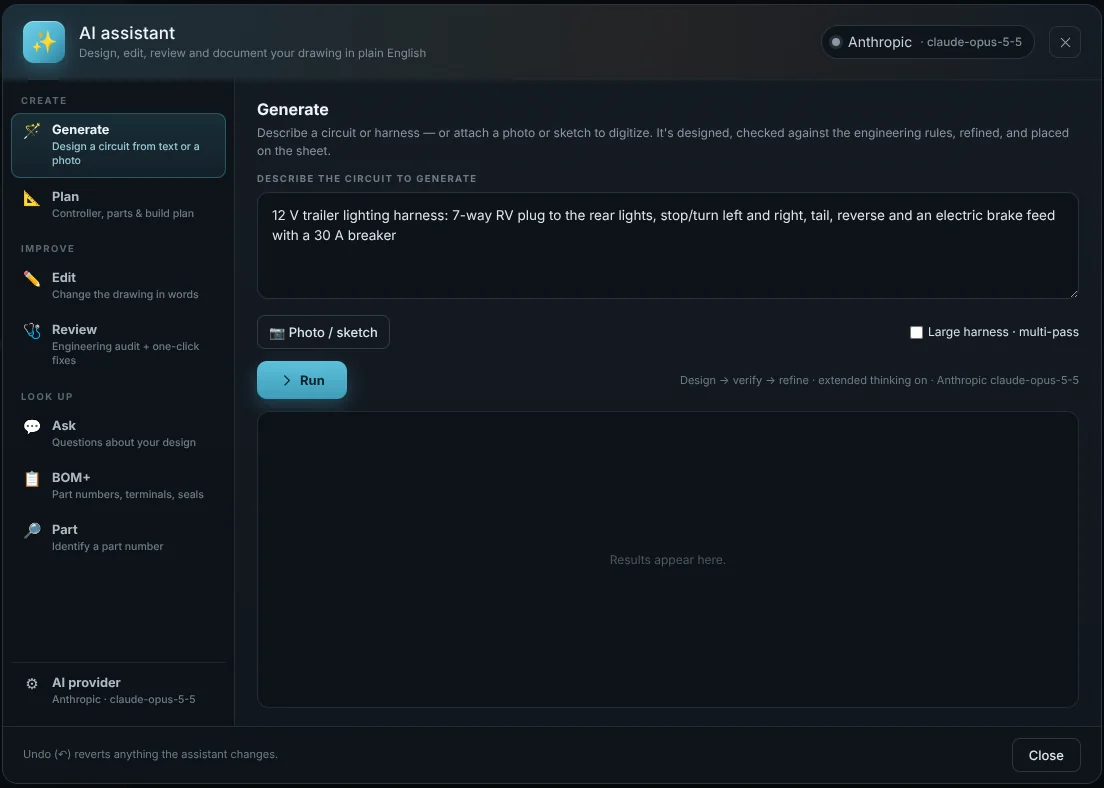
The built-in AI assistant designs, edits, reviews and documents your drawing in plain English. Every result is checked against the engineering rules before it lands on your sheet, and one Undo takes it back.

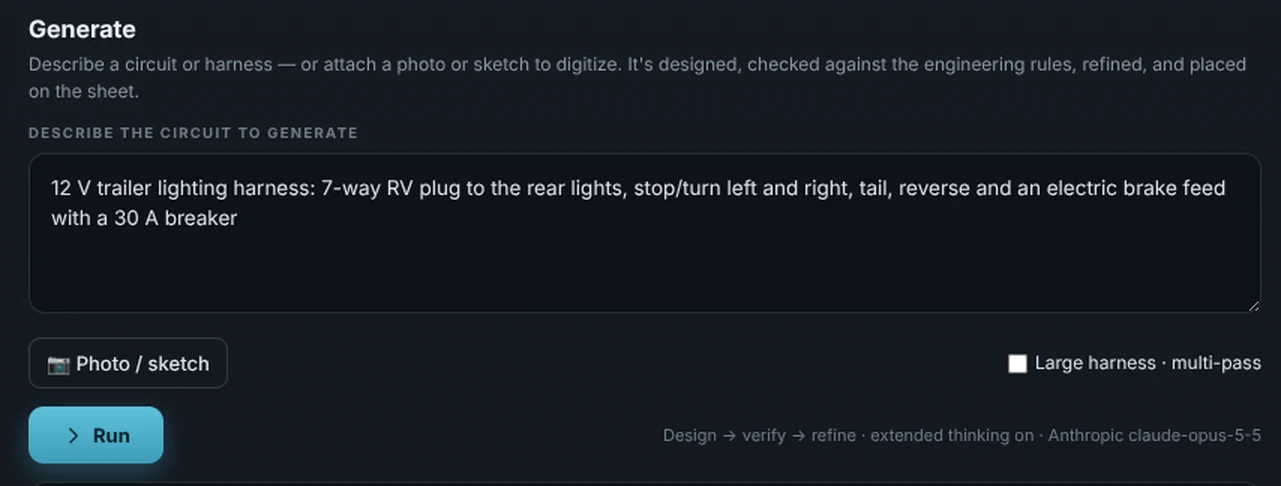
Describe the circuit or harness, or attach a photo or sketch to digitise. The assistant designs it, checks it against the engineering rules, refines it and places it on the sheet — parts, wires and an explanation of what it did.

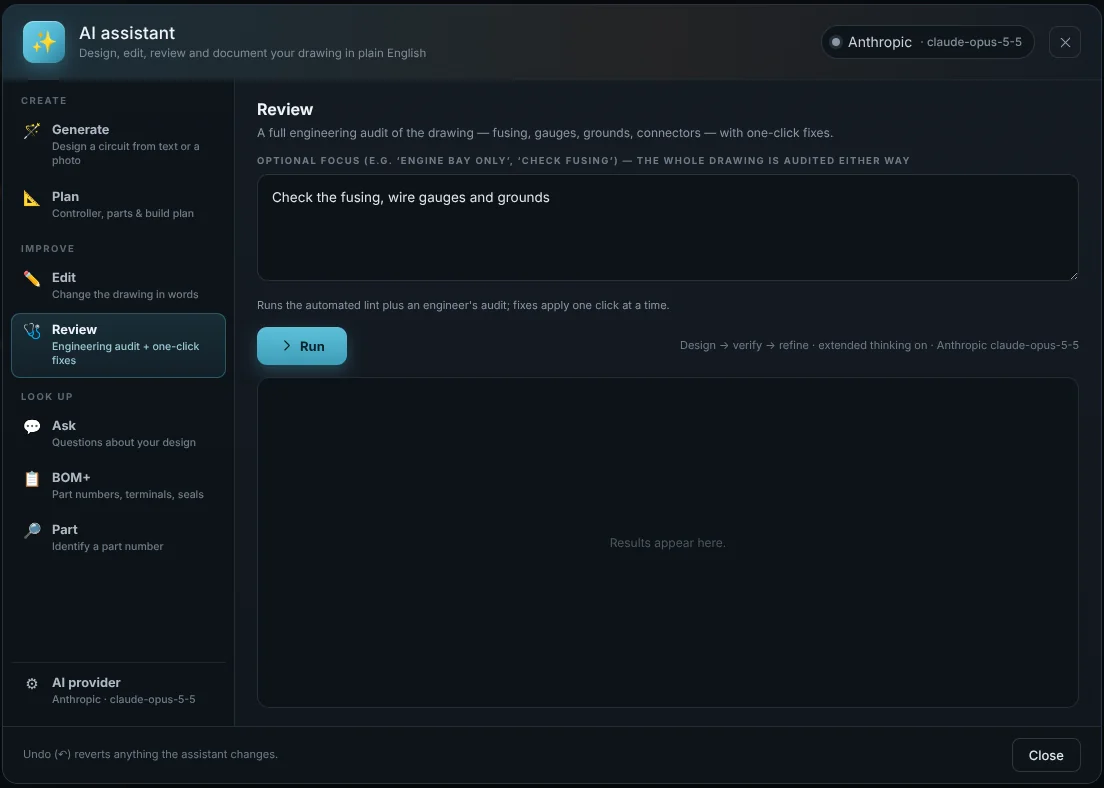
Review runs the automated checks plus a full engineering audit of the drawing — fusing, gauges, grounds and connectors — and lists what it finds. Each fix applies with one click, one at a time, so you stay in control.

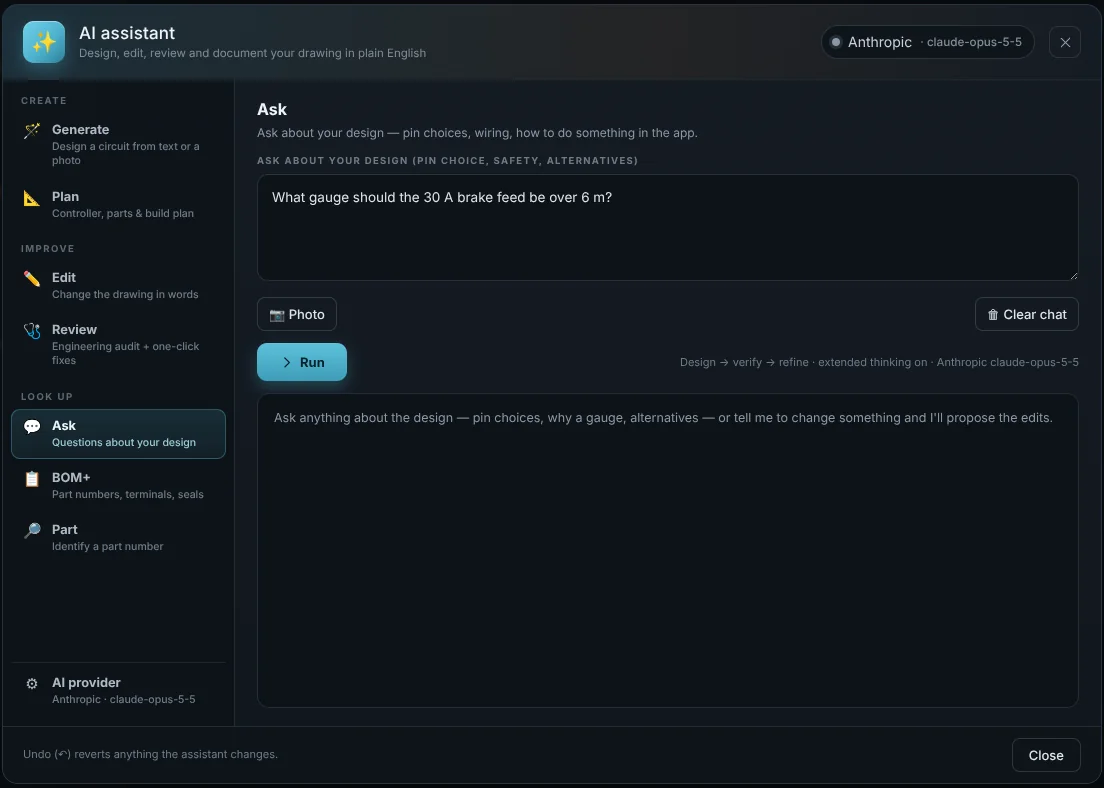
Ask about pin choices, wire sizing, safety or alternatives — or how to do something in HarnessLab. When you ask for a change, it proposes the edit and you decide whether to apply it.

BOM+ fills in the detail a purchasing department asks for: part numbers, matching terminals and seals. Part identifies a part number for you. The enriched BOM saves as CSV.

HarnessLab AI switches the assistant on with nothing but your jcharnesslabs.com sign-in — a monthly allowance that resets on the 1st, with Sonnet 5.5 for everyday work or Opus 5.5 for the biggest harnesses and reviews. Prefer your own Anthropic or OpenAI key? Pick it in AI provider; calls go straight from your computer to the provider you choose.
The free demo is the full HarnessLab 8.4.2 editor with the whole parts library — only the clean output is held back until you buy. Install it, open the guides and try it on a real job.
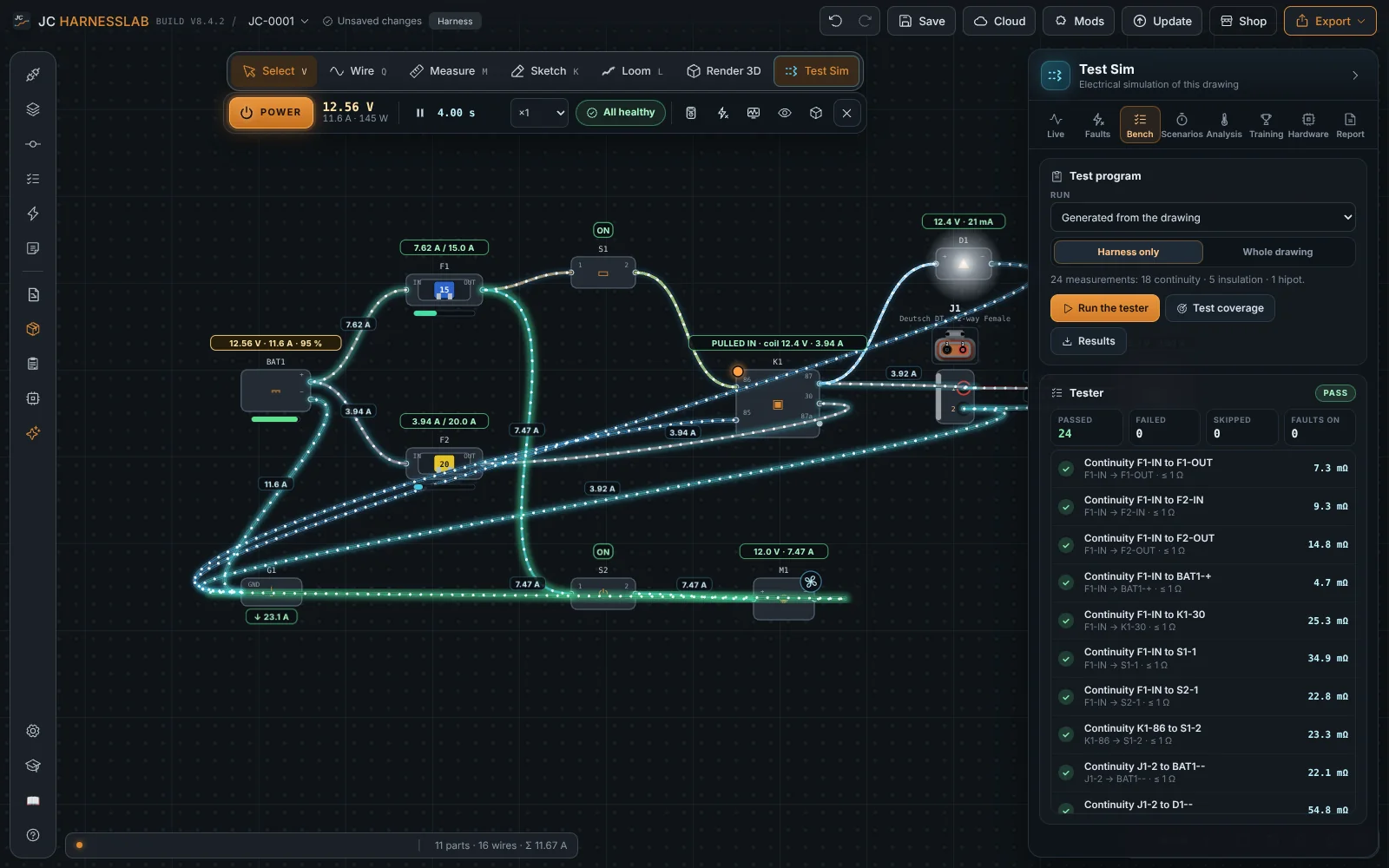
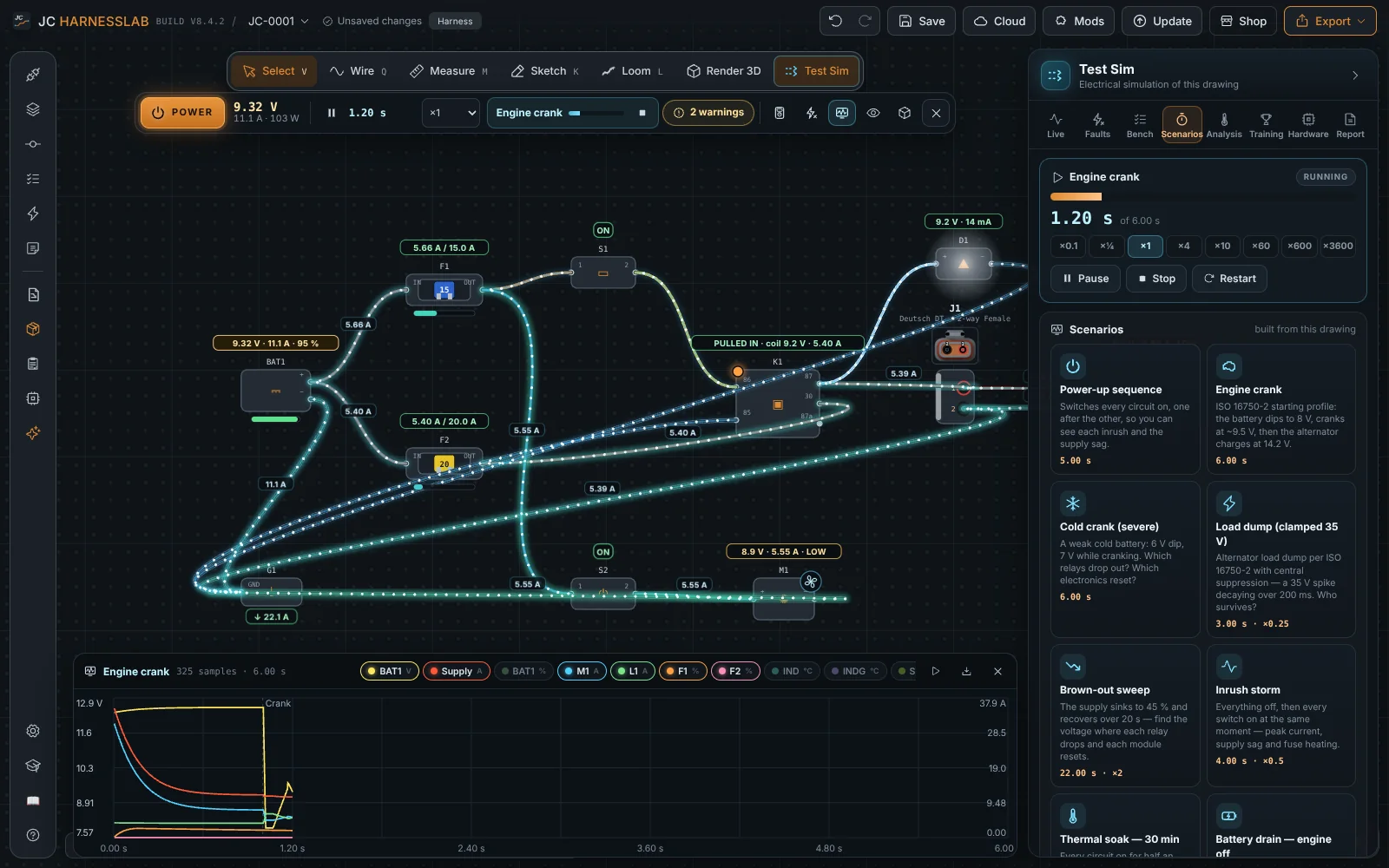
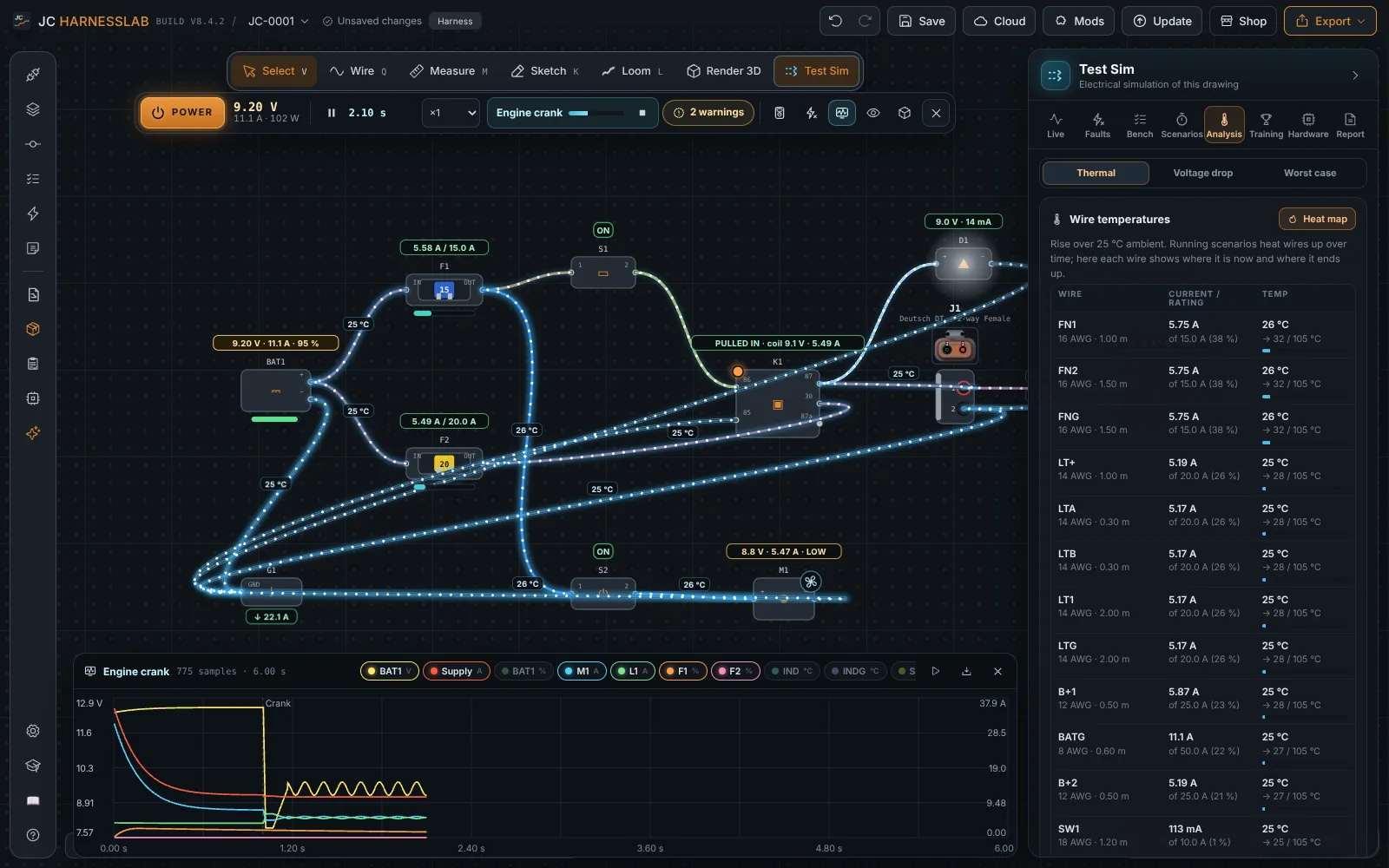
Test Sim turns your drawing into a live electrical model. Batteries sag, fuses heat up and blow, relays pull in, lamps glow and wires warm up — so you can break the harness on screen, run the tester and fix it before the first crimp.

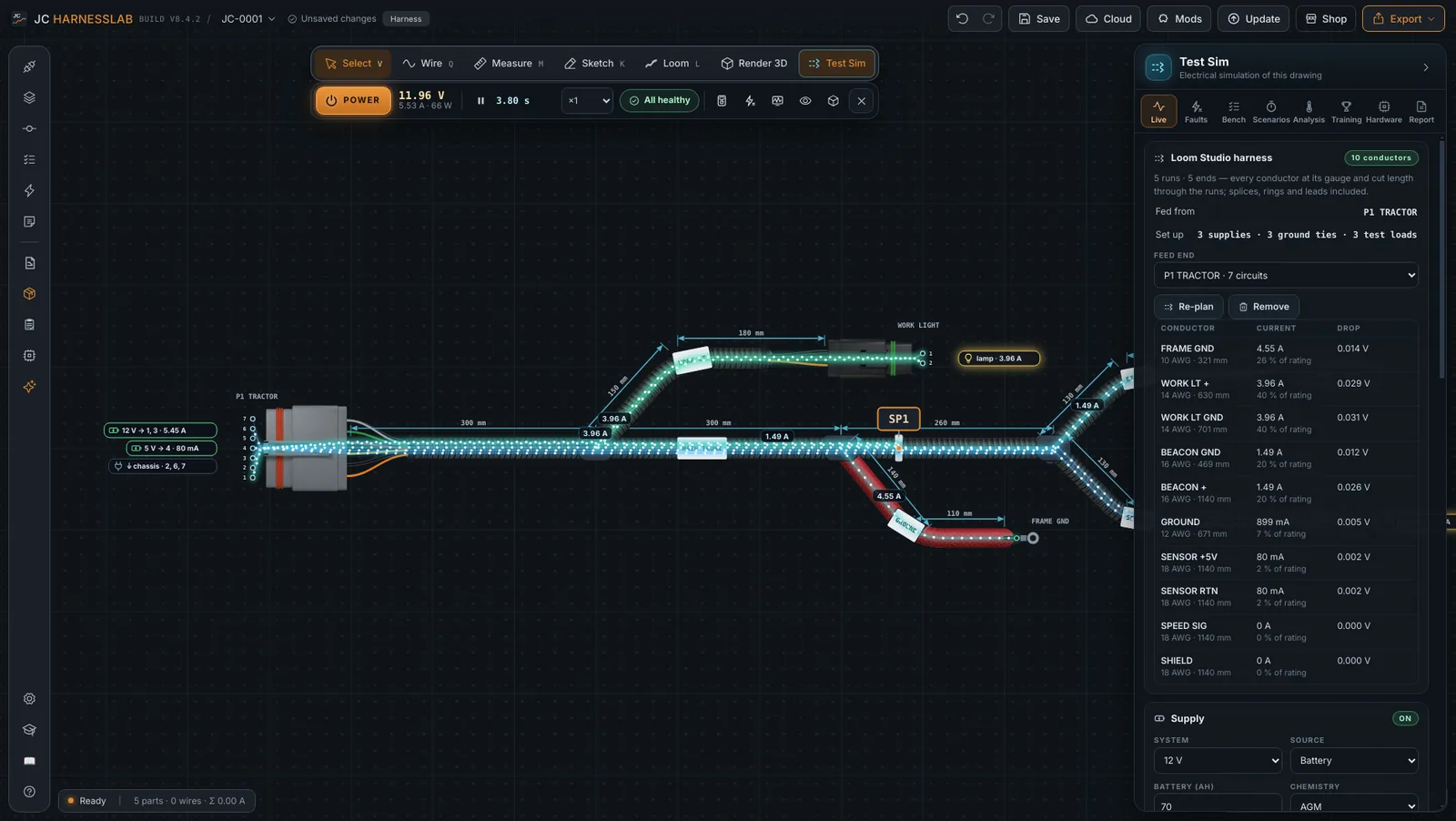
Press POWER (or F9). Moving dots run along every live wire — faster for more amps — and wires turn green, amber and red as they near their rating. Flip switches on the canvas, read every load and fuse in the Live tab, and probe any pin with the virtual multimeter.

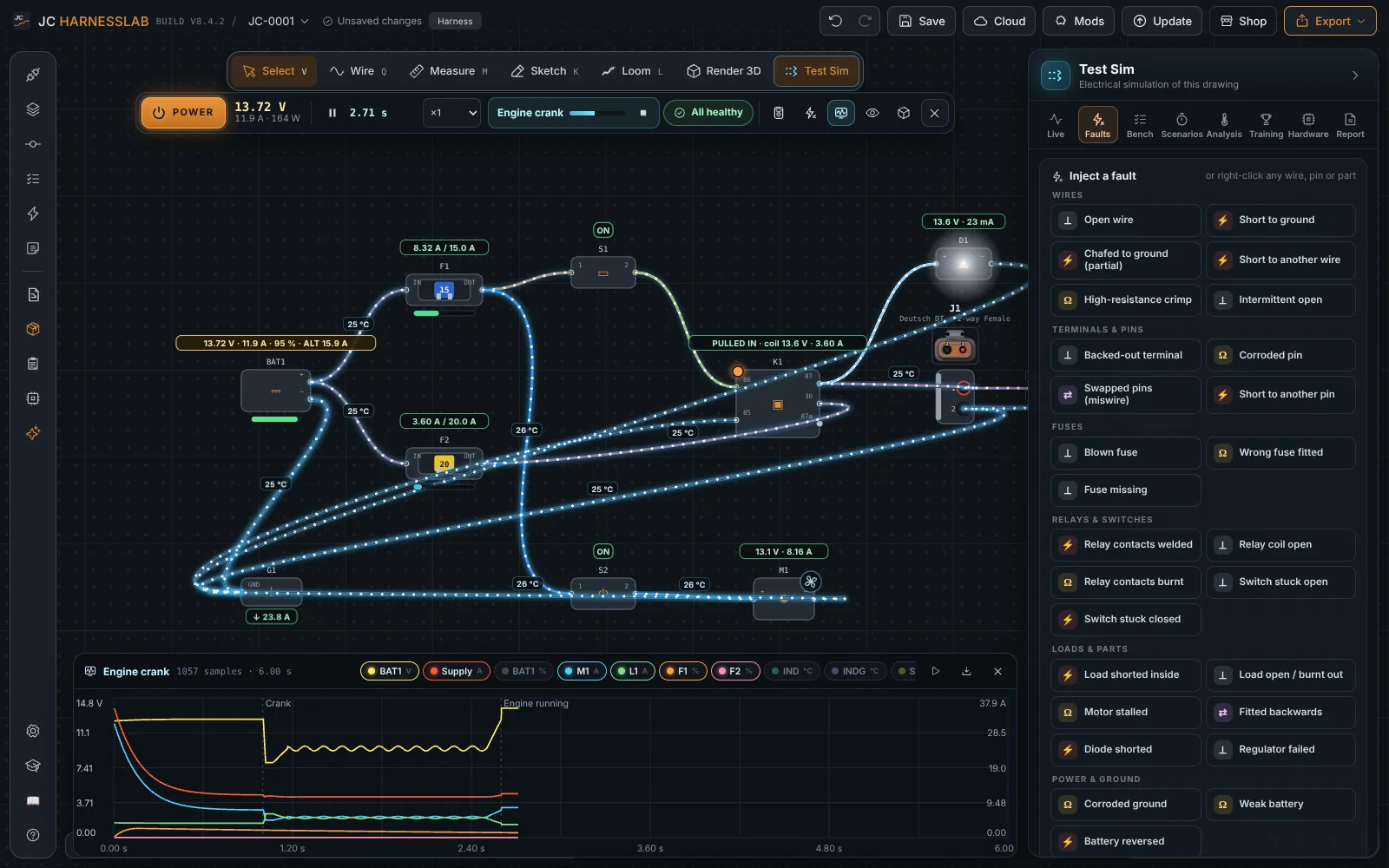
Inject an open, a short to ground, a chafe, a high-resistance crimp, a backed-out pin, a welded relay or a stalled motor, then watch exactly what stops working. Each fault’s Effect card says which loads stop, which fuse blows and how fast, with a severity from 1 to 10.

The Bench tab runs a test program the way a harness tester would — continuity for every net, insulation between nets and a hipot step — and lists every reading PASS or FAIL. Test coverage then tries every realistic fault and shows which ones your test would let ship.

Scenarios play real-world events through the circuit and record everything on the scope: power-up, ISO 16750-2 style engine crank and cold crank, load dump, brown-out, inrush, a 30-minute thermal soak and a 12-hour battery drain. Build your own timeline too.

Thermal shows every wire’s steady temperature from its gauge, the ambient and its bundle, against the insulation rating. Voltage drop finds the wires that starve each load, and Worst case sweeps supply, temperature, length, crimps and tolerances across hundreds of builds.

Everything you paint in Loom Studio V2 is a real conductor: harness circuits, cable cores and wire runs. Open Test Sim on a harness with no battery and HarnessLab powers it for you — a supply on every feed circuit, grounds tied to chassis and a test load at each far end.

The Report tab prints or saves a PDF of the whole simulation — supply, loads, protection, tester results, coverage, scenarios and FMEA. Training hides a fault behind a customer complaint and scores the trainee on time, meter readings and hints. Hardware mode even runs real firmware on a real ESP32 against the simulated harness.
The free demo is the full HarnessLab 8.4.2 editor with the whole parts library — only the clean output is held back until you buy. Install it, open the guides and try it on a real job.
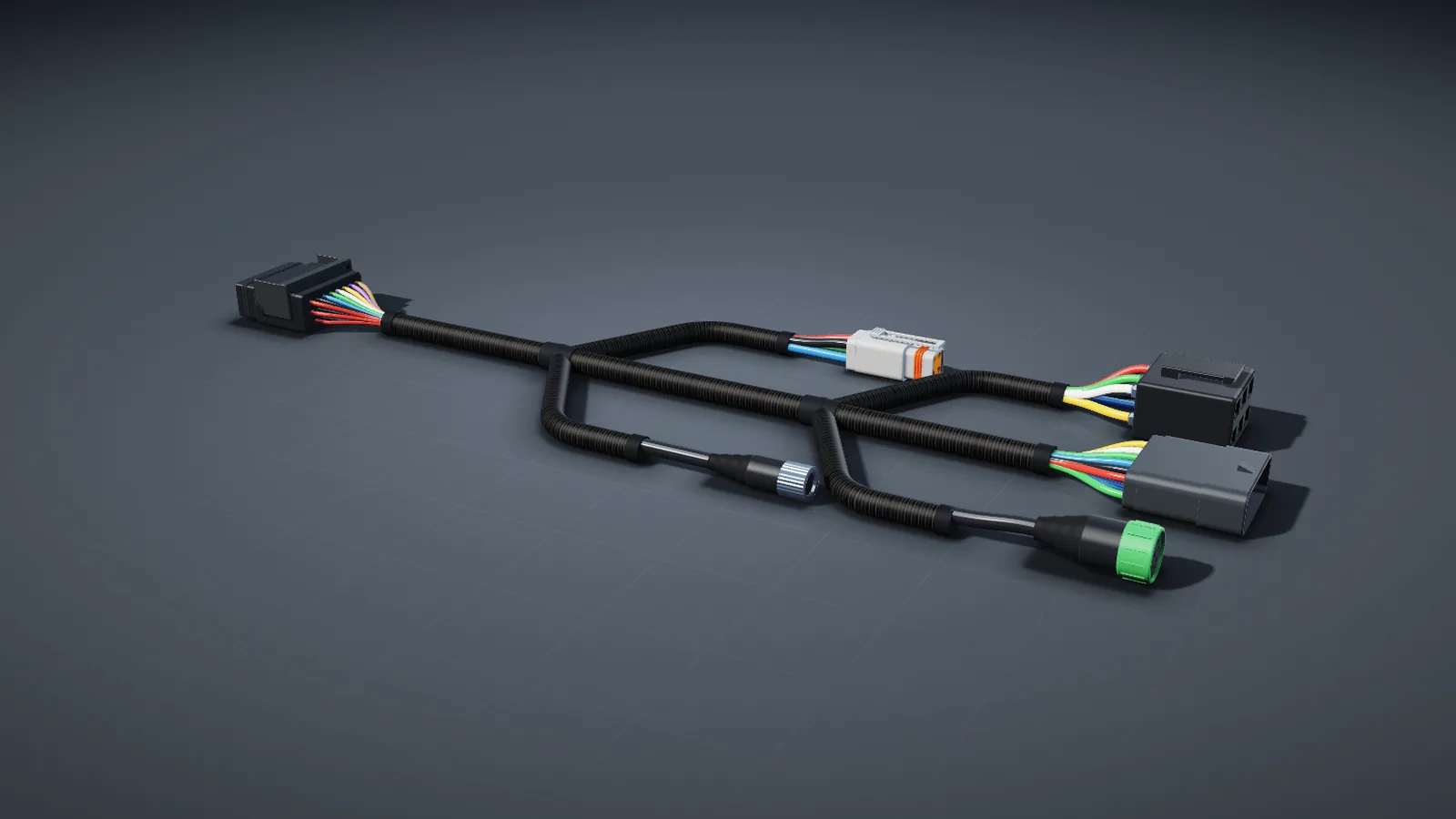
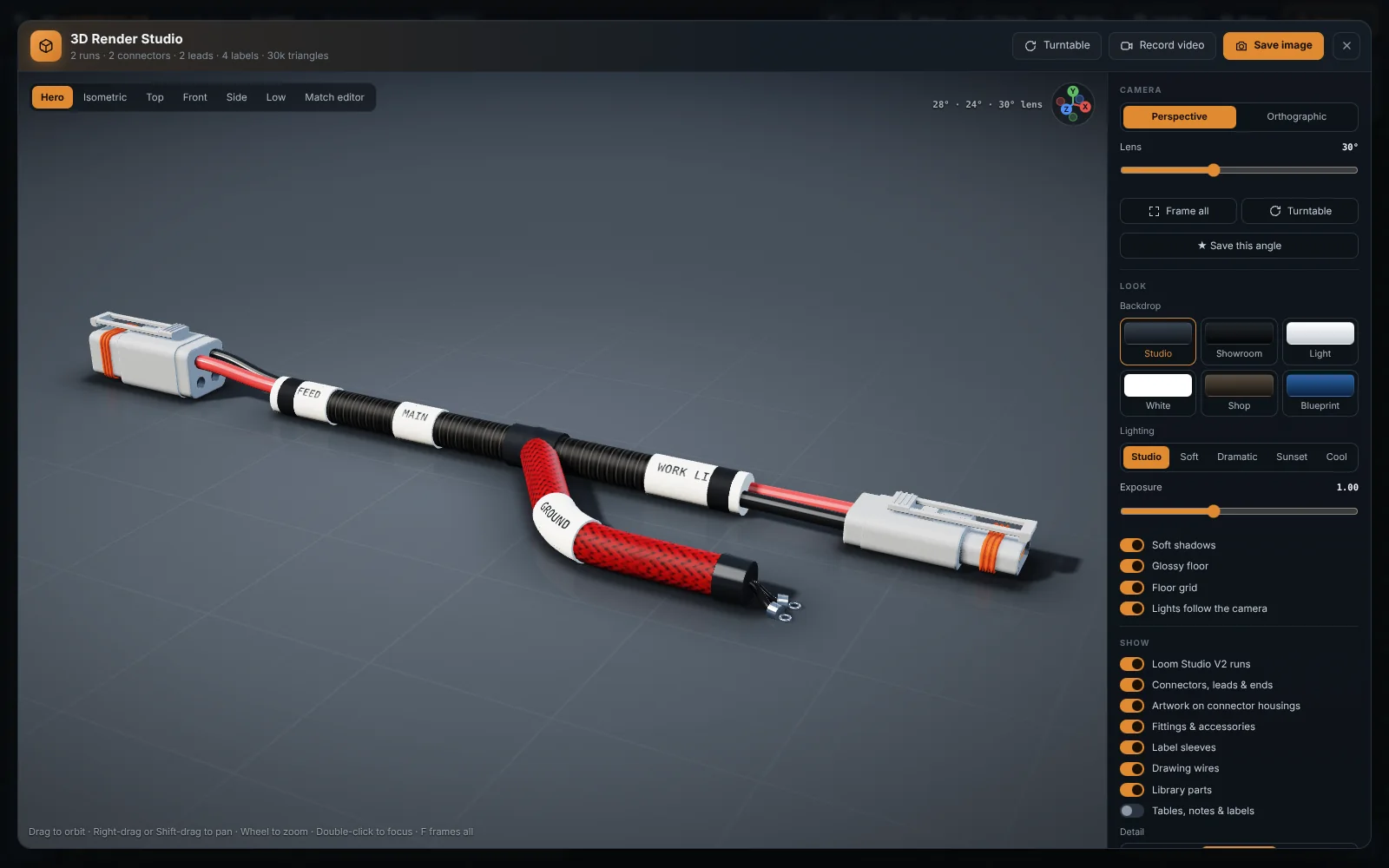
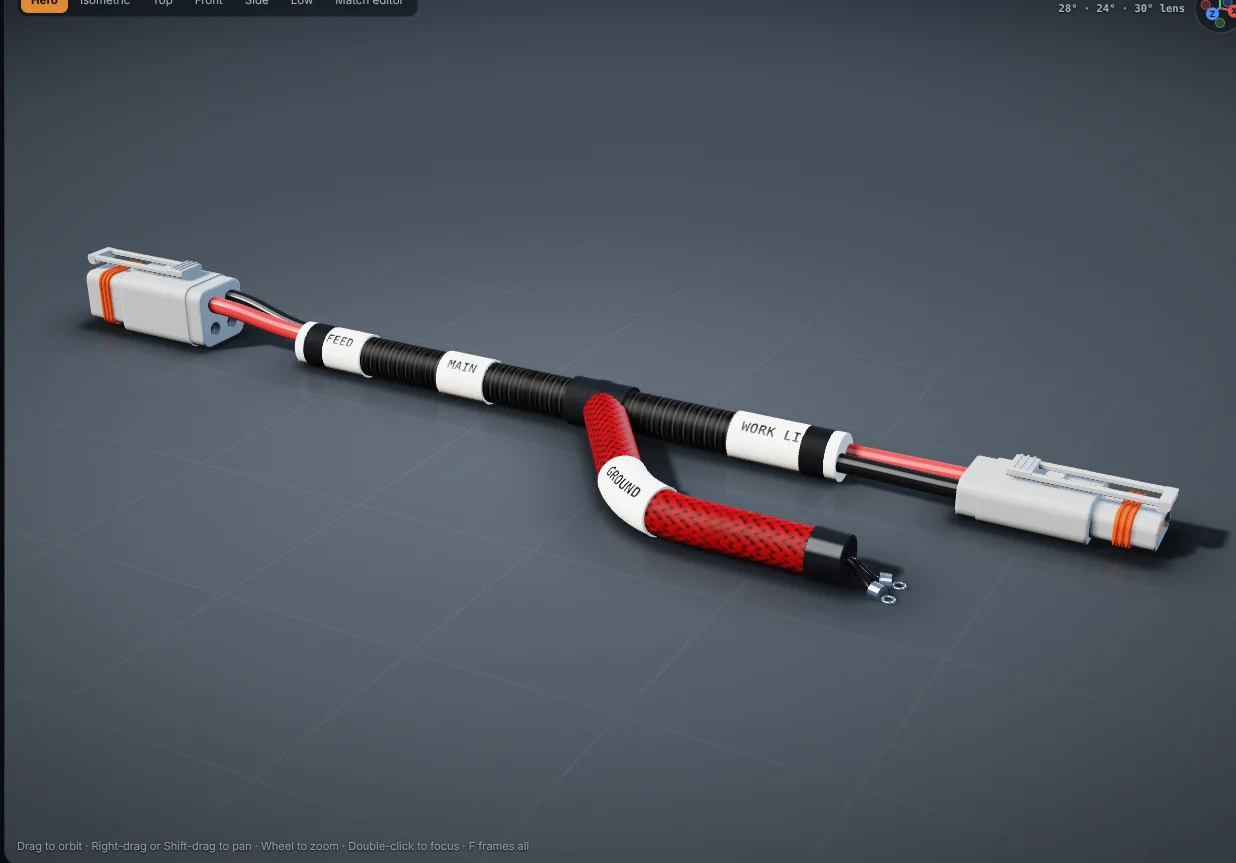
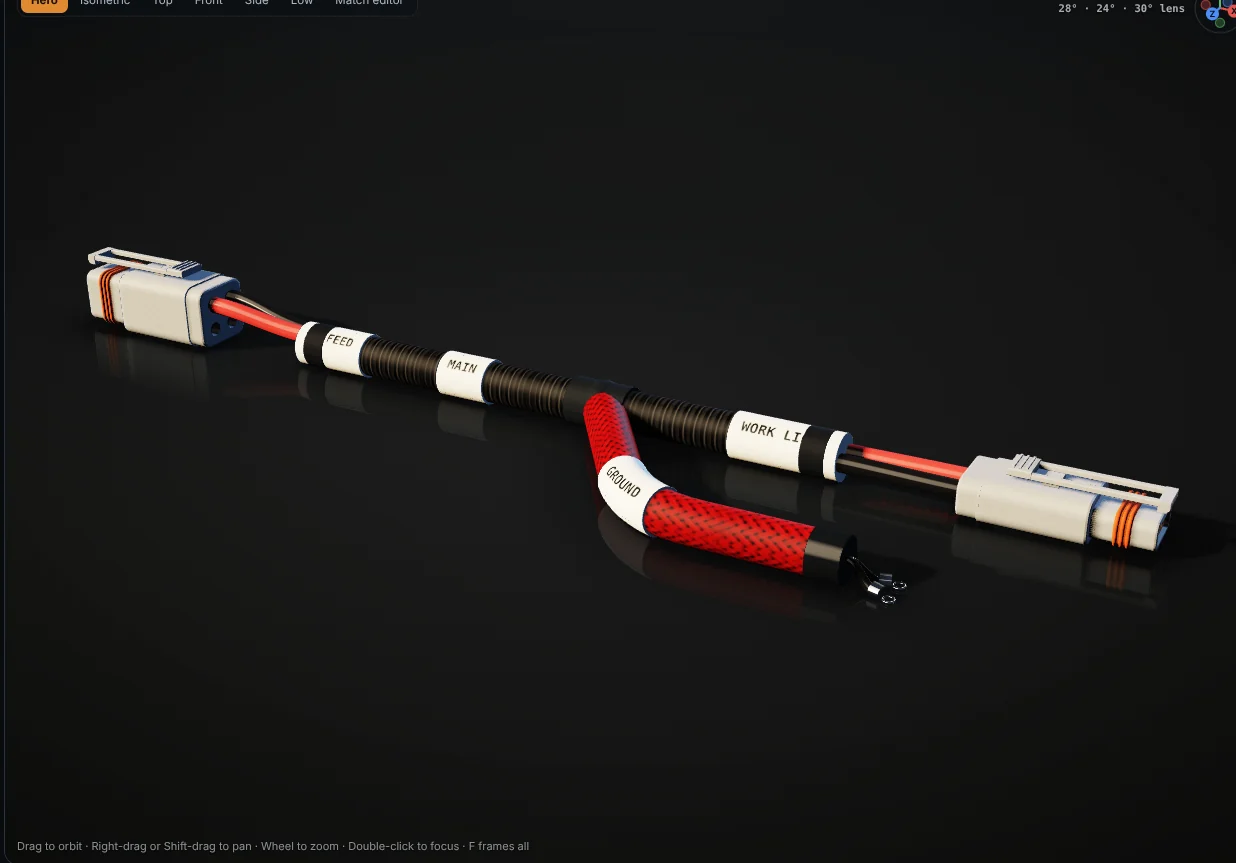
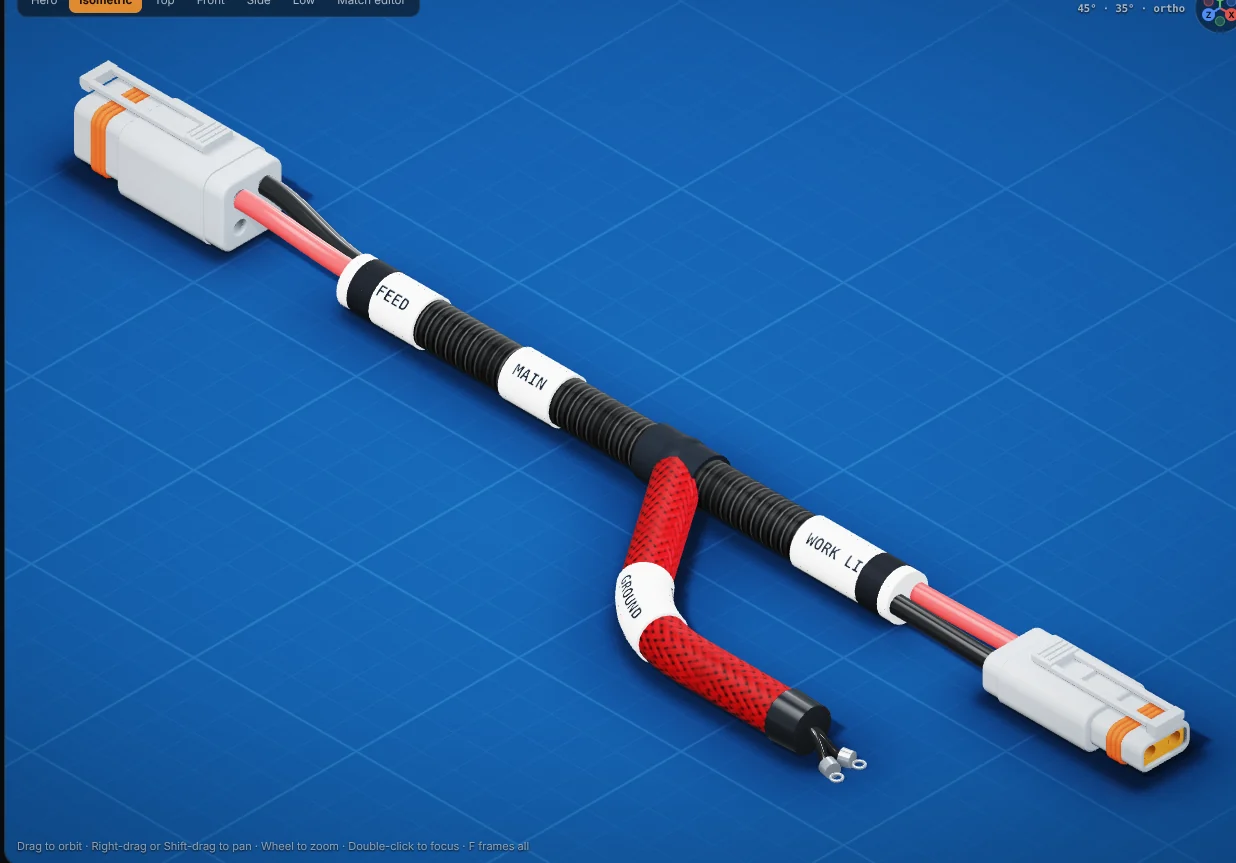
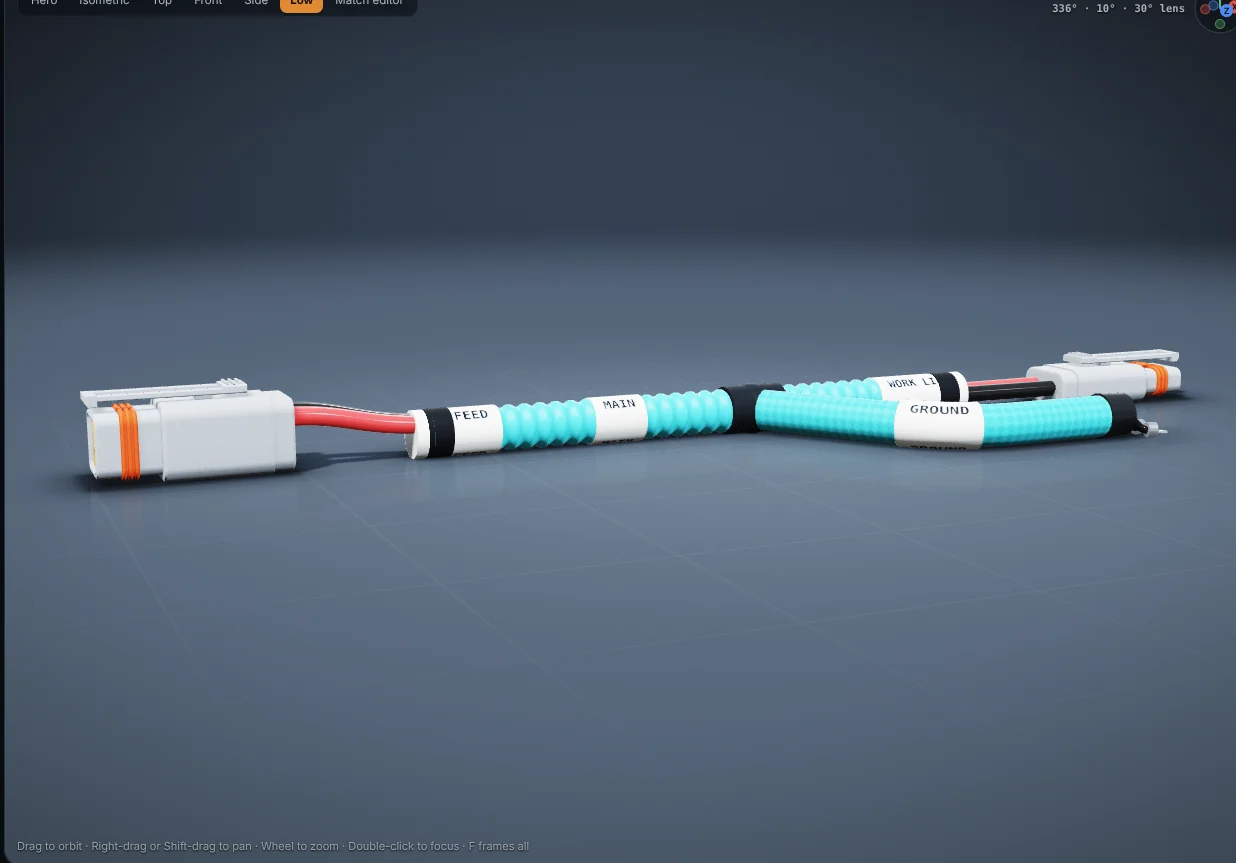
The Render Studio builds a real 3D model straight from your drawing — ribbed loom, braid and tape, connectors with true mating faces, label sleeves and fittings — for build sheets, quotes, brochures and your website.

Loom Studio runs become real tubes — convoluted covers ribbed, braid and tape patterned, tapers kept — with your own textures wrapped round them. Named runs and connectors get printed label sleeves, and ring terminals, splices, ties, clamps and grommets are modelled too.

Every library connector is built at real size against the loom, with the wires fanning from the loom into each cavity in their circuit colours. Your own Connector Studio parts are built from their photos, views or 3D model.

Pick a backdrop and a lighting setup — Studio, Soft, Dramatic, Sunset or Cool — then add soft shadows, a glossy floor or a measuring grid. Lights can follow the camera like a real turntable, so the side you look at is always lit.

Save a PNG in the shape you need — 16:9, 4:3, square, 4:5 or 3:2 — up to 4× size, with a transparent background and a title caption if you like, or copy it straight to the clipboard. Record a 6, 10 or 15-second turntable video for YouTube and the web.

Open the Render Studio while Test Sim is running and every run glows in the colour of the load it carries — a quick way to show a customer where the current goes.

In Board layout the same studio opens as the 3D Board View: solder mask over the copper, silkscreen, plated holes, standoffs and every footprint as a real part. Choose the mask colour and pad finish, flip it over, and save images and videos just like a harness.

The free demo is the full HarnessLab 8.4.2 editor with the whole parts library — only the clean output is held back until you buy. Install it, open the guides and try it on a real job.
What we’ve shipped, what we’re building now, and what’s next. Vote for the ideas you want most, or suggest your own. Every purchase includes updates within the current major version.
Plans can change. Items in Planned and In progress are targets, not promises, and dates are shown once something ships.
The best ideas come from people wiring real jobs. We review every suggestion, and the ones that fit go on the board as Ideas so others can vote.
Want to talk it through? Reach Sales and Service from the Contact Support page.
Read the full release notes, or try the free demo with the full editor.
HarnessLab for schools, instructors, students and robotics teams. Real connectors, print-ready drawings, and a simulator that lets students find faults without live power.


One app that works for a student at home, a teacher at the front of the room, and a whole lab of computers.
Learn the tool you’ll see on the job, on your own laptop.
Teach wiring with real connectors and drawings that look like industry’s.
Install once on lab PCs, or carry the Portable Edition on a USB stick.
Plan the robot’s wiring and boards before build season gets busy.
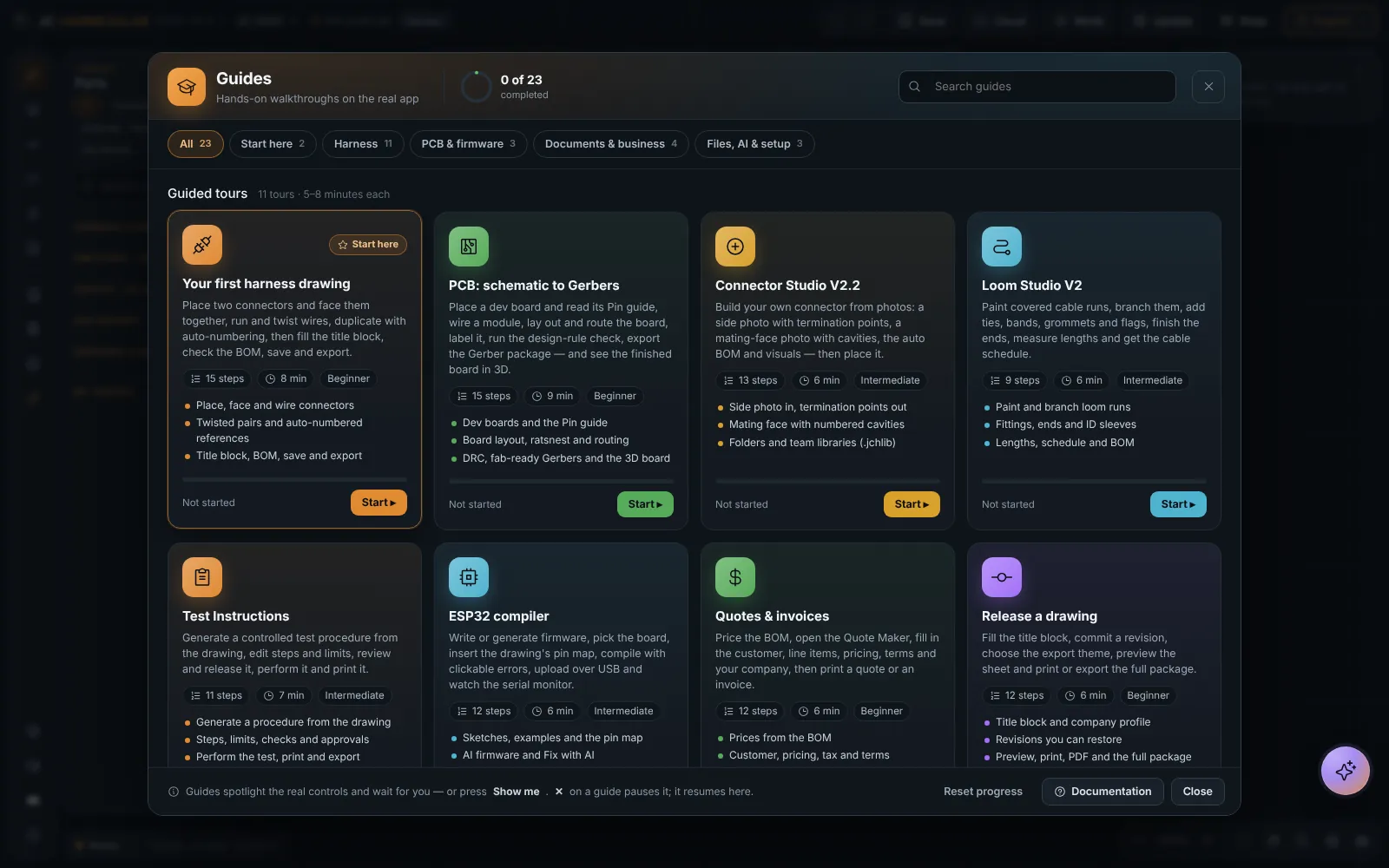
More than 50 guided tours and quick guides spotlight the real controls, mark where to click and wait for the student to do it.

Inject an open, a short or a bad ground into a harness and let students find it with the simulator, safely and as many times as you like.

Dimensioned drawings, pinout tables, cut lists and a BOM on one print-ready sheet, the same kind of document students will build from on the job.

Students can draw a schematic, lay out a two-layer board with design-rule checks, see it in 3D and export Gerbers a fab can make.

A starting point you can fit to your own program and schedule. We’re happy to help you adapt it.
Connectors, pinouts, cut lists and the BOM on a real sheet.
Mating faces, cavities, seals and choosing a terminal for the wire.
Size wire and fuses with the Power budget, then check the drop per run.
Follow a guided tour, then draw a lighting harness from a brief.
Find an open, a short and a bad ground the instructor hid.
A small circuit drawn, laid out, checked and exported to Gerbers.
Education pricing is quoted for your school and number of seats. Tell us what you need and we’ll reply with the options.
For a learner on their own computer
For teachers preparing and presenting lessons
For a lab of computers at one school
For robotics teams and makerspaces
More than 50 guided tours and quick guides inside the app.
Try it in the free demo →Ask questions and share work with other HarnessLab users.
Visit the forums →Tell us about your course and we’ll point you to the guides and features that fit it.
Ask us →Sales and Service replies by email with licensing options and pricing for your school.
Yes. The free demo includes the full editor, so students can learn and draw real harnesses. Only the clean output is held back. For licenses with clean output, ask us about education pricing.
Yes. HarnessLab runs completely offline once installed, with no account or internet connection needed, including exports. The Portable Edition runs from a USB stick if installing isn’t allowed.
No. The app itself doesn’t need an account. A free website account is only needed for the Community forums and optional add-ons like HarnessLab Cloud.
Wherever you choose. Each project is a single file on your own disk, so students can hand in a file, keep it on a USB stick or save it to the school’s network drive.
Tell us about your school, program and number of seats with the form above, and Sales and Service will reply with the options and pricing.
Start with the free demo today, and ask us about licenses for your students.
Guides, tutorials, and answers to keep your projects moving.
Set up, learn the basics, and create your first harness.
View guides →Tools, techniques, and best practices for clean designs.
Explore topics →Create PCB outputs, export files, and integrate with other tools.
Learn more →Yes — completely. HarnessLab installs and runs on your own machine. No account, no internet connection, and no cloud service is required at any point, including exports. HarnessLab Cloud is an optional add-on for syncing and teams.
Dimensioned drawings (PDF, SVG, PNG, DXF), wire lists and BOMs (CSV/XLSX), Gerber RS-274X and Excellon drill files for PCBs, plus KiCad-compatible schematic and harness output.
Wherever you choose. Projects save as a single portable project file on your own disk — nothing is uploaded, and you can back them up or version them like any other engineering file.
Use Save project (.json) — you pick the folder, and the whole drawing, including its revision history, is written to that one portable file. Nothing is stored in the cloud. Back it up or version it like any other engineering file, and use Save As to branch a design.
214 connector families, each with a rendered picture, a numbered mating face and a 3D model — Deutsch (DT, DTM, DTP, HD10, HD30, DRC and more), Metri-Pack 150/280/480/630, Weather-Pack, Aptiv GT and Apex, TE (AMPSEAL, MCP, MQS, Superseal), every common Molex family (MX150, Micro-Fit, Mini-Fit, Nano-Fit, KK, PicoBlade and more), JST, Hirose, Amphenol, Sumitomo, Yazaki, Bosch, trailer and ag connectors, plus USB, RJ45, D-Sub and other everyday connectors — along with 89 switches, terminals and power parts, 36 dev boards, 105 modules and 275 PCB symbols (46 of them processors). Anything missing? Build it from a photo in the Connector studio. The full list is in the parts library guide.
Yes. Loom Studio paints cable runs in split loom, braid, tape, heat-shrink, spiral wrap or jacketed cable, with tees and branches, real connector ends, ring lugs, bare-wire breakouts, ties, grommets, P-clamps and flags — and it measures the lengths for you. Select two or more wires and draw them as a real twisted pair with an adjustable twist pitch.
Your purchase includes updates within the current major version. HarnessLab is actively developed — recent builds added Loom Studio, the Connector studio, live tables, Settings with a company profile, and a one-click full export package. The app has no subscription and no forced upgrade; the version you install keeps working.
Same application, different delivery. The installer sets HarnessLab up on one PC with a Start menu shortcut — right for your own workstation. The portable edition is a single executable you run from a USB stick or a network folder: no installation, no admin rights, nothing left behind on the host machine. Techs who move between shop and lab PCs, or work on locked-down company machines, want the portable one. A mobile edition for phones and tablets is in development — the Coming Soon card on the pricing page takes sign-ups.
One purchase covers your personal installs and includes updates within the current major version. The app license has no subscription and no seat check-in.
An optional monthly add-on. Cloud Solo ($6.99/mo, 10 GB) syncs your projects and part libraries across your PCs; Cloud Team ($19.99/mo, 50 GB) adds up to 4 teammates with roles, shared libraries and “who’s editing” locks. You open and save from the app’s ☁ Cloud button or from your account page. Cancel any time — your files stay downloadable. How it works
Windows 10 or 11, 64-bit, and about 300 MB of disk space. HarnessLab is a desktop application — you run the installer once and launch it from the Start menu like any other program.
Our team is here to assist.
Every purchase includes updates within the current major version. Here’s what has landed.
Send us a note and we’ll get back to you within one business day.